CSS MailChimp Form

Hello,

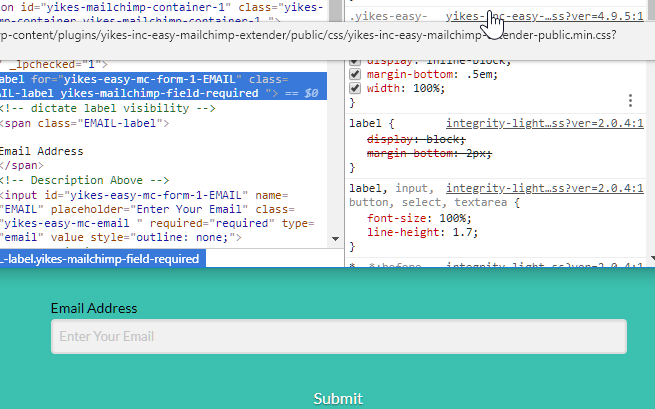
I set up MailChimp opt-in forms on our new site. It looks like the forms are pulling the default theme style settings. However, I’d like to be able to customize these.

For example, on this page, I’d like to shorten the bar, remove “email address” from the top, move the button to the right of the bar, and make the button white.

How can I make these changes without changing the styling in theme settings?

Thanks!
Hey @Kannakart,

X / Pro does not have form specific styling except for buttons which you can setup in Theme Options > Buttons.

I see you’re using a third party plugin for your form. For the rest of your form’s styling, you will need to contact the plugin’s support to learn how to customize it.

Thanks.

This topic was automatically closed 10 days after the last reply. New replies are no longer allowed.