CSS for dummies

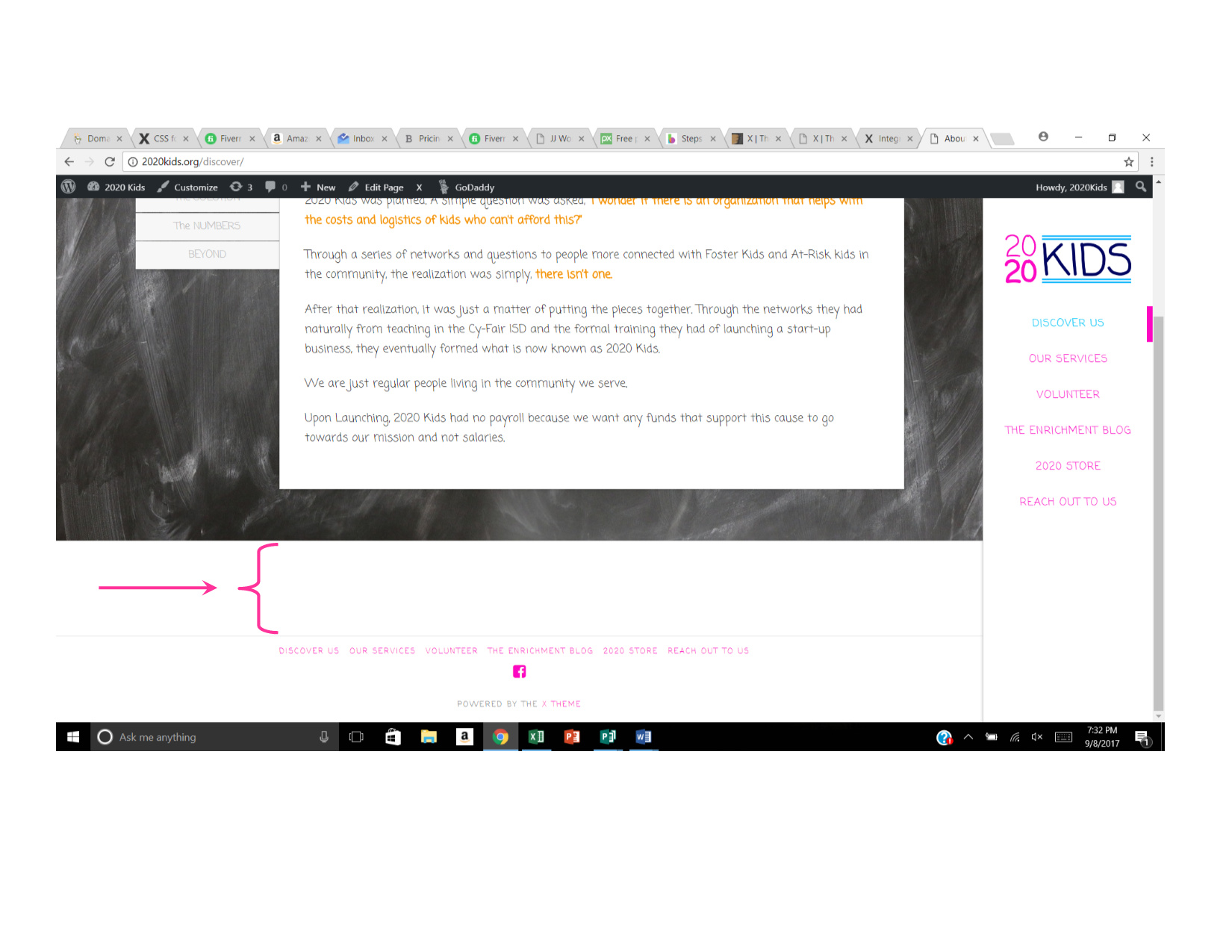
I am trying to get rid of the dead space above the footer. I clearly see other posts that seem to address this specific issue, and have even seen the same css code ref as the solution.

when i try and apply this css code, nothing seems to happen.

Do I need to do something to execute the code? I plug the code in and save, but nothing…

The site is 2020Kids.org

help?
Hello @jmprebish,

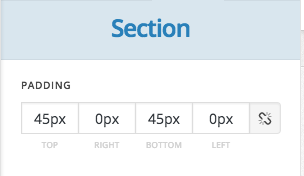
For sure, we are here to help you out and thanks for asking. However, looking at your website I am confused. Would you mind sharing screenshot of where you want to reduce the space? If you want to reduce the spacing as shown in screenshot, then the same can be done by reducing section padding values in Cornerstone builder.

Thanks.

Sorry. I switched the stack to Ethos, and moved the header to the side and removed the footers as a temp solution.
I have switched the Stack to Integrity and added the footer for the “About Us” or “Discover Us” page. The screen shot for the space I am referring is below. It has to be associated with the footer because you saw, it disappears when I remove the footer.

Hello @jmprebish,

Thanks for updating the thread. :slight_smile:

Please add following CSS to achieve desired output:

footer.x-colophon.top {display: none;}

Thanks.

you are a miracle worker. appreciate it!

You’re welcome.