I’ve been using X for a while, but I’ve got a rather difficult nut to crack.
Basically, what I want to do is create a custom homepage that includes a LOT of custom code; styles, javascript (including anime.js library), inline SVG, etc.
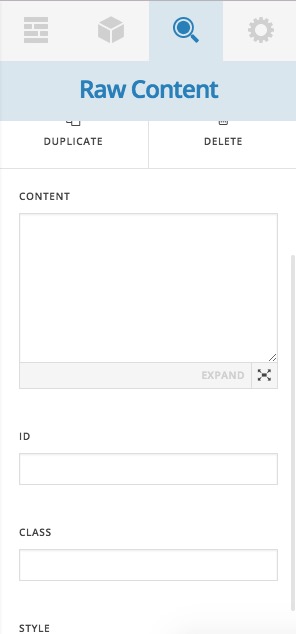
I’d like for it to be editable in Cornerstone beyond the custom code section (which is just the first part of the page).
I THINK the solution would be to create a custom page template to be utilized, but I’m not really sure about that, so I wanted to see if there was a good suggestion out there.