Is there a way to access the “Edit in Cornerstone/Pro” feature on a new page from the block editor? Currently I have the Classic Editor plugin enabled which gives me access to the edit in Cornerstone tab/button, but how would one access this without the classic editor or when the classic editor plugin stops being developed/supported?
Hello @ehsd,
Thanks for writing in!
The “Edit in Cornerstone” will have its own tab in the post/page editing screen as shown below.

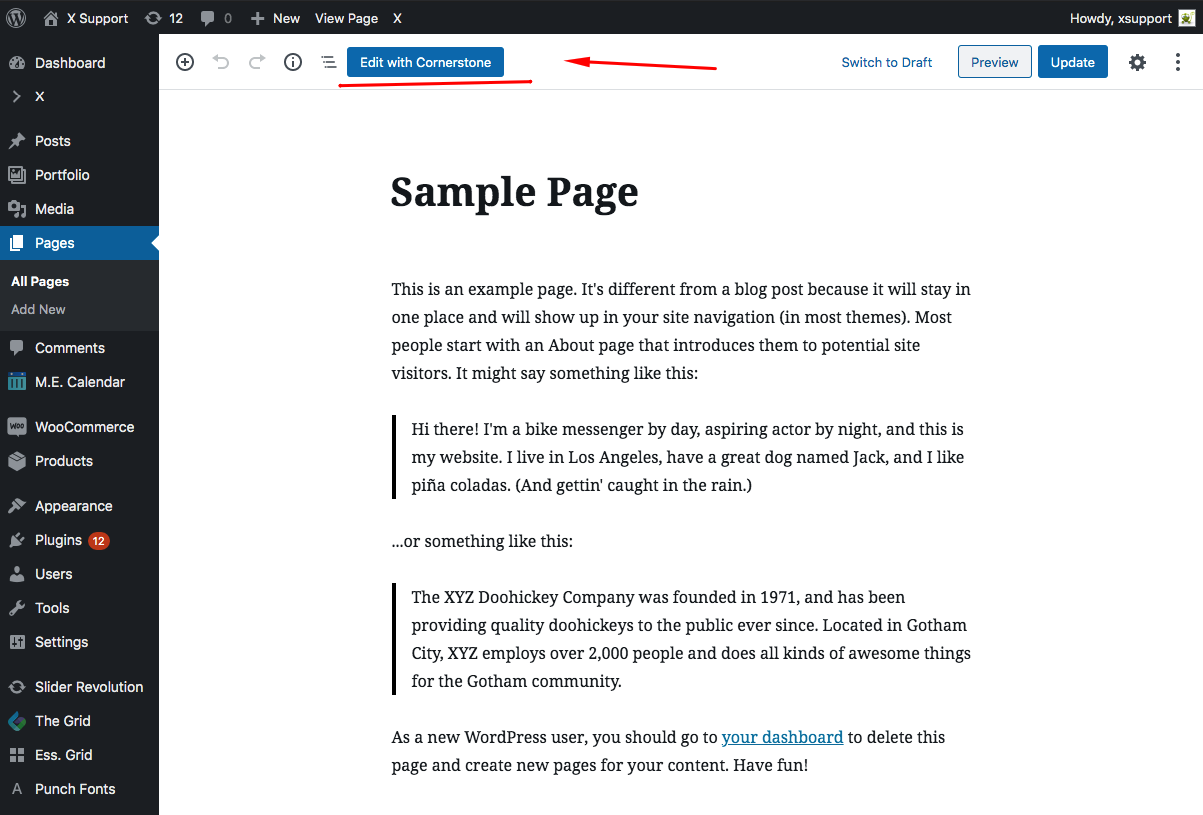
Hope this helps.
This topic was automatically closed 10 days after the last reply. New replies are no longer allowed.