Counters on my site has stopped working.
Summary
site url: http://vipelegance.pl
Hi there,
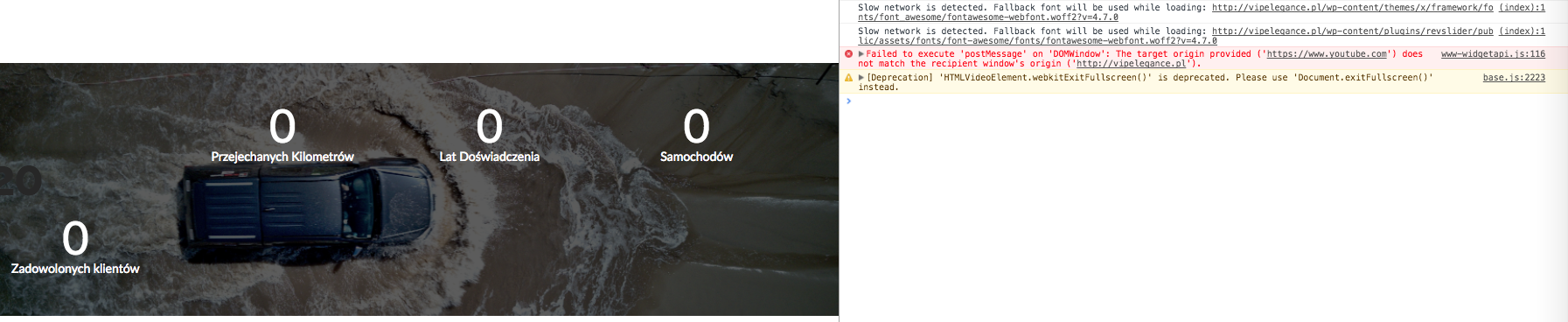
I checked your website and found out that there is a Javascript error:

It seems that is the part of a Javascript code you added in the options of the theme. Please consider that you can not use $ in WordPress unless you have a no conflict mode, so you either need to replace your code and change $ occurrences with jQuery or wrap the whole code into the function below:
(function( $ ) {
  $(function() {
    // More code using $ as alias to jQuery
  });
})(jQuery);
Hope it helps.
Thanks for reply but unfortunately it wasn’t the problem.
I had added this code after counters stopped working (It is my try to implement custom counters) now all the custom code is removed but counter still not working.
HI There,
Thanks for the confirmation!
I can see there is still some JS error in the site. I cant say exactly the issue due to the error, to help you find out the issue can you please send us your login details and FTP details in a secure note so that we can have a look on to it.
Thnaks
Thank You for reply,
Okay then, details included in secure note!
Hello There,
Thanks for providing the url. I can see that the counters are working now. You must have resolve the issue or it has resolved on its own. This is what I am always seeing as soon as I scroll the page:

It could just be a caching issue. Please clear your browser cache or use private browsing mode and test again.
Hello,
Still not working

(Starts if I open console (F12)).
Hi there,
To be able to check the case in details we will need a User/Pass with the admin privileges, we can not access the Cornerstone to be able to see why this is happening to you.
Thank you for your understanding.
Hi,
Sorry, forgot to change group. Now you have admin privileges.
Hello There,
You are using X 5.2.3. Could you please update to the latest version?
X 5.2.5 is now available in automatic updates! This release contains fixes for several issues so be sure to check out the changelog (http://theme.co/changelog/). Please do update to the latest version. After doing the updates, always remember to clear all caches (if you are using WP Rocket, WP SuperCache or W3 Total Cache) when updating so that the code from the latest release is always in use. This will help you to avoid any potential errors.
Please let us know how it goes.
Still nothing, can you fix it? I need this counters.
Hi,
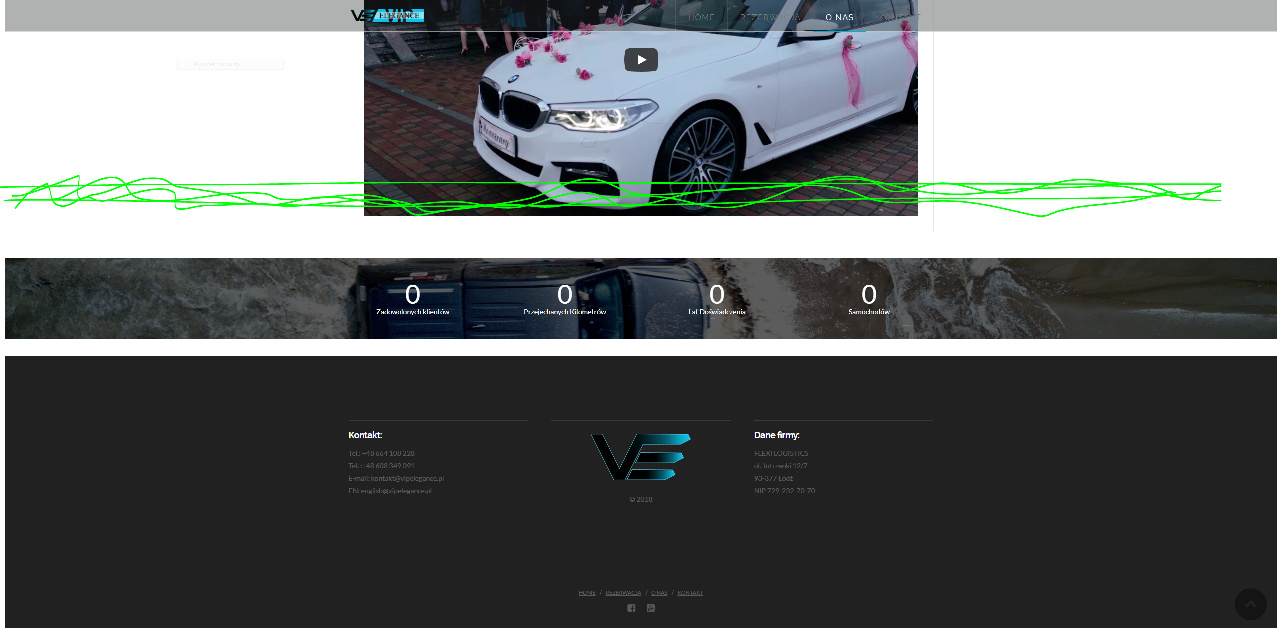
The counters are being triggered when it reaches about half of the screen your viewing.
There is not enough space below for the counters will reach the trigger point.
Thanks
Hello,
Okay, that was the problem. But is it possible to change trigger moment? I want it to be triggered almost as soon as it appears on screen.
Best Regards!
Hi there,
Unfortunately, it is not possible to do so as it is part of the core functionality of the theme and embedded to the minified Javascript file which you can not override.
I am afraid you will need to add extra elements after the countdown or consider using 3rd party plugins. I did a google search regarding this that might help you.
Thank you.
But it starts over half of the page (somwhere near this green line, ) isn’t it a little weird? I had added a big footer and still nothing (Works only if i put it higher) I can almost swear that before it starts earlier. May hovewer something wrong with my site?
Hi again,
One thing you can do is to change the location of your counters section maybe above car video so it will have enough space to be triggered or give that section a padding for example add this code in your Customizer:
.home .el130.x-section {
    padding: 150px 0;
}
Hope this helps!
This topic was automatically closed 10 days after the last reply. New replies are no longer allowed.