Cornerstone would not load

Hi
I am following the documentation for using cornerstone and I just can’t get cornerstone to load to edit my Pages it just keeps spinning and spinning but won’t actually load it.

My website is freshly installed wordpress without any plugins or any other themes. I’m using Firefox browser and have tested to load my other website that are using the X theme without any problem. Only this specific site. It also boxes that have a message in them.

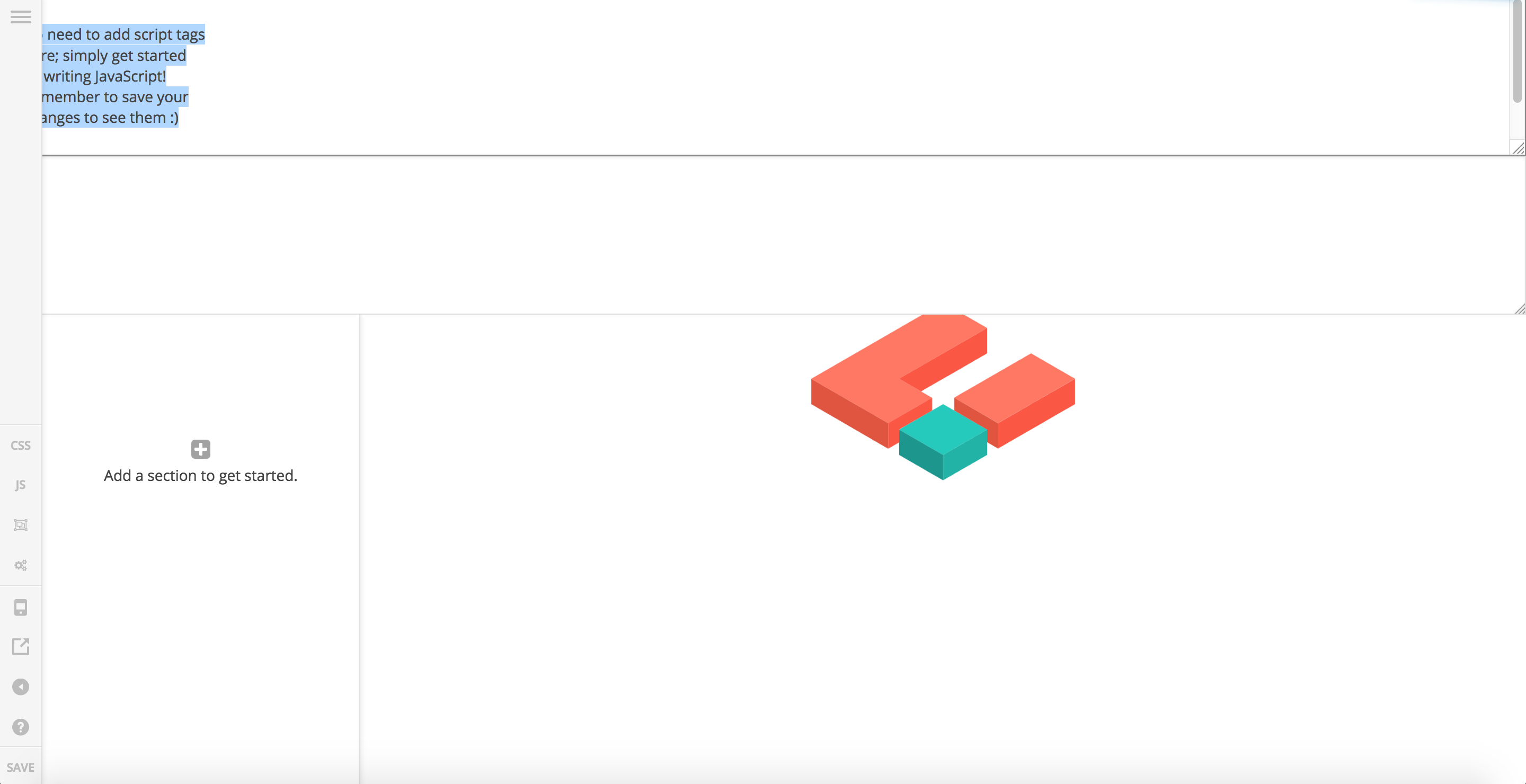
//
// No need to add script tags
// here; simply get started
// by writing JavaScript!
// Remember to save your
// changes to see them :slight_smile:
//

Any idea what it can be? How to allow cornerstone to load my page properly?
Hello There,

Thanks for posting in! Could you please update to the latest versions?
Our latest versions are:

  • Pro theme 1.2.7 or
  • X theme 5.2.5
  • Cornerstone 2.1.7

This latest release contains fixes for several issues so be sure to check out the changelog (http://theme.co/changelog/).

After doing the updates, always remember to clear all caches (if you are using WP Rocket, WP SuperCache or W3 Total Cache) when updating so that the code from the latest release is always in use. This will help you to avoid any potential errors.

To better assist you with your issue, could your please provide us the url of your site?

Please let us know how it goes.

Yes, all the themes & plugins are the latest version & freshly installed in newly setup Wordpress site.

The site url as per my secure note in my 1st post

Hello There,

I have logged in and checked your site. Did you uploaded the WP files and theme files one by one via ftp? There seems to be an issue with the files.

I went ahead and resolved the issue. I have re installed WordPress Code and the Cornerstone plugin. After that, I was able to edit a page in Cornerstone. Please check out my test page. The link is in the secure note.

By the way, please understand that you cannot edit the blog index, shop page and other woocommerce page in Cornerstone. These pages will be using the predesigned templates that goes with the theme.

Hope this helps.

still could not load the cornerstone to edit the test page. please advice

Hi There,

I have check again and see this error:
The preview could not load. This is most often related to a plugin conflict or aggressive page cacheing. Checking the developer console for errors could indicate what went wrong.
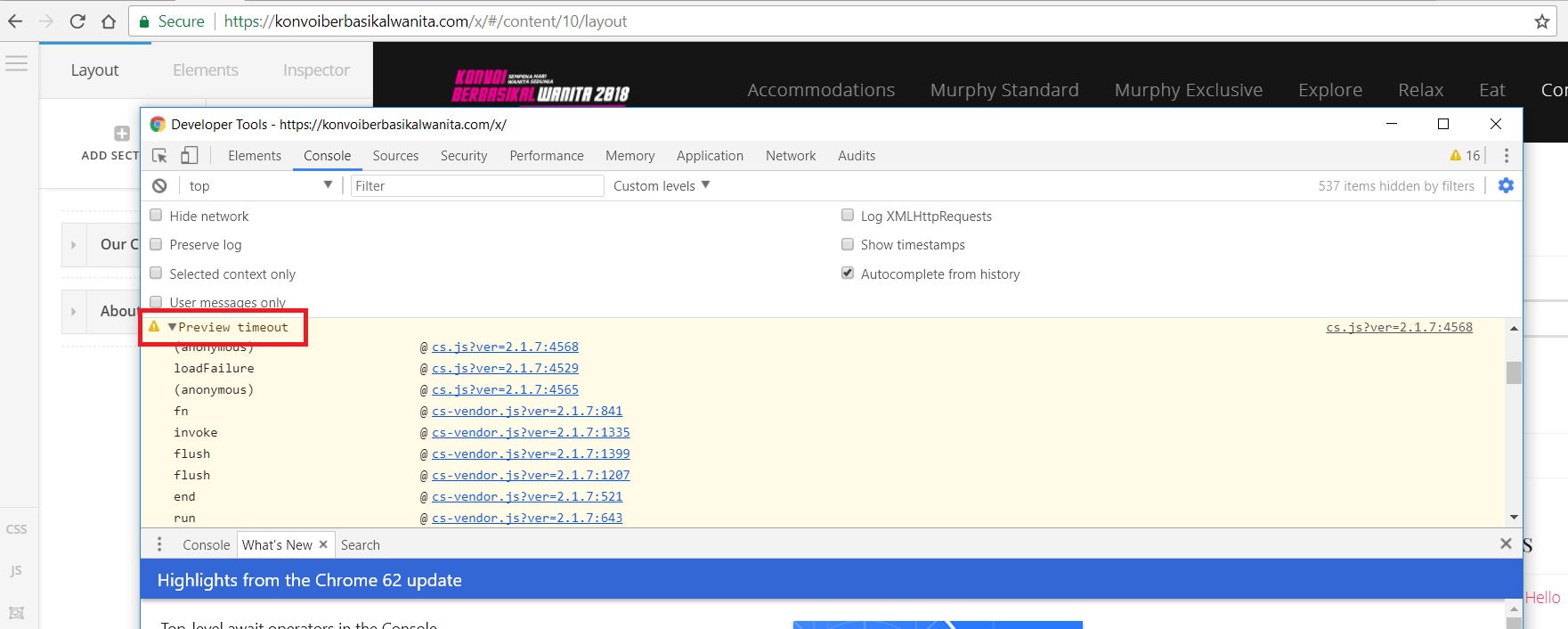
There are times that it loads and there are times it didn’t. On the console I got this message:

From your Status under Woocommerce, I can see Memory Limit is already adjusted to 512. Can you check on your hosting if the same Memory reflects? It might set to 512 on wordpress but might be still limited on your hosting.

This topic was automatically closed 10 days after the last reply. New replies are no longer allowed.