when I load a site I previously build with cornerstone wordpress (via clicking “edit with cornerstone”), the site does not load. The loading-animation goes on for hours but the editor never actually opens. I´ve tried clearing the browser cache, using different Bowser, even different laptops and updated to the latest cornerstone version but since yesterday nothing changed.
Hello Fabian,
You might need to have the PHP memory limit of your site increased.
To do this, please edit your wp-config.php file and insert these lines:
    define( 'WP_MEMORY_LIMIT', '256M' );
    define( 'WP_MAX_MEMORY_LIMIT', '512M' );
You can add it before the line
/*That's all, stop editing! Happy Blogging. */
Here is a details article about the PHP Memory Limit that is in our Knowledge Base:
In case the issue persists, please try to get in touch with your hosting provider and confirm to them that your PHP memory limit is increased.
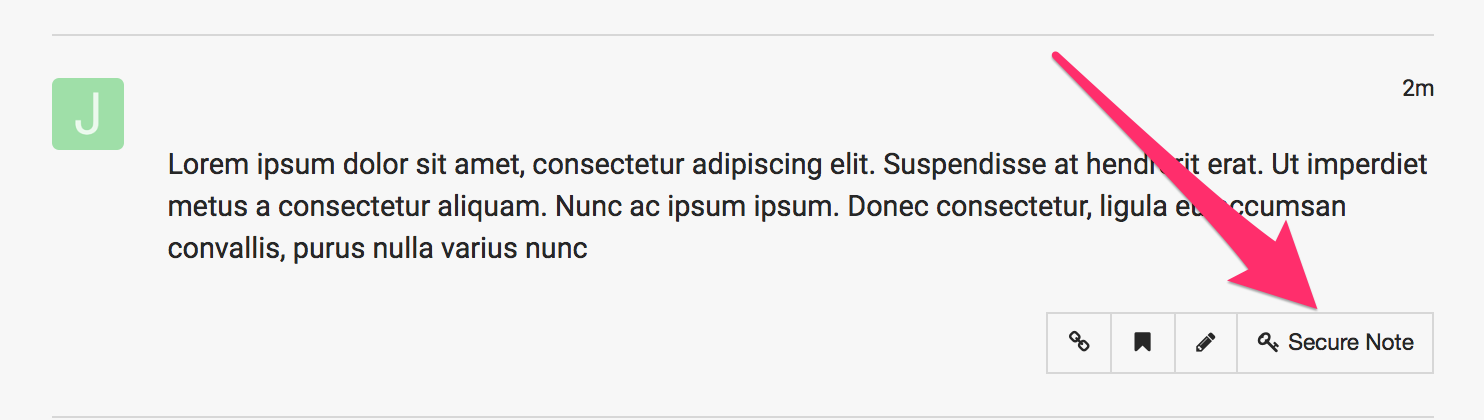
If you are still having an issue, please provide us with the admin details of your site in a Secure Note so that we can check this further.
Thanks for the quick reply! Unfortunately increasing the memory did not solve the Problem. I´ll provide you with my details. I´d would be great if you could take a look at this yourself.
Thank you!
Hey Fabian,
I opened your pages created in Cornerstone and they’re working fine.


Please try editing in Cornerstone again and if you still get the loading issue, press F12 in your keyboard and open the Console tab of the browser’s dev tool. Please take a screenshot of the error being displayed and post it here.
Thanks.
This topic was automatically closed 10 days after the last reply. New replies are no longer allowed.