I updated my cornerstone theme and the java script portion is not in the customize section anymore. Any ideas?
Do you have advanced mode enabled in settings? Make sure you are in the right spot Dashboard>Cornerstone>(depending if you want global or page a certain page JS) ex. Home> JS button to the left of screen.
I am looking for the global JS. I used to go to Visit Sites > Customize > Java Script. I can’t find where it’s located now. A pic would be very helpful 
Not sure where you are and what you mean by “Visit Sites”. Go on your websites backend, the Wordpress dashboard. On the left nav bar find Cornerstone and click it and click Cornerstone to get the customizer. Click on the hamburger menu and click options. After that you should see JS on the left.
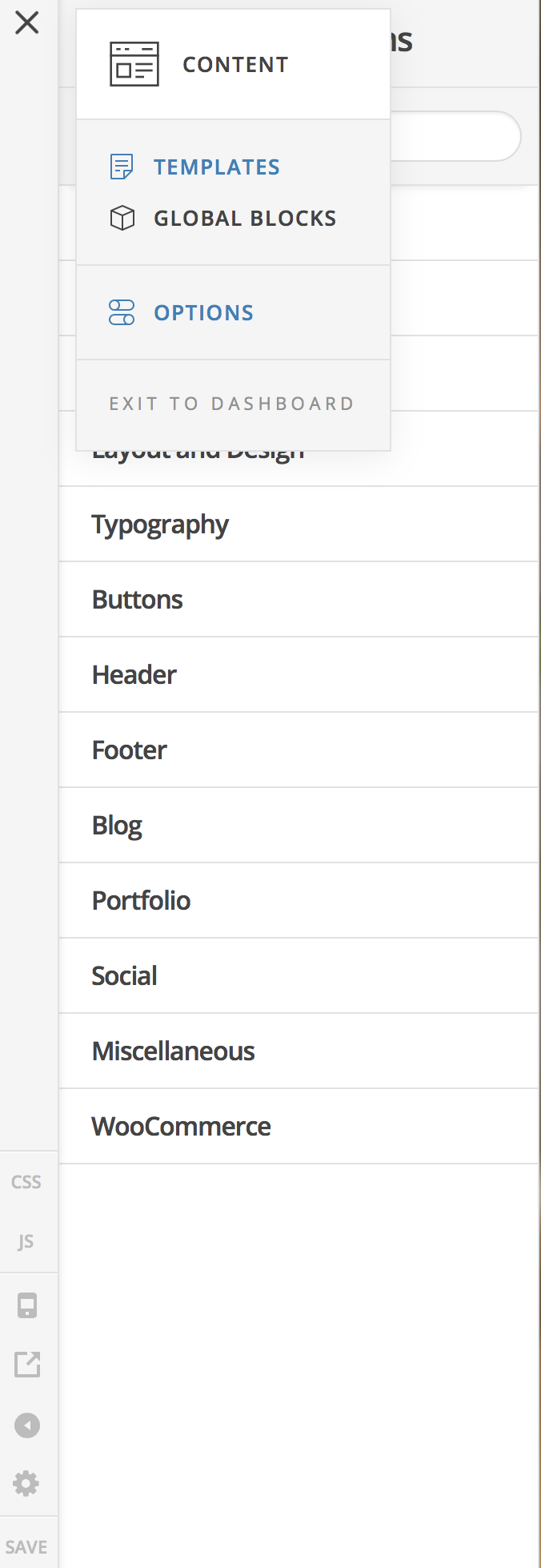
Thanks, found it.
This topic was automatically closed 10 days after the last reply. New replies are no longer allowed.