Hi,
After cornerstone update, all I get is a spinning wheel. I emptied the cache. I don’t have a caching plugin. Help!
wp 5.2.4
x 7.0.4
cornerstone 4.0.4
thanks,
Hermien Vos
www.hermienvos.com
Hi,
After cornerstone update, all I get is a spinning wheel. I emptied the cache. I don’t have a caching plugin. Help!
wp 5.2.4
x 7.0.4
cornerstone 4.0.4
thanks,
Hermien Vos
www.hermienvos.com
Hey There,
Would you mind providing us with login credentials so we can take a closer look? Please provide following information:
Set it as Secure Note
All the best!
I’ve added a secure note to my initial question, please let me know if you can access the required information.
Hey There,
Your website seems to be offline. There is no WordPress installation, the SSL is broken and I only get the default apache index page message. Please let us know once it’s available again.
hey,
sorry there was a typo.
could you please try again.
Hi Hermien,
I have tested this issue further and I see the following error in console log when loading Cornerstone.
Preview timeout
Could you please try increasing your PHP max script execution time to 120 or a higher and see if that helps. You can follow this guide here (https://www.simplified.guide/php/increase-max-execution-time1).
Let us know how it goes.
Thanks!
hi there, good day to you!
uhm, that guide doesn’t seem to exist. I get this notification:
“You’ve followed a link to a topic that doesn’t exist yet. If permissions allow, you may create it by clicking on “Create this page”.”
wishing you an awesome rest of your day,
Hermien
Hello Hermien,
Please follow this link instead:
Hope this helps. Kindly let us know.
hi,
followed the script
via the .htaccess I got an Internal Server Error
then tried it via the php.ini first 120, then set the maximum execution time to 300 seconds.
Alas, to no avail.
I recalled I had a similar problem in 2017
the response I then got was:
We’d recommend that you increase your memory allocated to PHP if you haven’t done so already. To increase it, please edit your wp-config.php file and insert these lines:
define( ‘WP_MEMORY_LIMIT’, ‘256M’ );
define( ‘WP_MAX_MEMORY_LIMIT’, ‘512M’ );
Would that work? and if so, what would the new limits need to be?
Wishing you a wonderfilled day,
Hermien
Hi Hermien,
That will work if your site memory is not enough. You can check on X >Status. You do have 256 already. It is working now when I check:
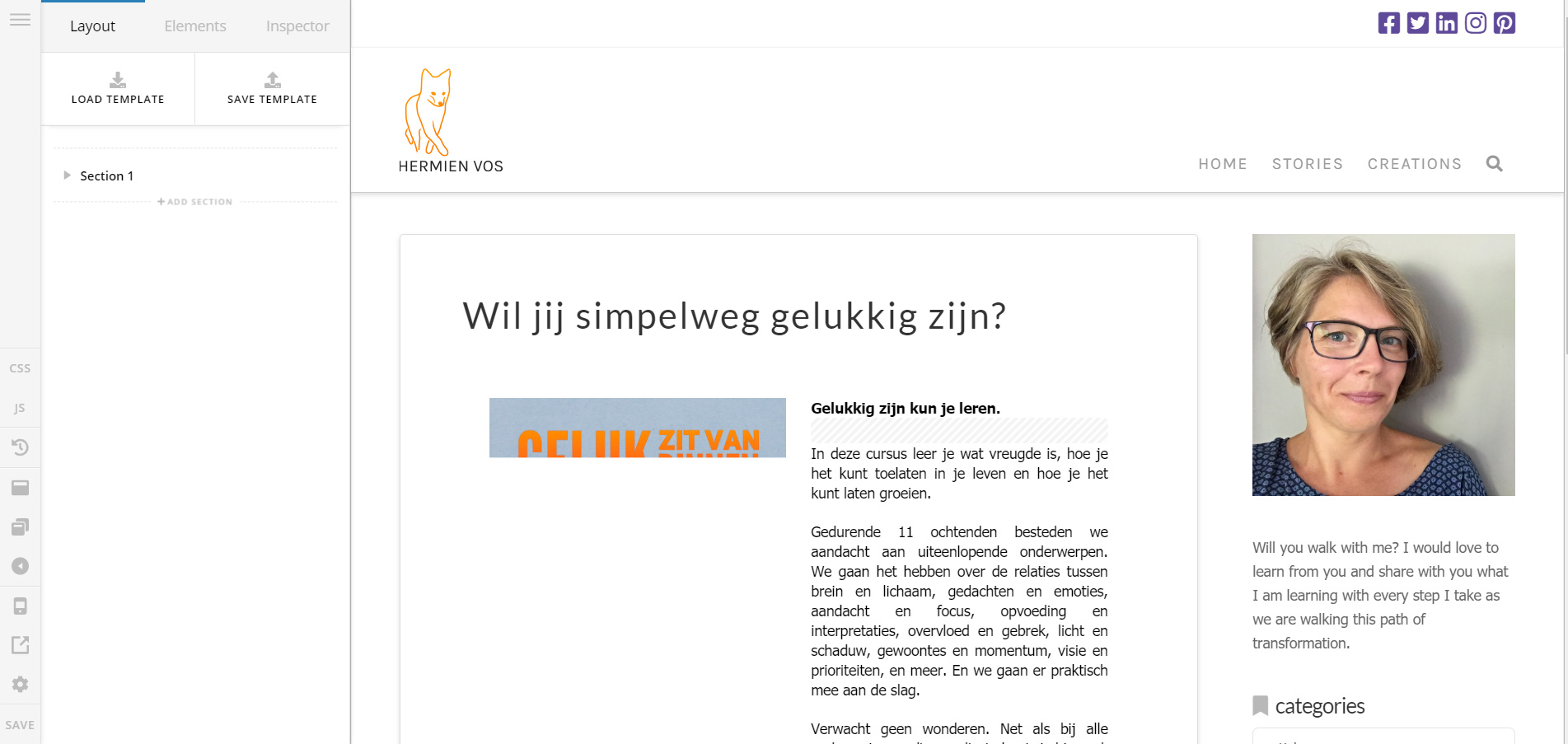
Can you confirm?
hi there,
when you say ‘you do have 256 ALREADY’ I figured that is enough. I did not look into that any further.
As for cornerstone loading, it is not. When try to add a page or edit an existing page, I only get a spinning wheel. Interestingly, wordpress somehow sees it as though I am indeed adding a new page, because I’m left with a list of new drafts on the pages page in my wordpress dashboard.
FIY, I am an entrepreneur with a website I’m trying to maintain, I have little technical skills.
wishing you a joy-filled day,
Hermien
Hey Hermien,
All your pages load for me even the draft ones. Since it loads on our end, there’s probably something wrong with your browser. Do you have browser extensions? If so, please deactivate all of them temporarily.
Please also try working with Cornerstone on other browsers like Firefox (still with no browser extensions while this issue is happening).
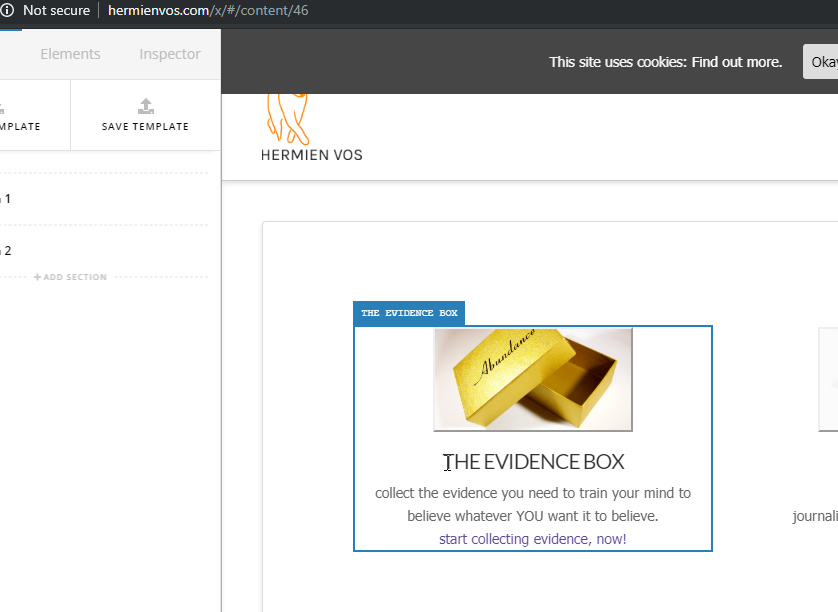
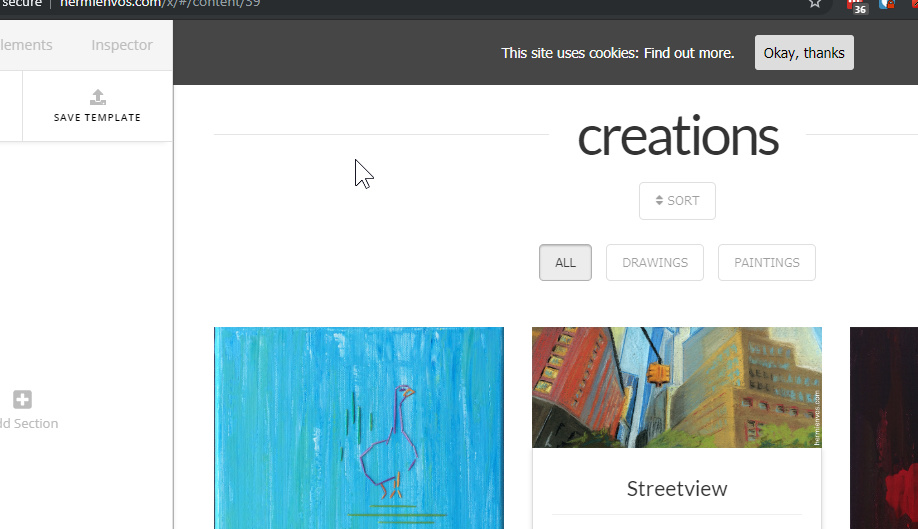
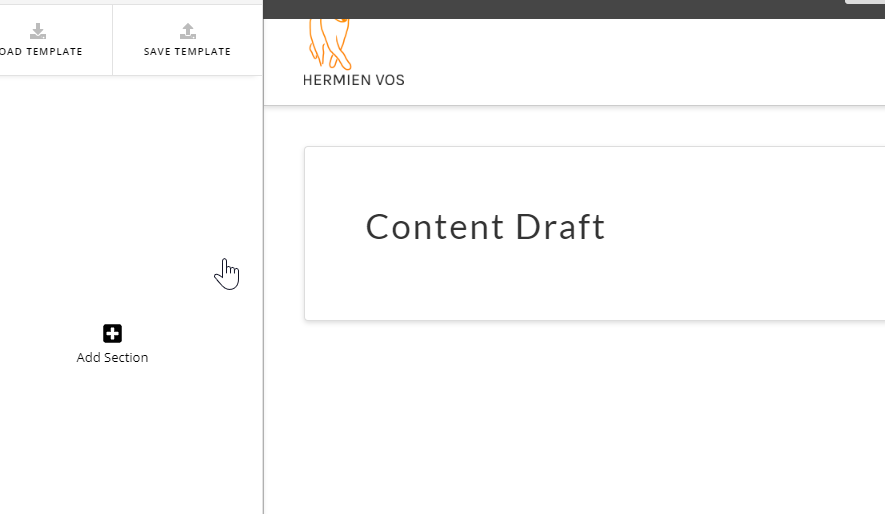
Thanks for testing.
hi,
with the safari extensions disabled it still wasn’t working
with chrome however it is.
Thanks a million!
wishing you a beautiful day,
Hermien
This topic was automatically closed 10 days after the last reply. New replies are no longer allowed.