As of yesterday I am unable to edit any pages. Cornerstone just spins the preloader. When I disable every plugin besides Cornerstone, it just spins and never goes to the editor. When I switch to another theme like Twenty twenty Cornerstone works. Can you help please?
Hello Charan,
We’re sorry to hear that you are having issues. I tried to check your account but you have quite a lot of licenses so I am not sure which site is in question.
For the meantime, please make sure that both X and Cornerstone are updated to the latest version:
If you have updated to the latest version and the issue is still there, please try to have the PHP memory limit of your site increased.
To do this, please edit your wp-config.php file and insert these lines:
    define( 'WP_MEMORY_LIMIT', '256M' );
    define( 'WP_MAX_MEMORY_LIMIT', '512M' );
You can add it before the line
/*That's all, stop editing! Happy Blogging. */
Here is a details article about the PHP Memory Limit that is in our Knowledge Base:
https://theme.co/docs/how-to-increase-php-memory-limit
In case the issue persists, please try to get in touch with your hosting provider and confirm to them that your PHP memory limit is increased.
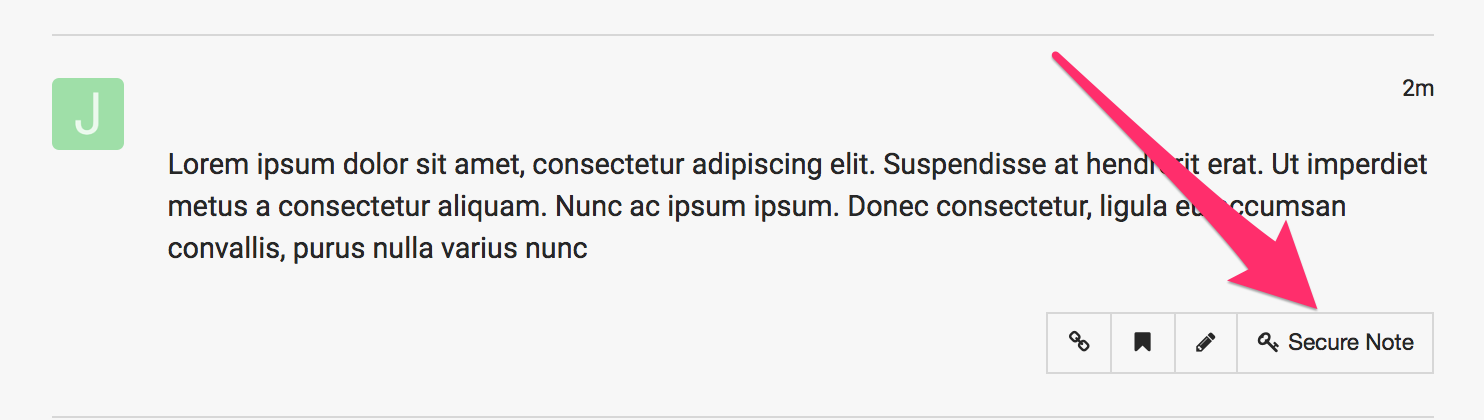
If you are still having an issue, please provide us with the admin details of your site in a Secure Note so that we can check this further.
I’ve done all the required steps and it still just continues to spin. It seems like it is only related to X Theme.
Hello Charan,
Thanks for providing the information. I have successfully log in to your site. When I try to edit a page, it will just give be a blank page editing screen.

X > Theme Options and Edit in Cornerstone does not load as well. There are several plugins installed and active. This could be caused by a 3rd party plugin. You could try testing for a plugin conflict. You can do this by deactivating all third party plugins, and seeing if the problem remains. If it’s fixed, you’ll know a plugin caused the problem, and you can narrow down which one by reactivating them one at a time.
Since this is a live and and troubleshooting may not be possible, I would recommend that you create a staging site. This is very useful because you can test drive any X updates in the staging area, do the customizations and troubleshooting without disrupting your live site. Once everything is perfect, you can easily and flawlessly proceed the update in the live site. To know how to create a staging area, please check out these articles:
In your staging site, please test the site again with only the X theme and Cornerstone is active and no other plugins.
Kindly let us know how it goes.
As I said in my original post I have tested all of this. I disabled all plugins except Cornerstone and could not edit any pages. The only way I am able to edit pages is if I change to another theme like twenty twenty, make edits with cornerstone and then reactivate X theme.
I understand the idea behind the staging site but this site has over 2500 pages and has been up for over a year. This is a new issue and it only occurs when X Theme is active. For your purposes there is a a link on the left called SeedProd where you can put the site in Maintenance mode if you need to do any testing yourself, but we need to figure out a solution.
I have now noticed that when the Classic Editor plugin is installed. You can access pages with the X Theme but Cornerstone still just spins. It only works outside X Theme.
I am happy to report that after troubleshooting I have found there was a defer javascript snippet in the functions.php file that was causing the issue in the child theme. once that was removed, all began working as normal. Just in case anyone else runs into the same problem…
Hello Charan,
Just for future topics, self responding or bumping your post pushes it back in our Queue system so it takes longer to respond to.
We are just glad that you have figured it out a way to correct the said issue.
Thanks for letting us know!
Best Regards.
This topic was automatically closed 10 days after the last reply. New replies are no longer allowed.