Hello,
All my plugins and theme x are up to date but when I try to edit a page with corner stone the old left hand side tab shows up and the cornerstone loading logo is on the page but no matter what page I select to edit I just see the logo. Please see the screenshot: 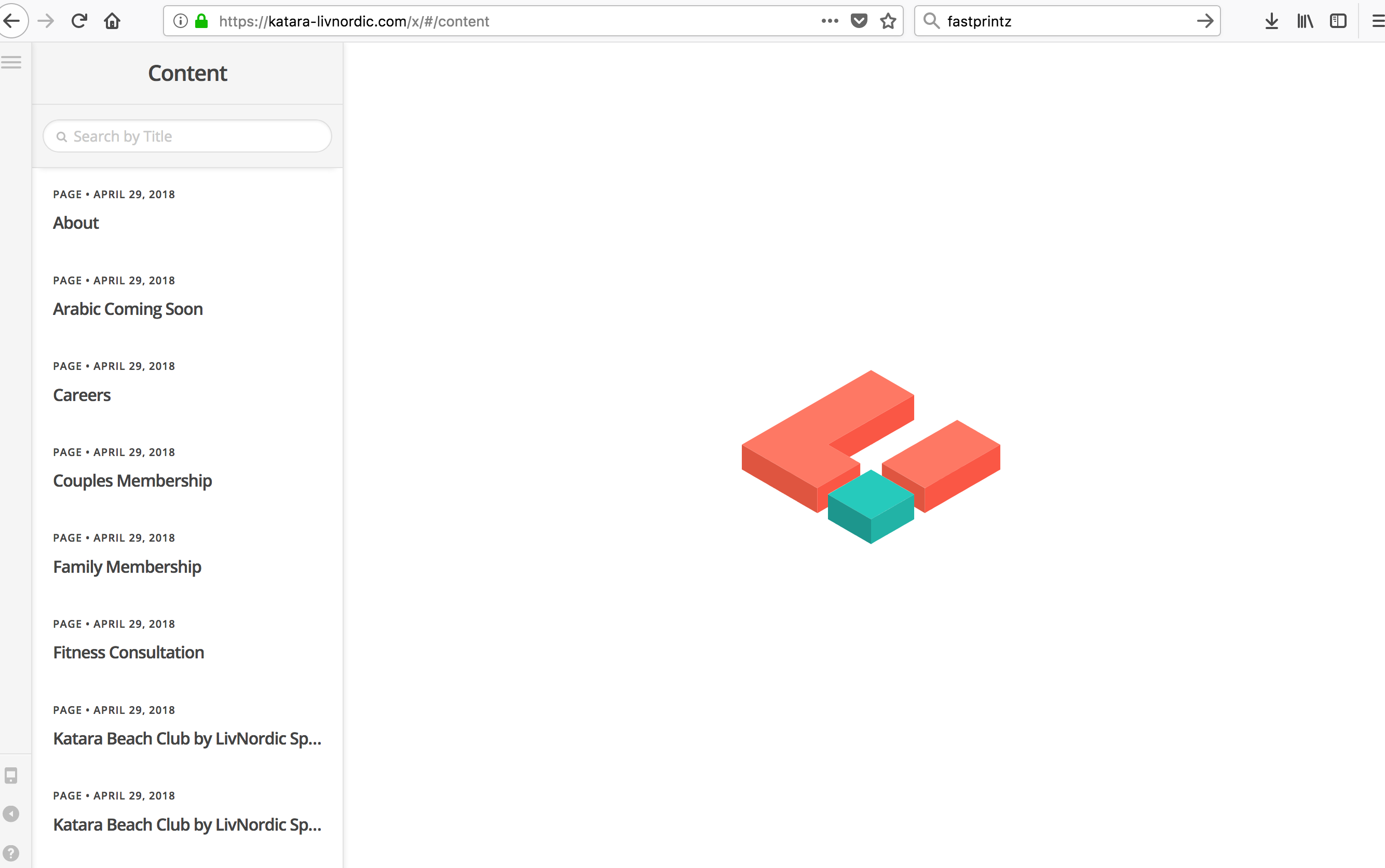
I’ve tried reloading new copies of both theme x and cornerstone. This made no difference. I also deactivated all the plugins and that also made no difference.
Thank you.
Hi There,
Thanks for writing in! You can simply delete the current version of your Cornerstone plugin through your WordPress plugins section. Then head over to X -> Validation section and wait for few seconds to install the latest version automatically.
After updating,
- If you’re using a caching plugin, you need to purge your server cache and also you need clear your browser cache before testing.
- If you’re using a service like CloudFlare, you need to clear it’s cache as well by login into your account.
If you’re still having issues, provide us with your WordPress login credentials in a secure note to investigate this issue further.
Thanks!
Thank you, sent you a secure note.
Hello @MOLT,
Thanks for sharing the details.
I see that upon clicking edit with Cornerstone it redirects to /x/#/content. In console I see error message that states Failed to load resource: the server responded with a status of 500 (Internal Server Error) https://katara-livnordic.com/cornerstone-endpoint. Please try out following solutions to resolve the issue:
- Make sure that you’re running at least PHP v5.6.x or later to avoid any WordPress related incompatibility issues. If you’re not sure what your server configurations and settings are, install a plugin like WP-Serverinfo
- Get in touch with hosting provider as there seems to be something in your system preventing cornerstone-endpoint from loading thereby blocking Cornerstone from saving/functioning correctly. If you could contact your host and they should be able to whitelist the Cornerstone endpoint and get this working.
- After that please test for plugin conflict by deactivating all the plugins and then reactivating one at a time to narrow it down.
- Please try increasing your PHP Memory limit. You can do this by editing your wp-config.php file which can be located under the root of your WordPress installation.
Add the following lines into that file.
define( 'WP_MEMORY_LIMIT', '512M' );
define( 'WP_MAX_MEMORY_LIMIT', '512M' );
You can add it before the line
/*That's all, stop editing! Happy Blogging. */
In case above solutions does not helps in getting Cornerstone working, can you please give us to the permission to troubleshoot the problem? We may have to perform some tests on the website which may effect the performance, appearance, layout and functioning of website temporarily. We are not allowed to fiddle with customer website more so when it’s live and that’s why we need your permission to test further.
Thanks.
Thank you, I have tried solutions 1, 3 and 4 with no change to the problem. I am contacting my hosting provider and trying solution number 2 now. If this doesn’t work I will let you know. Thank you.
Hi There,
Thanks for the details!
I can see the site is working fine, I am able to edit pages through cornerstone.
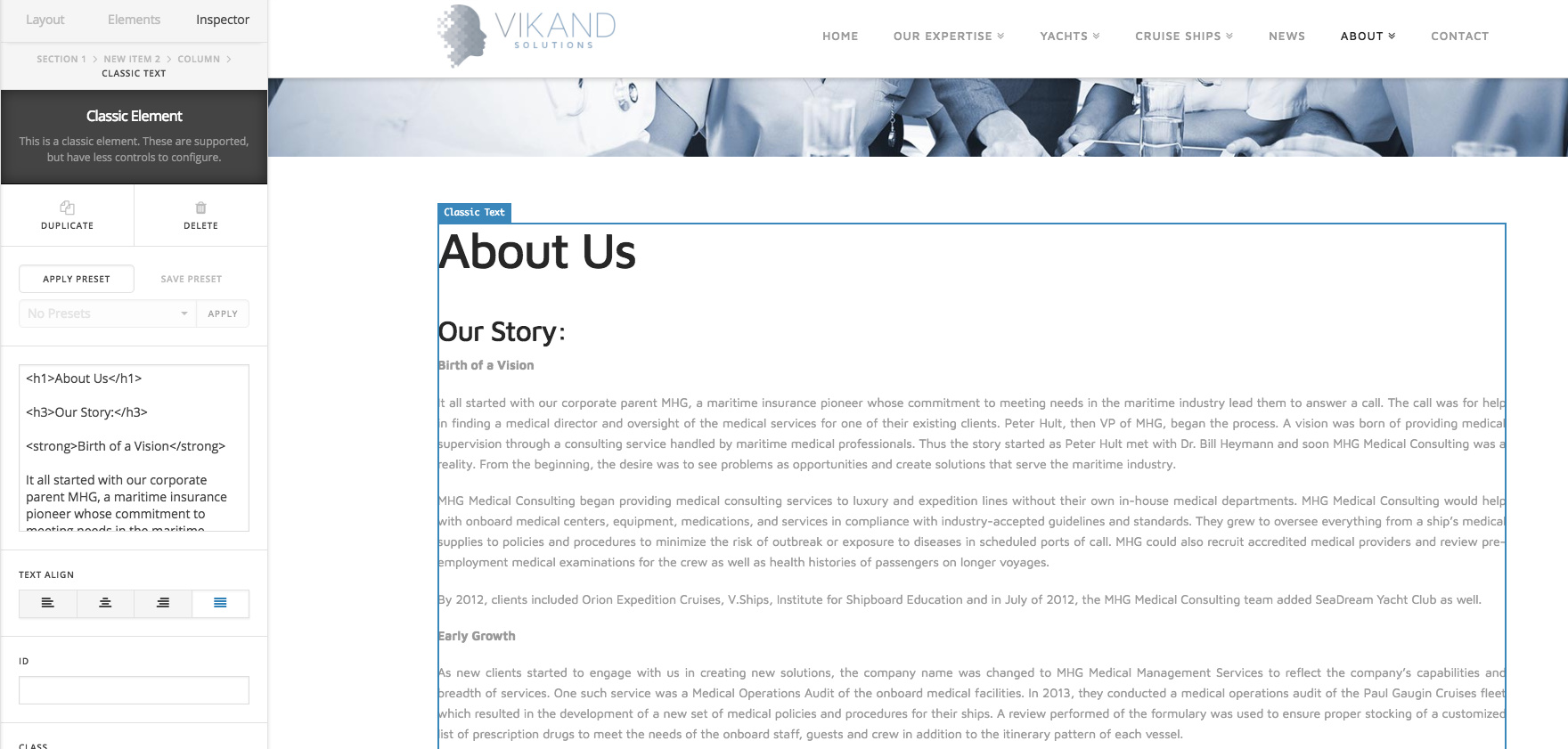
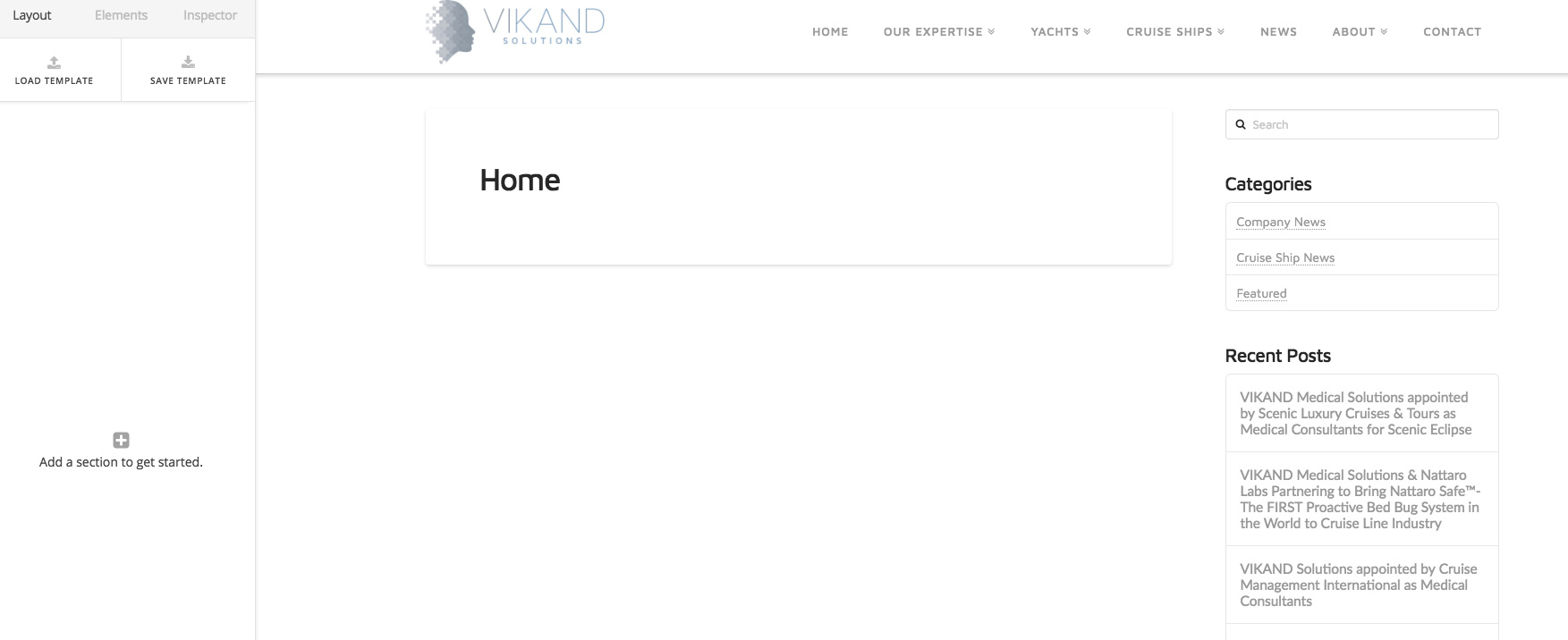
Can you please confirm if you have fixed the issue?
Thanks
This topic was automatically closed 10 days after the last reply. New replies are no longer allowed.