I have two identical websites one for development and the other production. On the development website, I can open a particular page in Cornerstone for editing. On the production website, I am unable to do so. Even after migrating the entire development website over to the production website this one particular page will not open in Cornerstone. I have searched the forums and submitted an earlier support ticket on this and have still not been able to resolve this issue. I can share credentials for both websites in a private message if I can get this resolved. It has been going on for way too long and causing major frustration within my team.
Hi @colink,
Thanks for writing in.
I have created a draft where it is a similar download page of your Dev site.
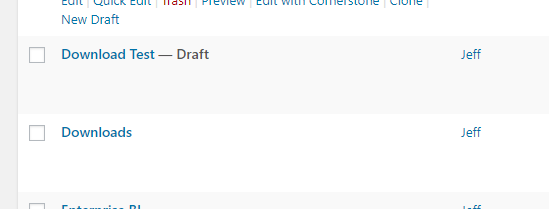
You could use that page to replace your Download Page. Adjust it further to make it the same with the original one.
I used template manager to recreate the page into your Live site.
Hope it helps.
Let us know how it goes.
Thanks.
I tried that solution several different ways. The problem lies in replacing the non-functioning page. Here’s what I’ve done in the past that is not working:
- Created a new functioning Downloads page (draft)
- Trashed the original Downloads page
- Changed the permalink of the new page back to /downloads
- Emptied the trash (tried switching the order of 3 & 4, still doesn’t work)
- Tried opening the new Downloads page in Cornerstone and keep getting the following error message, “The preview could not load. This is most often related to a plugin conflict or aggressive page caching. Checking the developer console for errors could indicate what went wrong”. (tried steps 1-5 with WP Fastest Cache OFF, still doesn’t work)
It seems the pages are being tagged, labeled or associated with something in Cornerstone and once corrupt it prevents a page replacement with the same permalink from ever displaying properly in Cornerstone again. More specifically something to do with the iFrames in Cornerstone.
Hi,
That’s indeed a permalinks related issue, I can see your server is running nginx, could you please report this issue to your hosting provider, asking specifically these questions?
- Why the
POSTrequest to this specific post returns server error 404 not found? - When switching the permalinks to the default structure, everything is working fine, why?
Thanks.
This topic was automatically closed 10 days after the last reply. New replies are no longer allowed.