Cornerstone not working (html error)

Hi there,

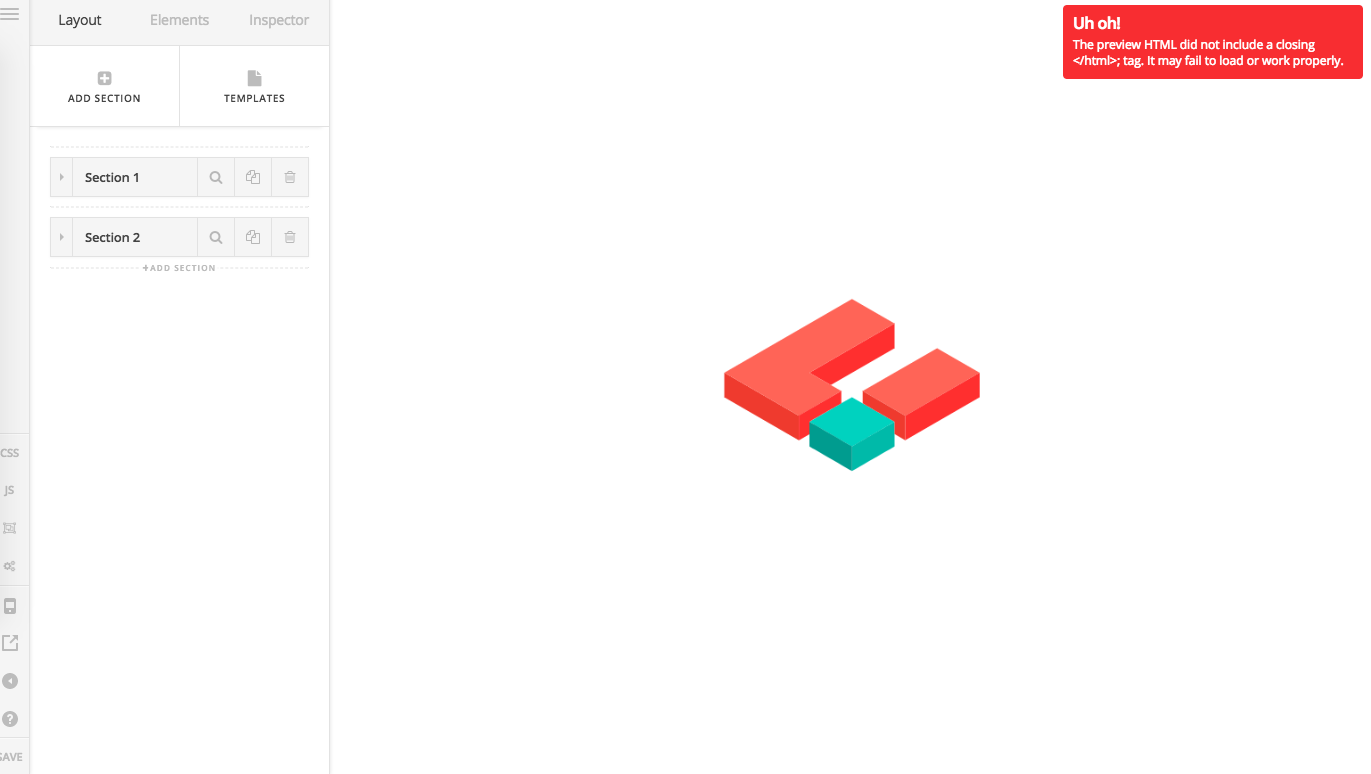
When I try to edit a page/post in Cornerstone, I get the following error.
Any changes I make are not visible on the frontend of the post/page after saving.

I can also not edit any elements (e.g. headline or map) within cornerstone.

Please could you help?

Thanks

Hi There,

Update X and Cornerstone to the latest versions.

Also make sure to turn off the cache and performance plugins during the update.

Once you have updated your theme, test it again.

If it works, you can turn on your cache plugin and test it again.

Let us know how it goes

Hi Joao

Many thanks for your reply.

I did all of your steps above, but the issue still remains, unfortunately.

Could you please advise?

Many thanks!

1 Like

i am having the exact same issue,

Hi @Jeypolitan

I Flushed the cache from W3 Cache + I turned off the plugin aftwards and I checked Cornerstone on a couple of pages and it loads fine.

Are you facing this issue in any specific page?

I recommend you to turn on cache plugins once you have finished the development of your website.

@Gladiatorfightwear - Please follow the suggested steps on this thread, if it does not help please open a new thread and provide your wp admin credentials in a secure note.

Thank you!

Hi Joao,

Unfortunately, Cornerstone isn’t working at all on new posts/pages anymore.
It starts loading, but then it just stops.

WPBaker Page Builder works, and I can edit both frontend and backend with this, but nothing happens when I try to create a new post/page and edit from Cornerstone. Also, edits I make on already-created posts/pages via Cornerstone do not get visible in the frontend upon amend?

Please advise.

Many thanks!

Hi,

I tried all your pages and some posts and it seem to work.

May I know what browser are you using, you can try Chrome Browser.

Thanks

Hi Paul,

I am using Chrome.
It doesn’t work still, unfortunately.
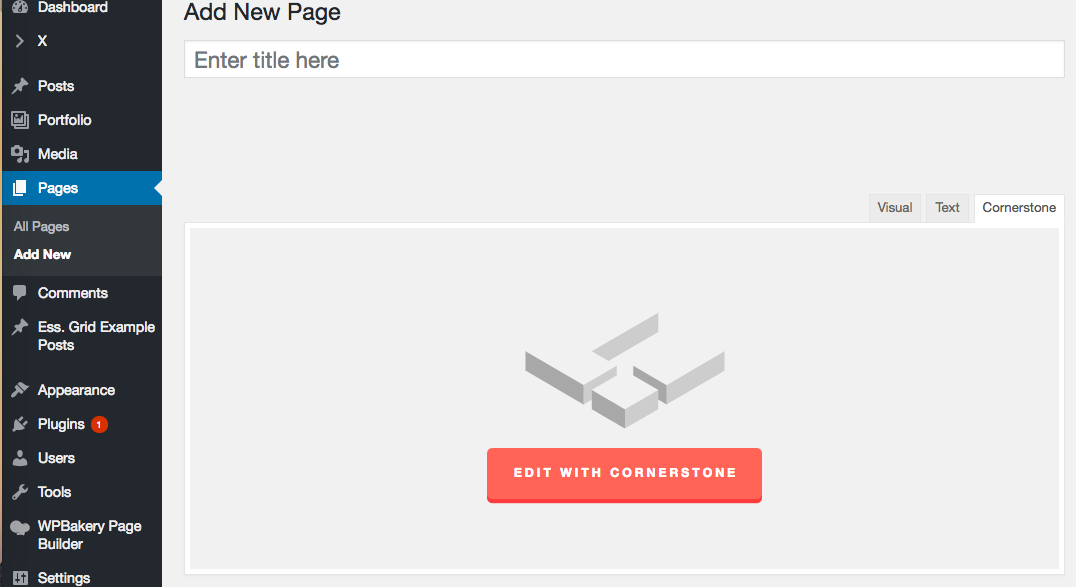
When I go to the backend of a new post, and click “Edit with Cornerstone”:

It still starts to load, but then it just goes back to “Text”. It never takes me to Cornerstone on new pages.

Please could you advise? By creating a new page and clicking on “edit with cornerstone” in the backend, nothing happens.

Many thanks

Hi There,

I just created a new page and everything worked 100% as expected.

http://jeypolitan.com/?page_id=899

I am on Chrome PC, would you mind testing with a different browser and if possible a different computer, based on our testing it is most likely an issue isolated to your browser or computer.

Please let us know how it goes.

Thanks

Hi Joao,

I’ve cleared my cache and my cookies, hard refreshed and tried again.
I also tried on another computer, and on Safari + Chrome.
The problem still remains :S

Please see video of what happens for me:


(if you can’t see the link below, please see this one instead: https://drive.google.com/file/d/1lLGnebul5LM69MOZ2mdTQKHEQ6m-Y_Tm/view?usp=sharing)

Many thanks!

Hi,

Cornerstone uses the page id so you need to publish the page first before you can edit it in cornerstone.

See Video - https://www.screencast.com/t/6JNi2OQqsm9

Thanks

This topic was automatically closed 10 days after the last reply. New replies are no longer allowed.