Cornerstone not showing most up to date version of site

Hi!

This is actually a followup to a prior post on the same topic.

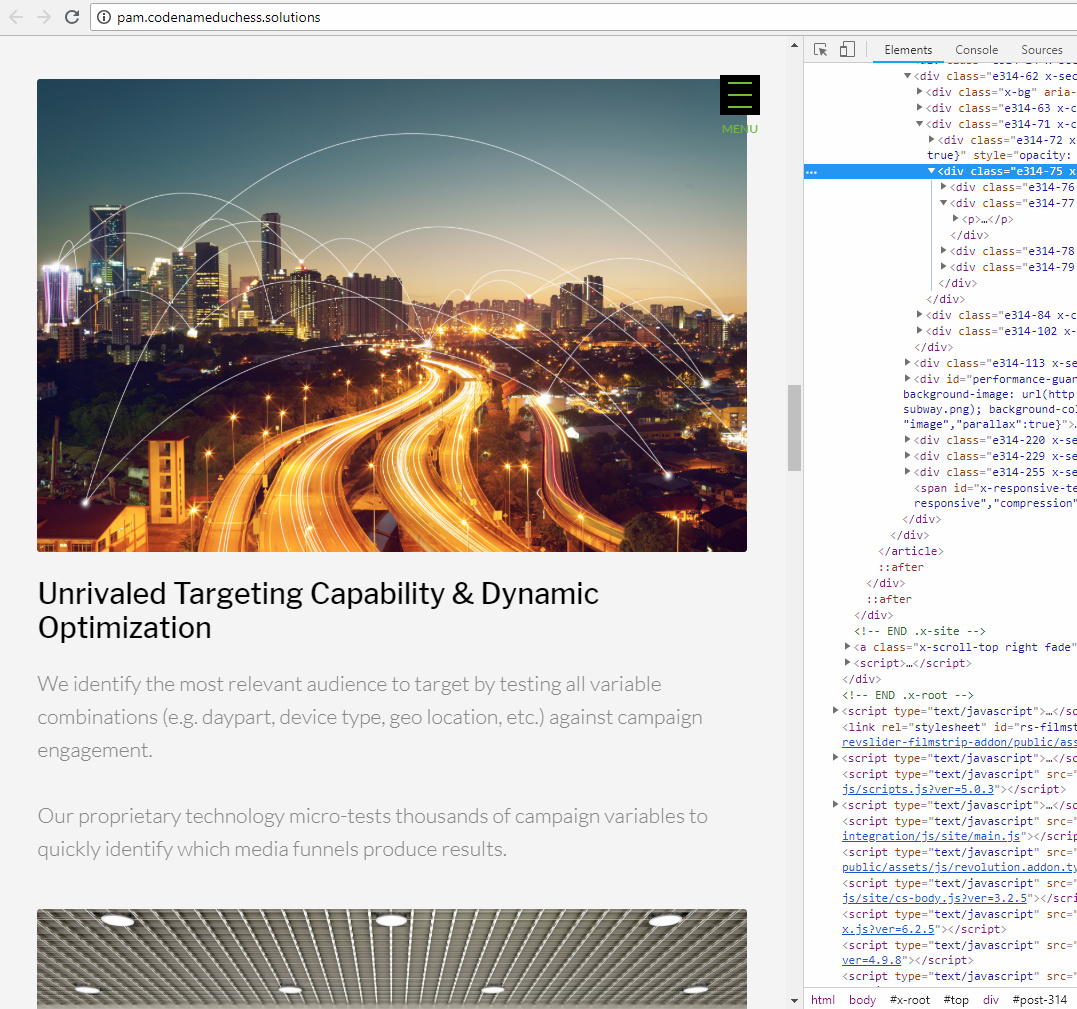
When I edit with cornerstone, I seem to be looking at an older version of my site. When I’m at the site itself, the copy is the most recent version–only in Cornerstone does it revert back to the old copy from a few weeks ago.

A screenshot of the current copy:

And a screenshot of the old copy that comes up in Cornerstone:

Per the reply to my original post, I updated Cornerstone to 3.2.5 and X theme to 6.2.5, logged out and back in, but in Cornerstone the copy in the Technology section is still the wrong version.

I also tried clearing the cache in my browser and I purged SG cache (siteground is my hosting service).

Can you help me figure this out?

Many thanks!
L
Hi @LaurenCK,

Thanks for reaching out.

Updating the theme and cornerstone will only update its files and not the content you added.

And those are coming from the different area, the first screenshot is displayed on the wider device, while the second screenshot displayed on a smaller device.

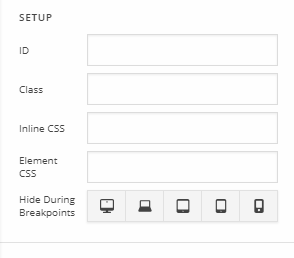
And this is all due to the HIDE DURING BREAKPOINTS option.

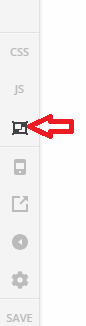
What you could do is turn off that options from your sections, rows, or elements to see all contents within that page. Then delete that element or just edit it to match your preferred content. You should able to see all added elements by switching to skeleton mode, like this

Thanks!

This topic was automatically closed 10 days after the last reply. New replies are no longer allowed.