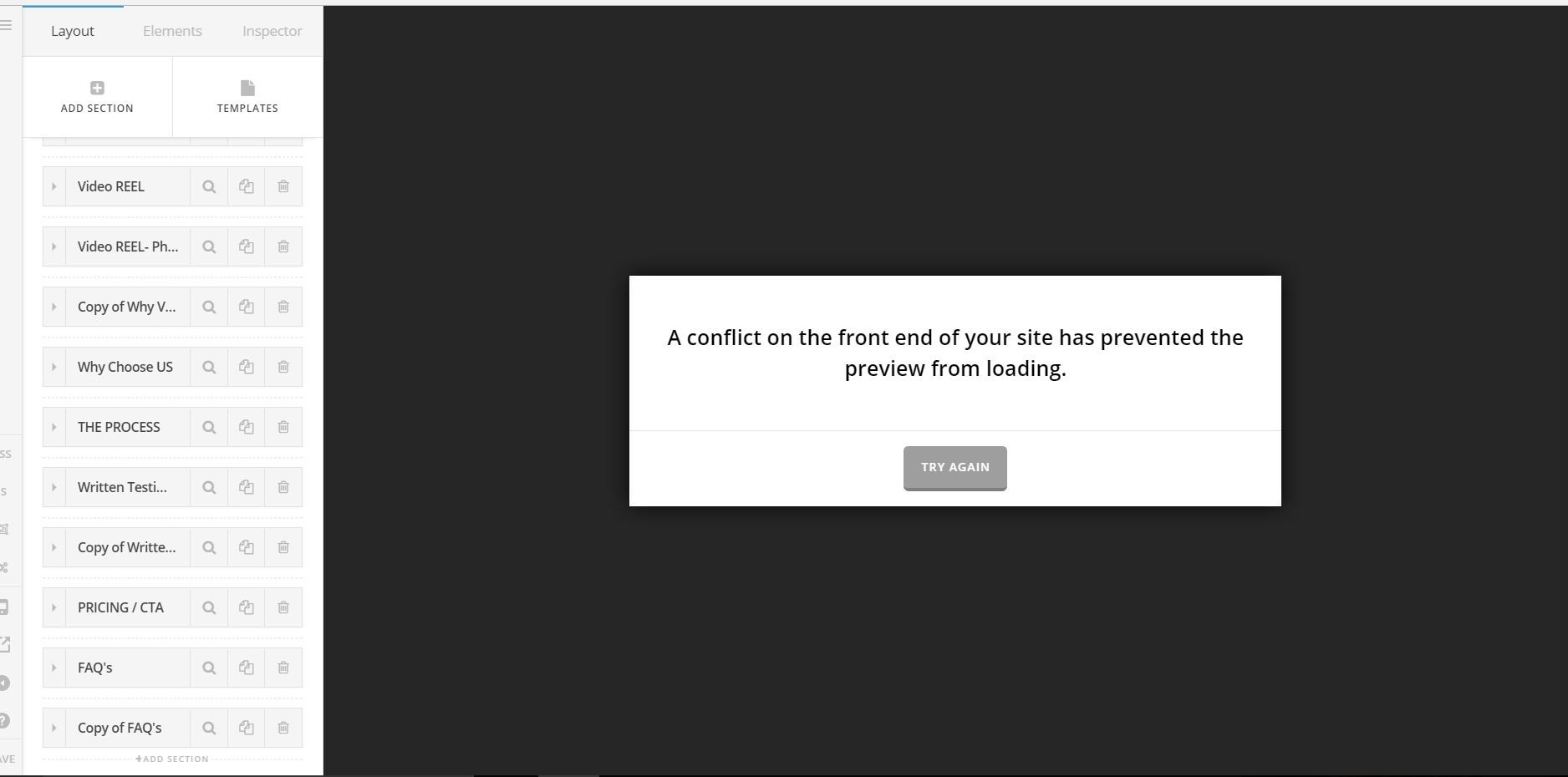
Cornerstone/ front end conflict. Can't access/edit my page after new update. Have cleared the cache, deactivated plugins too

Hey there,

I have purged the cache.
I have deactivated my plugins.
I have updated the new X theme and new cornerstone. (8th Oct, 2017 today)

But I still get this message:
A conflict on the front end of your site has prevented the preview from loading.
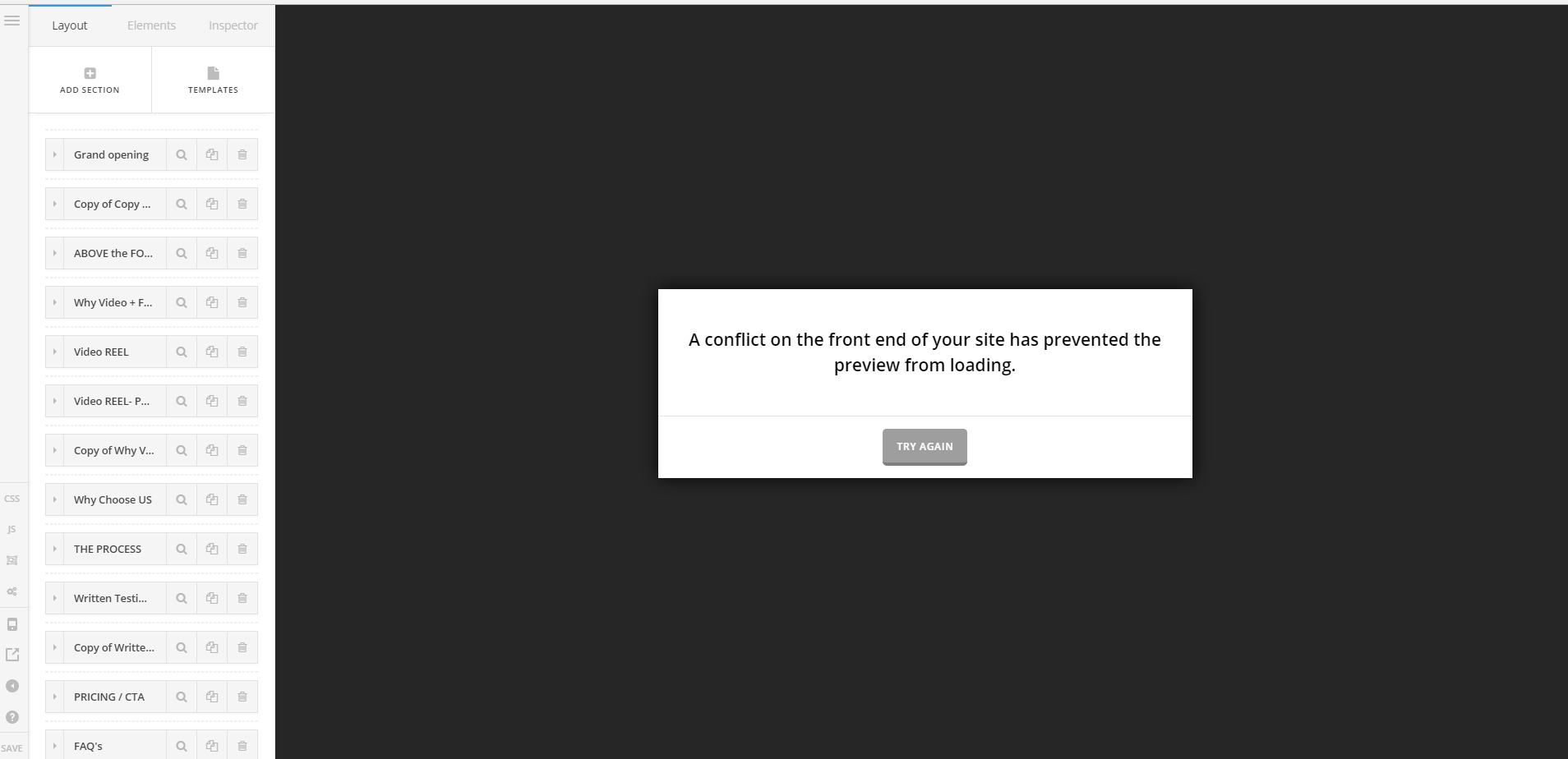
Sorry I’m a bit of a newbie with WP and don’t know how to really edit cpanel or do much technical coding.
Looking for assistance and guidance from anyone that can help =)

This is quite urgent as the edits I need to make revolve around changing my products’ pricing. Thank you for your help in advance.
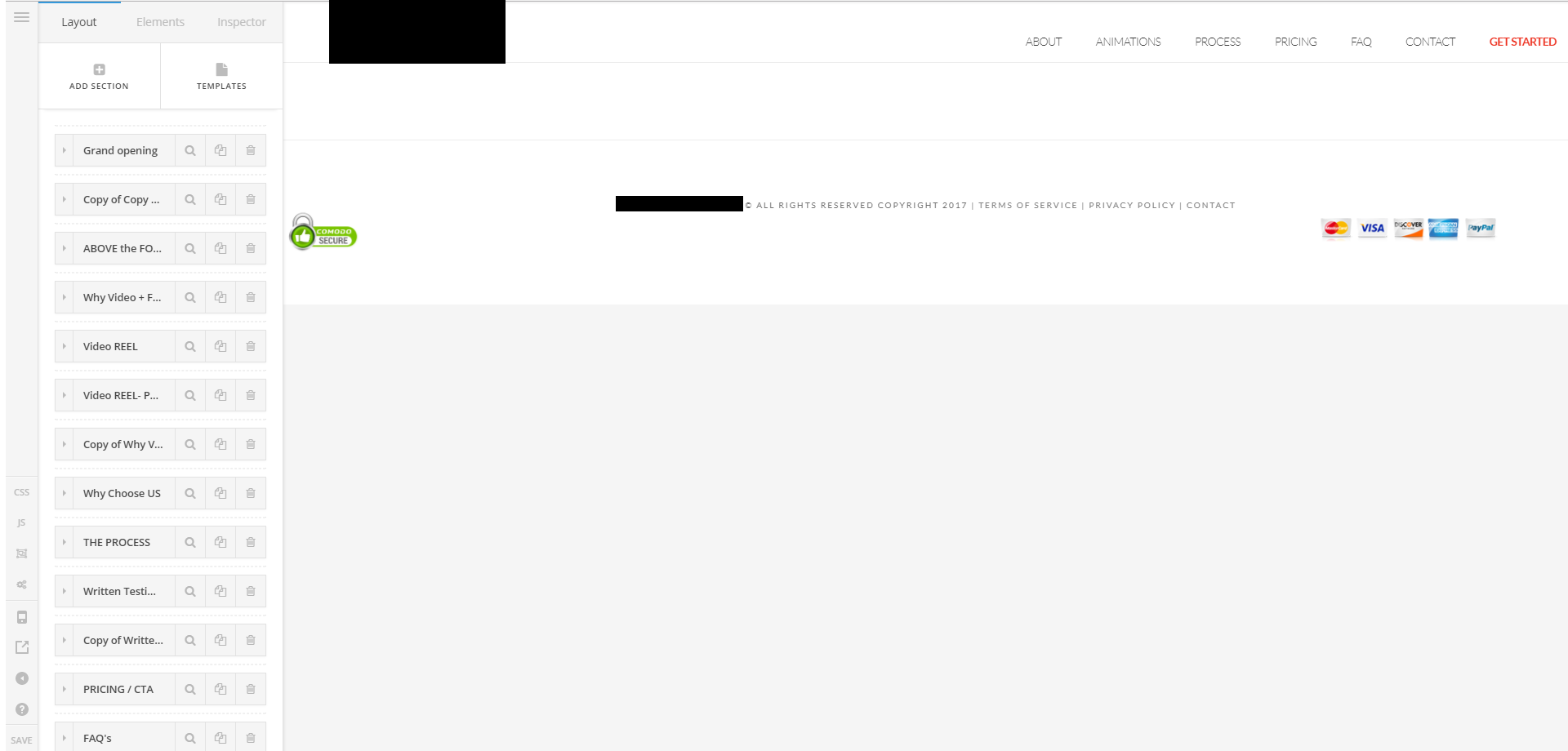
PS: Sometimes if I keep refreshing my editing page for 10 minutes I get past the “conflict” but I’m stuck not being able to see any of my pages content:

Hello There,

Thanks for writing in! I have investigated your site and I found out that you are hosted in BlueHost. Please contact your hosting provider and ask theme to disable Endurance Page Cache in your site.

And we recommend that you increase your PHP memory limit.
Please edit your wp-config.php file and insert these lines:

define( 'WP_MEMORY_LIMIT', '256M' );
define( 'WP_MAX_MEMORY_LIMIT', '512M' );

Please let us know how it goes.

Thanks @RueNel

Look’s like I’m able to create edits!!!
Thanks so much for your time and effort =)

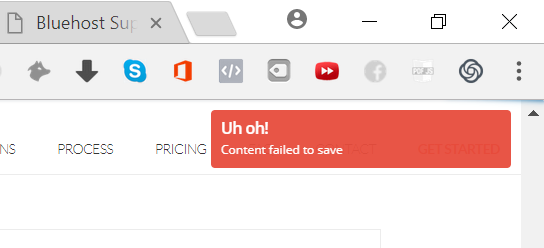
When I click save, I still get a pop up from cornerstone as seen below:

But when I check my site the new edits have still been applied so I guess I’ll have to hope it keeps saving =)

Hi @RueNel

I spoke too soon.
It now takes minutes and up to 6 page refreshes of the cornerstone editor to get past the “conflict error” message (which is still coming up).
And then when I go to move elements and edit elements in cornerstone, the elements totally disappear from view/ easy access and I don’t feel very confident in saving anything now.

Please advise on what I should do.
I’m in a critical point at the moment with my businesses site and need to get this sorted as soon as possible.

Thanks so much for your time and efforts in advance =)

Hi there,

I tried it with cleaning page with no issues at all, looks like the culprit is one of your content. Please try deleting your page’s element and test it one by one until you find what’s causing it.

You may also delete the debugging plugins that I installed, I don’t see any issues at all, except in that page.

Thanks!