Cornerstone Forms Subject not showing correctly

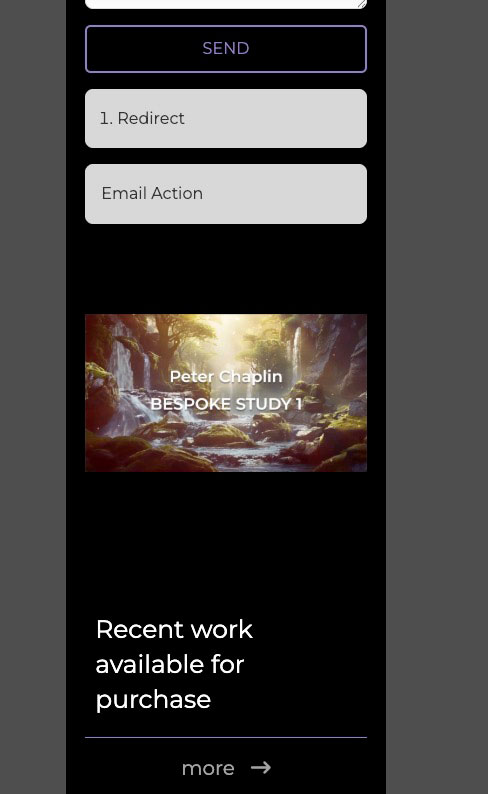
I am Having troubles with a image toggle and getting it to maintain its aspect ratio at smaller screen widths. I’ve used the CSS that I found in one of the posts here.

$el.x-anchor .x-graphic {
max-width: 100% !important;
}

After adding the CSS, I’ve found that it works inside the builder, no problem, but on the front end, it’s still showing the same issue. I’ve checked the cache and can’t find any reason why it would show me something different on the front end as to the builder

Hello @DesignMunky,

Thanks for writing to us.

To help you with your concerns, we need to check your settings. Please share the exact page URL so we can check it on our end and guide you properly.

Thanks

Oh man, sorry guys - https://chapmusemusic.com.au/bespoke-curation/

Hey @DesignMunky,

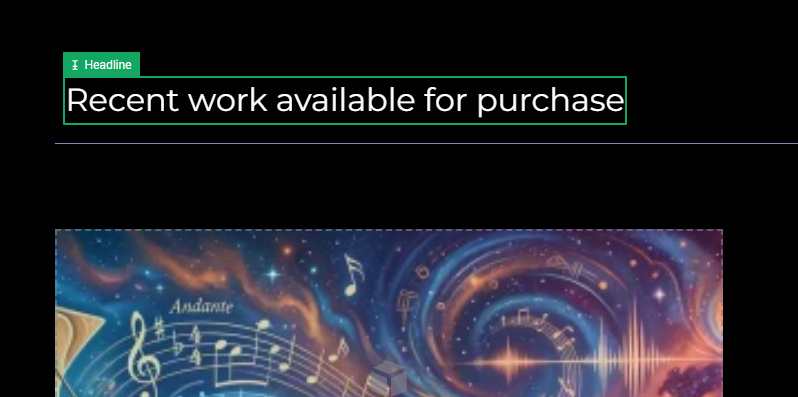
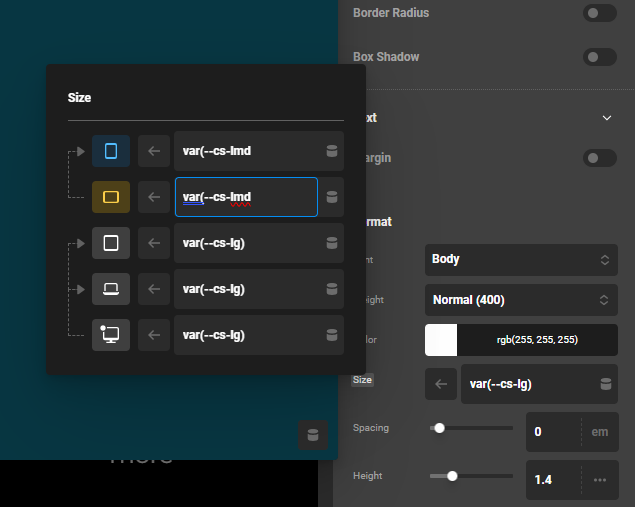
There is a broken CSS that messed up the rest of the CSS of the page. In this Headline Text element,

You inserted a broken font size value var(--cs-lmd. You must properly close any CSS variable or any property value to avoid any conflicts and issues.

Best Regards.

Thanks Ruenel, appreciate the help as always.

My pleasure! I’m glad it helped.

This topic was automatically closed 10 days after the last reply. New replies are no longer allowed.