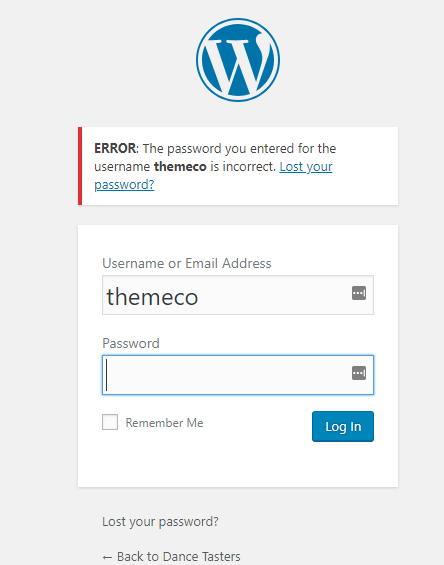
Cornerstone exits to admin login after change to SSL

Hi there,

Just added SSL to my site and having read many different pages and tried many different versions of various fixes with restores in-between to get back to a known state, I’m stuck.

I have installed Better Find Replace plugin and replaced all instances of http with https, I have updated the general settings to both be https. I cannot get a working version of .htaccess (tried many versions that are out there).

The website itself works fine, and comes up as secure.

However I cannot run Cornerstone to add or edit any of the pages on the site, as it consistently dumps me out to the admin login screen when Cornerstone is run.

Help please!

Thanks

Nick

Hello Nick,

Thanks for writing in! Please ensure that your WordPress dashboard url is the same as your site url in Settings > General > Site URL. It must use the same https protocol.

If nothing is working, please provide us access to your dashboard so that we can logged in and take a closer look.

Please let us know how it goes.

Hi @synner,

I would like to check your setup further however the login that you shared is not working.

Please try to test for plugin conflict also. You can do this by deactivating all third party plugins, and seeing if the problem remains. If it’s fixed, you’ll know a plugin caused the problem, and you can narrow down which one by reactivating them one at a time.

Let us know how it goes!

Don’t forget to clear site and browser cache before checking.

Thanks.

Hi there,

Thanks for the reply.

I have no idea what has helped… but a nights sleep seems to have cured it. Nothing else has changed, but this morning Cornerstone runs like a dream. Nothing else has changed - literally. I will have to hope this is a permanent ‘fix’. I’ll let you know if it reverts.

Cheers

Glad it’s okay now, sure, let us know if the issue comes back. Thanks!

This topic was automatically closed 10 days after the last reply. New replies are no longer allowed.