I’m getting this lovely screen, and it’s not loading my content. I’ve updated all my plugins and Theme X. No luck. Any suggestions. Thanks.
Hello @VizEku9,
Thanks for writing in!
Most of the time, this happens if you have exhausted your PHP memory limit. We recommend that you increase your memory allocated to PHP. To increase it, please edit your wp-config.php file and insert these lines:
define( 'WP_MEMORY_LIMIT', '256M' );
define( 'WP_MAX_MEMORY_LIMIT', '512M' );
You can add it before the line
/*That's all, stop editing! Happy Blogging. */
If this does not help, please go to X > Status, copy the results and then paste it in your next reply.
Thank you.
Still nothing. I just added the code to the wp.config.php page, but nothing has changed. 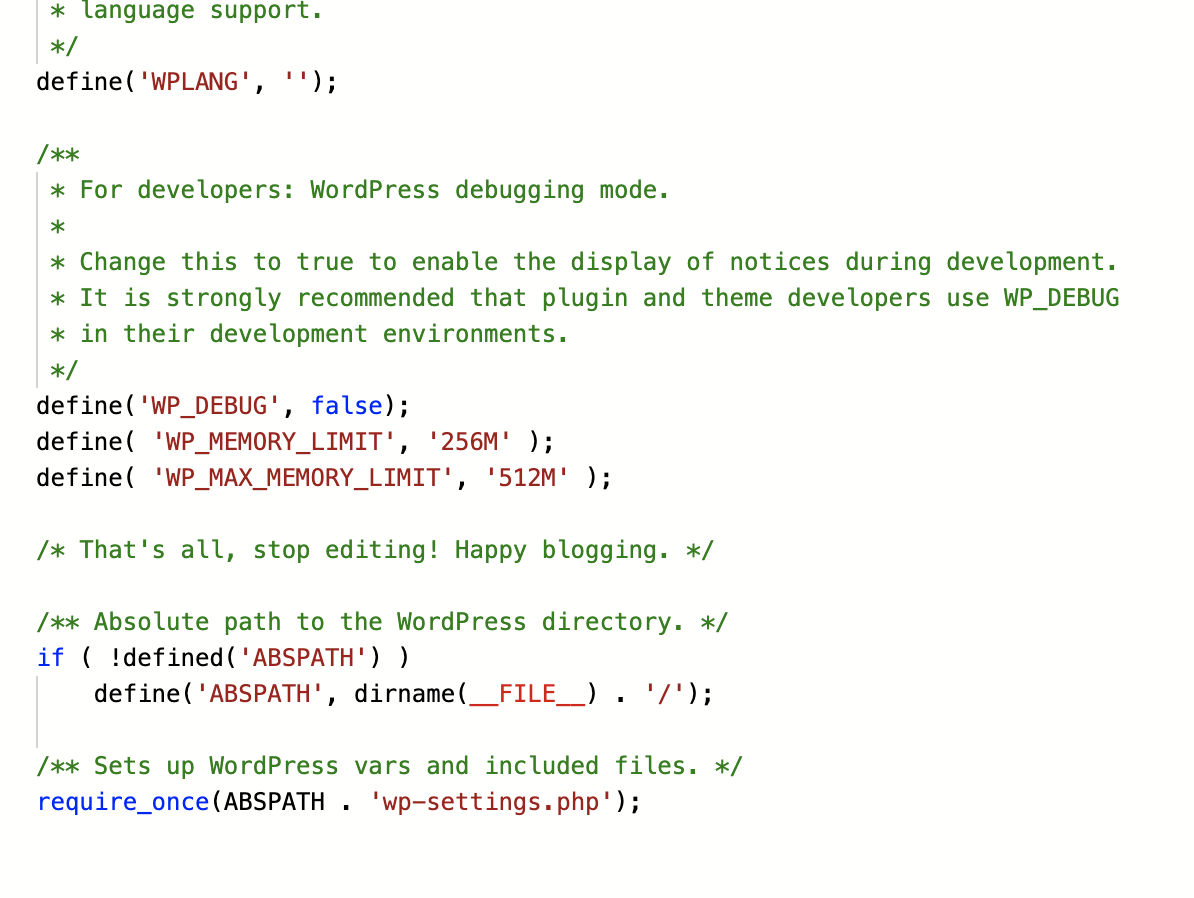
Hi @VizEku9,
In that case, would you mind providing your FTP login credentials in the secure note? So we could test and investigate it first 

Thanks!
Hi Rad / Staff,
I just replied using a secure note.
Thanks,
Adam
Hi Adam,
Thank you for the DreamHost credentials, but would you mind providing us /wp-admin login as well.
And if you can provide us the password of that FTP account (see secure note) that would help us investigate the issue faster.
In the meantime, please clear all your caching features (plugin, server-side, CDN, and browser’s cache) and please do testing for a plugin conflict. You can do this by deactivating all third party plugins, and seeing if the problem remains. If it’s fixed, you’ll know a plugin caused the problem, and you can narrow down which one by reactivating them one at a time.
Cheers!
Replied above. Thanks!
Hi Adam,
Thanks for the credentials, I finally resolve the issue, here’s what I did, first I cleared the Autoptimize plugin cache because lots of error coming from the minified filed. That resolves most of the issue but still, there is still an error that caused the Cornerstone not to work, one of that error is coming from the plugin Gutenberg by Gutenberg Team, I don’t know if you use this plugin, but this seems to be redundant because the Gutenberg editor is built-in to Wordpress so there is no need to install this plugin. I have deactivated this plugin and that helps reduce the error to last one.
And the last error that preventing the Cornerstone to open is Preview timeout but was easily resolved by deactivating the Cornerstone, cleared the Autoptimize plugin cache again, and reactivate the Cornerstone.
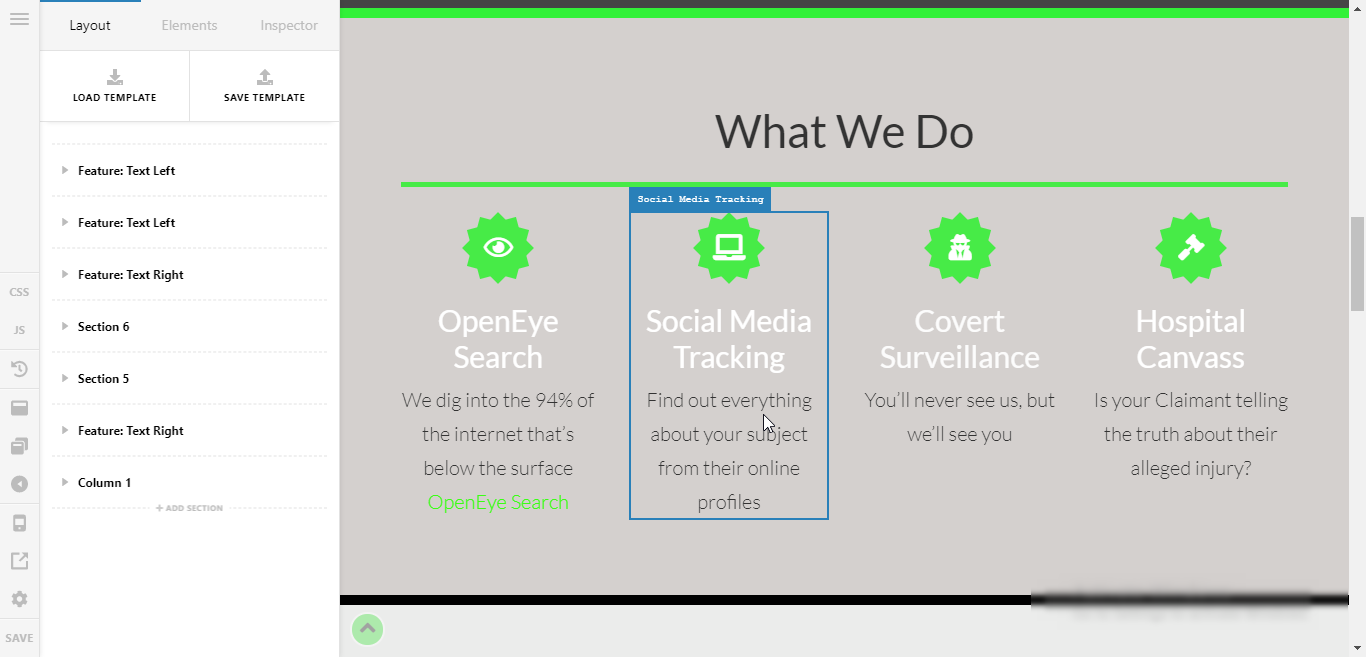
Please clear your browser’s cache if the issue persists on your end.
Cheers!
This topic was automatically closed 10 days after the last reply. New replies are no longer allowed.