Cornerstone editor area options are not the same as in the demo/ learning videos

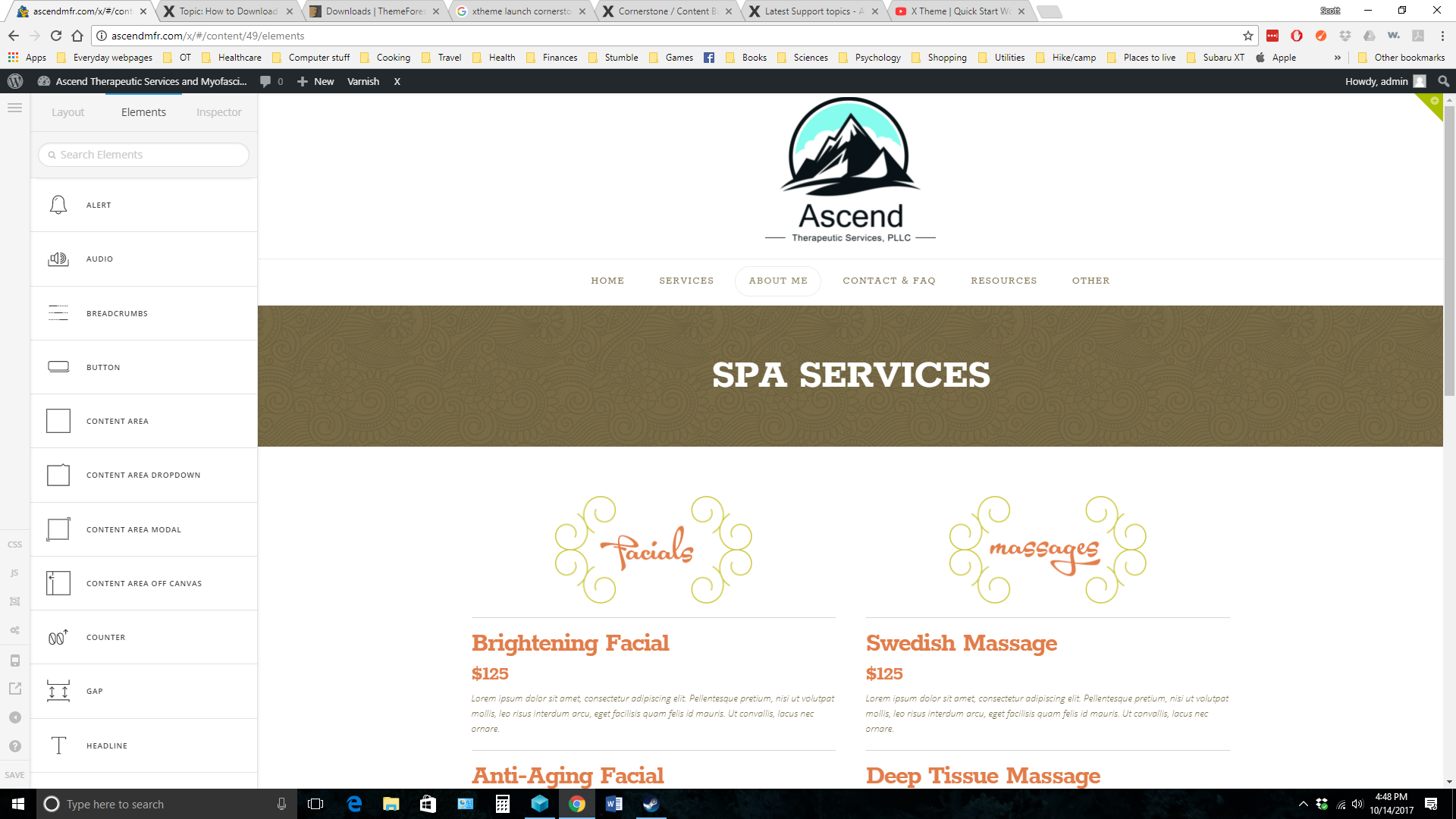
Cornerstone editor area options are not the same as in the demo/ learning videos. When I load cornerstone, it does not give me the same options. I was wondering if I did something wrong when I set it all up? How can I get the traditional cornerstone editor bar working? I am a newb at this, so bear with me… and thank you!
Hi,

Sorry, the latest version is a complete rebuild of the Content Builder to utilize the same technology as the Header and Footer Builders.

For more information regarding this kindly check the changelog.

https://theme.co/changelog/

Thanks