Cornerstone Display Error + Essential Grid

Hi,

Two issues:

  1. I’m working on a page and just installed and setup Essential Grid. No cornerstone is having major display issues. I need essential grid for this page. It displays how it should when I’m viewing the site, just not in cornerstone. Is this a known bug? If so when is expected to be fixed? Is there a work around?

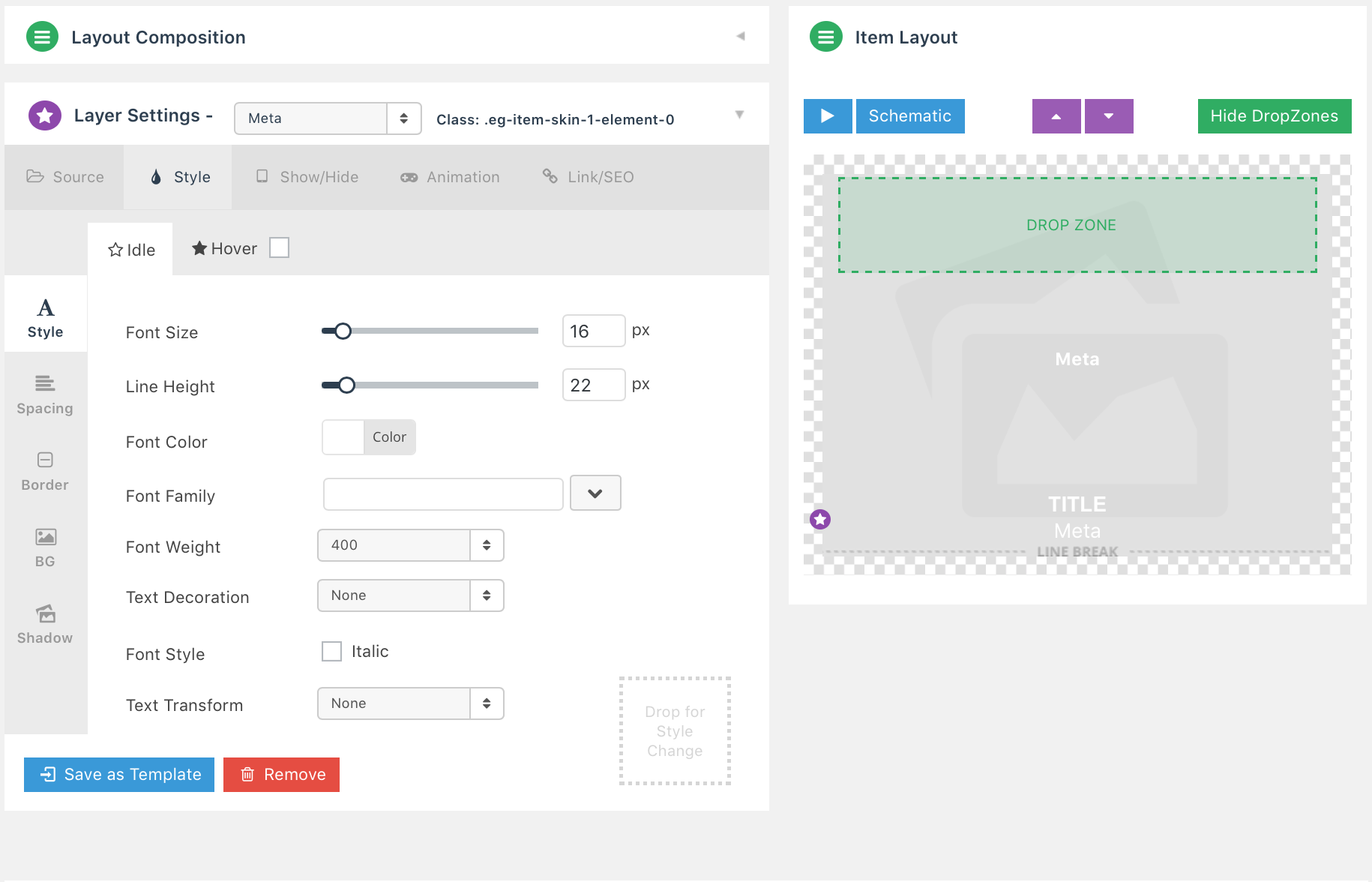
  2. I have set up essential grid so that the text at the bottom disappears when you hover. Both pieces of text are set up the same. For some reason, the “position” meta (bottom text), is not fading out, and is showing a hover color of red. Please advise how to fix this display issue.

Thanks,
Ashley

Hey Ashley,

  1. Essential Grid does not currently display in Cornerstone but there’s no issue in the front-end. There’s currently no ETA for the fix. I see what looks like an incorrect setup of Pro in your site though. I’ve pointed it out in the screenshot below.

That should not be there. Please check if you’ve correctly installed Pro.

  1. You enabled Show without Hover on Desktop and Show without Tap on Mobile. It needs to be disabled.

Thanks.

Hi,

In reference to #1…I know that the essential grid does not display in cornerstone. That’s annoying, but whatever. My problem is what you see in the screenshots that I sent. When the essential grid plugin is activated, my preview of OTHER parts of hte page in Cornerstone are VERY incorrect.
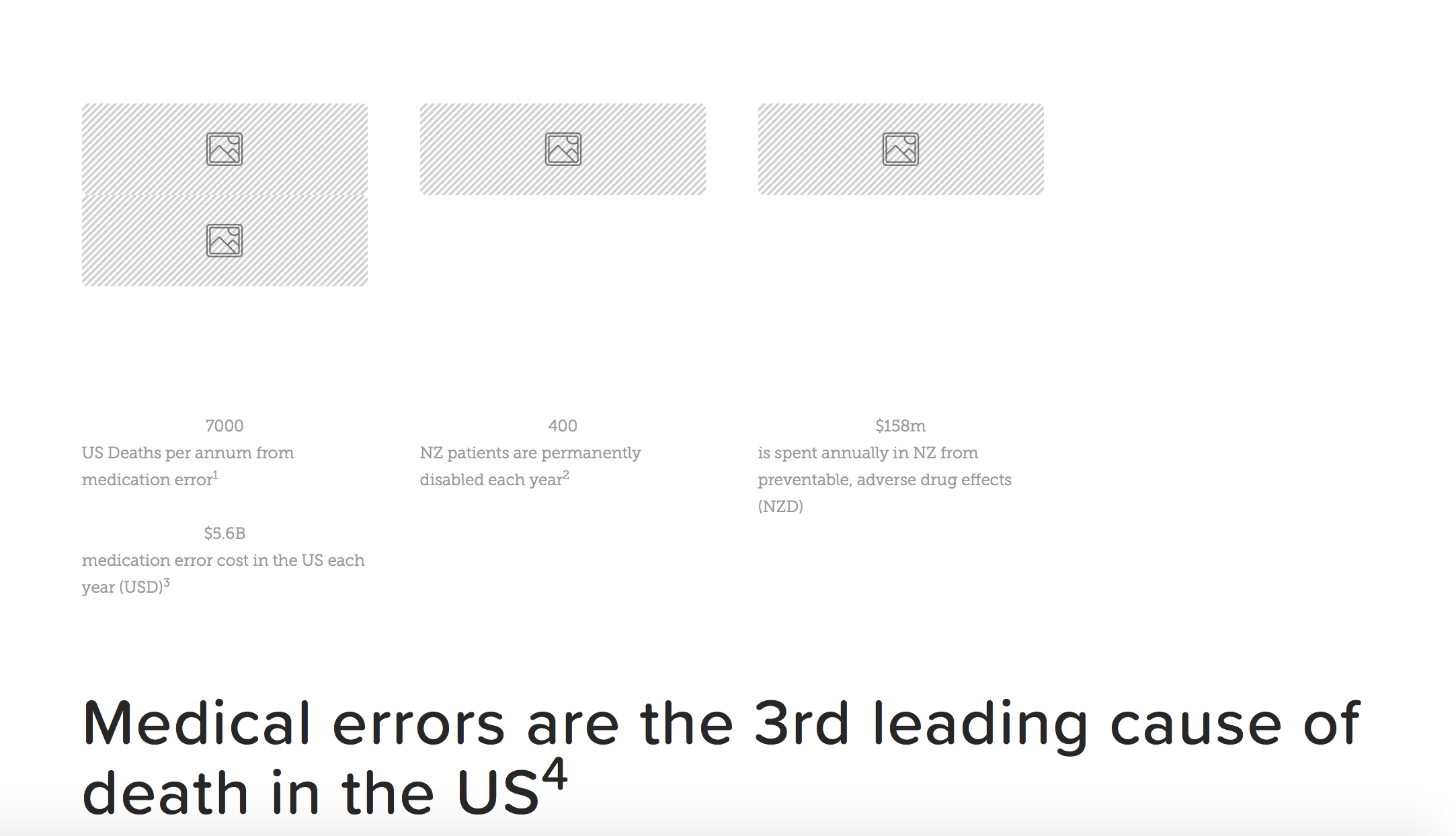
That is what I am seeing when essential grid is activated. ie. Please reactivate the plugin and open cornerstone and you’ll see what I mean. Can you please address this question?

In regards to pro not being setup correctly, your screenshot didn’t show anything but the plugins page, which has nothing to do with the pro installation. I installed PRO as I have on all of my other websites and don’t see any errors. Can you please clarify what you mean by it’s installed incorrectly?

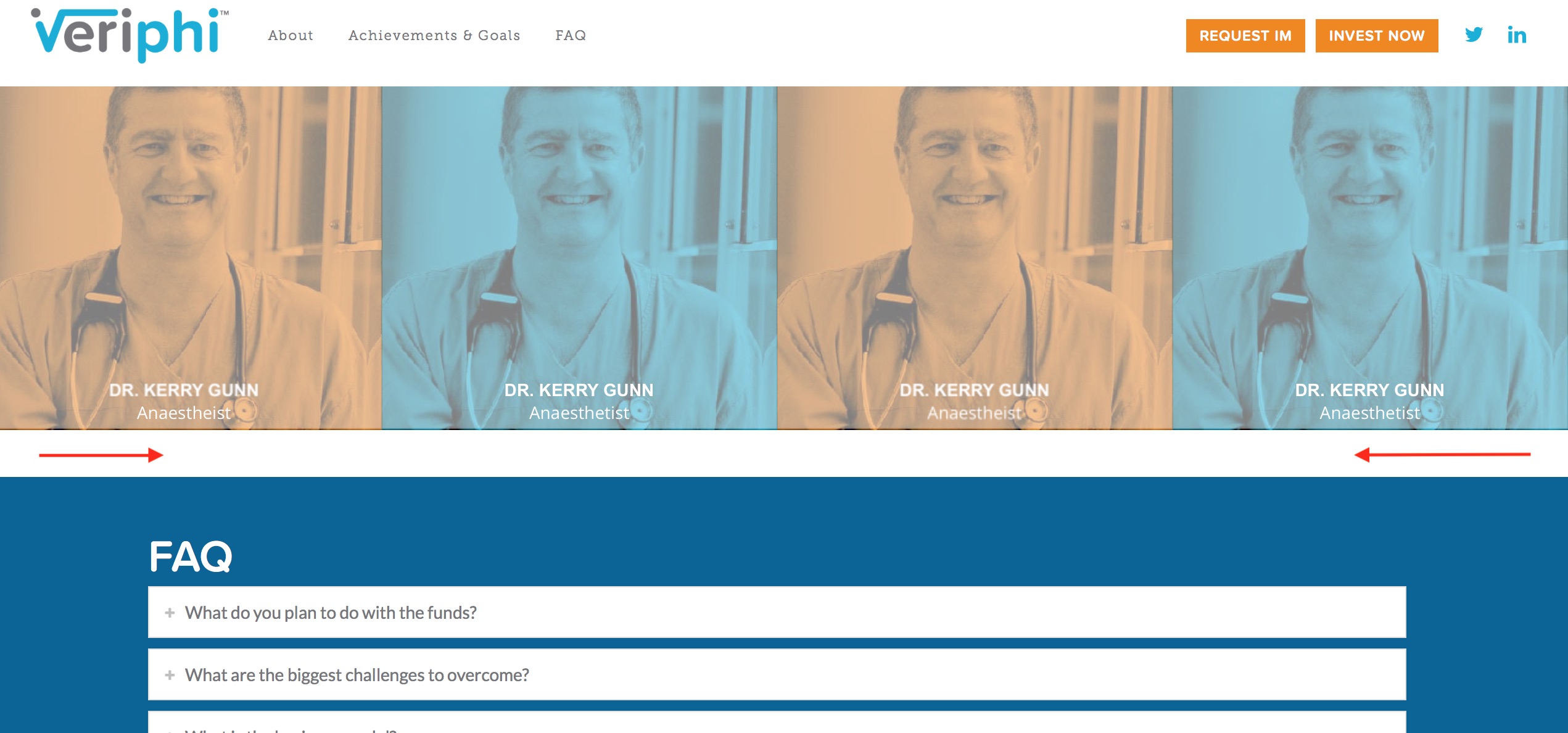
  1. Thanks, this was an oversight on my part. This seems to have partly solved the issue. I’m still getting a “ghost” of the issue though. If I begin the hover right on top the word “anaesthetist” it turns red before it disappears. If I hover over any other part, it disappears normally.

  2. I can’t seem to get rid of the space below the essential grid. I have set up the section to mbn and mtn (and the section below it) and I have no padding set on my grid. How can I get rid of this white space?
    Thanks,
    Ashley
Hi there,

  1. It’s known issue that EG has no preview in the builder and it’s been on our issue tracker. But it has no effect on other elements of the builder and it works okay on the live page. So yes, it’s only normal to see the correct parts of the page. Having the correct elements is not a bug :slight_smile:

As for the installation of your Pro, it’s incorrect. It’s just that the screenshot is being cropped. To fix the installation, please log in to your FTP or File manager and go to folder /wp-content/themes/ and rename the folder /pro-2/ to /pro/. Please do that, it causes issue especially with the plugin licensing and if you’ll check the cornerstone icon in your admin menu, it says Pro instead of the cornerstone. That’s what we’re trying to show in the screenshot but cropped.

  1. Glad it’s okay now.

  2. It’s a padding, instead of using mbn, please use pbn

Hope these helps.

This topic was automatically closed 10 days after the last reply. New replies are no longer allowed.