Cornerstone Blocks with CSS

Hi,

Is there a way to include custom css with cornerstone blocks? I’d like people to be able to insert blocks into pages with the custom CSS I used to make the blocks. I often uses custom CSS, especially when optimizing for smaller screen widths with media queries.

I’d appreciate some advice on this.

Hi @NaviCan,

Thanks for writing in.

Regretfully, at this time I am not entirely certain what it is you would like to accomplish based on the information given in your email. If you wouldn’t mind providing us with a little more clarification on what it is you’re wanting to do (perhaps some screenshots), we’ll be happy to provide you with a response once we have a better understanding of the situation.

Thanks

Hi Nico,

Basically I’ve designed a bunch of blocks (templates) that my team can use to create pages, and they can just change the text/images to what works for their situations.
This feature:
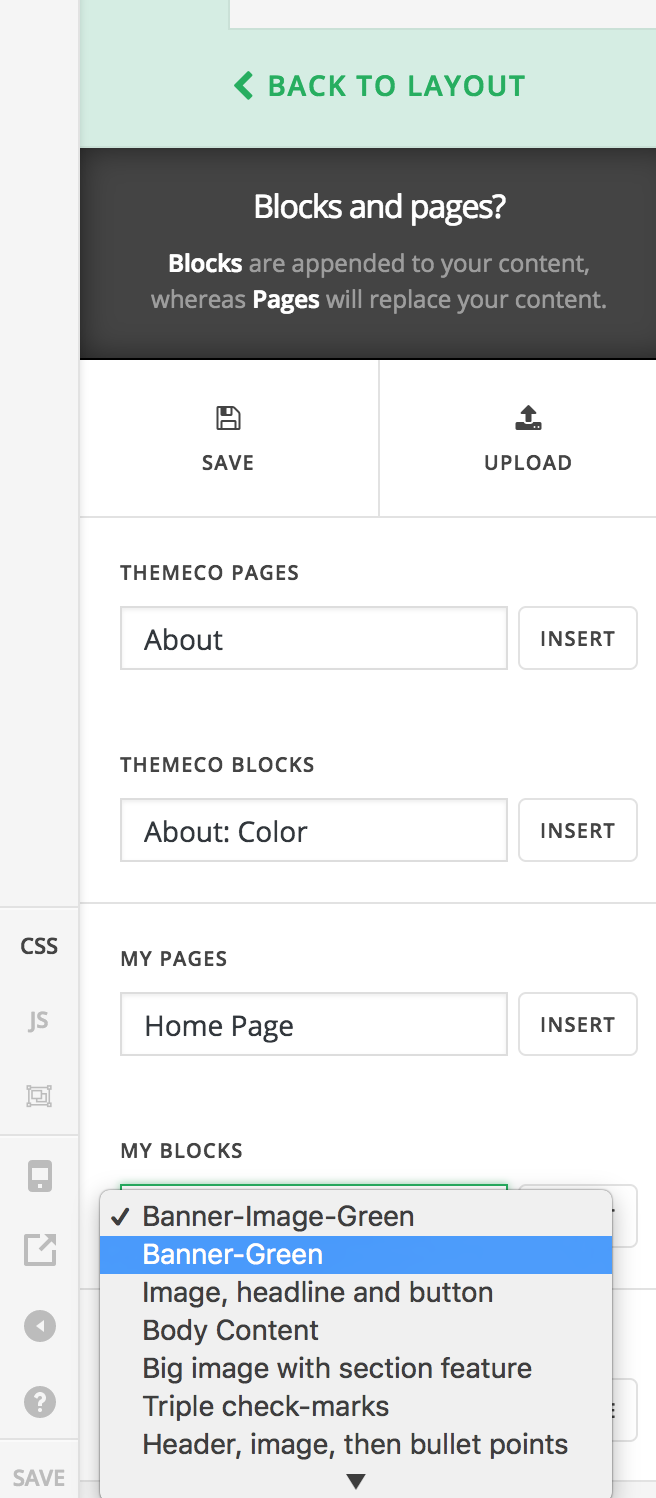
Now when they insert that block into a page they’re working on, They don’t have the media queries and what not in the custom CSS that I wrote for that block.
For example:
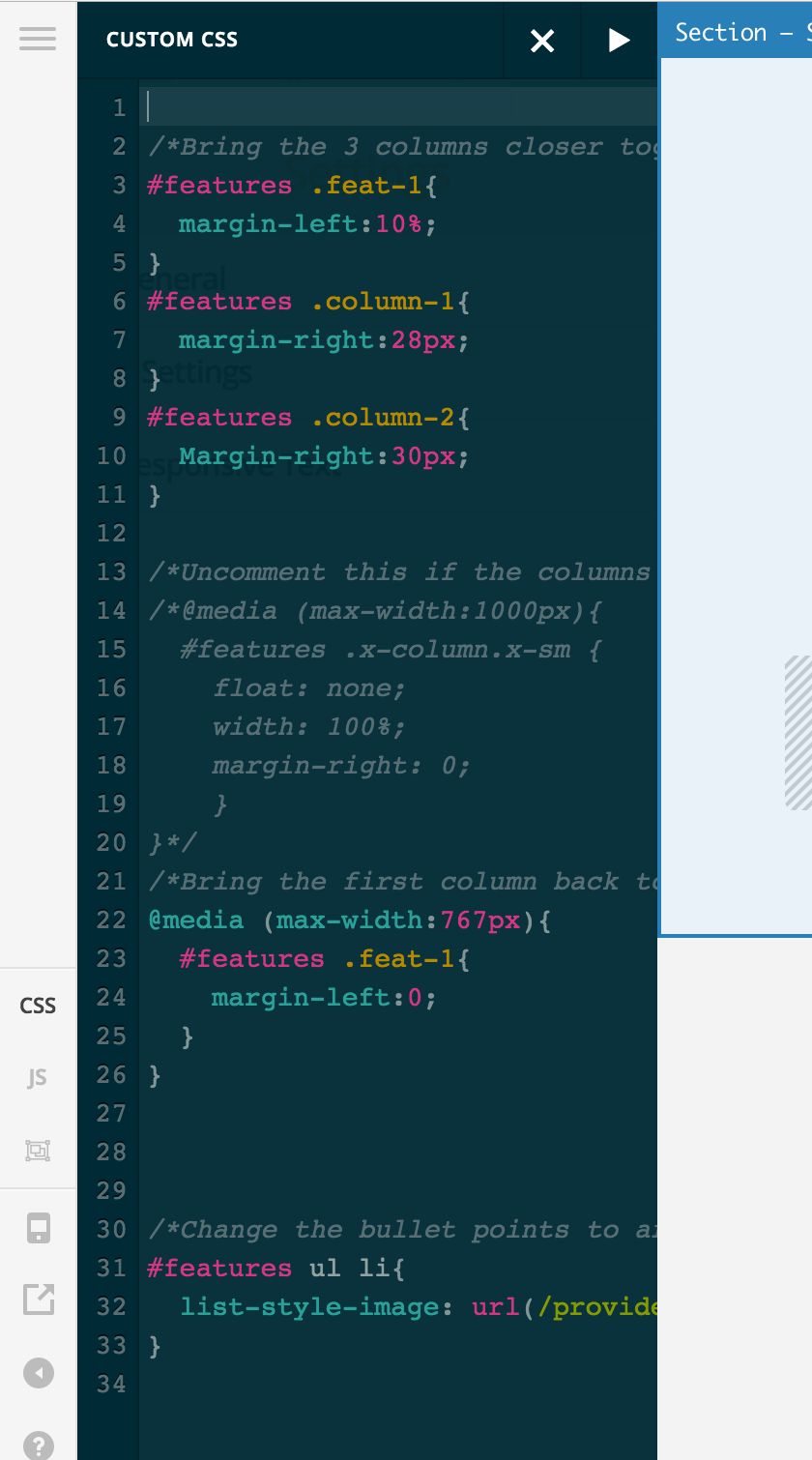
Now is there a way I can bundle that CSS with the block? That CSS is lost when I save the block to my library of blocks, so my team members don’t get it when they insert the block into their page. I hope that better explains my problem.

My current idea is to just insert a Raw Content element into the block with the CSS, but that’s a bit dirty.

Let me know if that makes any sense to you guys.

TLDR: I want to bundle my custom CSS with the template blocks I make.
Hi There,

The easiest work around is to use classes on your elements and add the class on custom CSS. Then add those custom CSS instead on Global CSS. This way it will always works once those element is on the page. No need to worry on copying each CSS per page.

Hope this helps.

Hi,

That sounds like a good option. I appreciate the help.

You’re welcome.