Cornerstone Access In X

hi

I had this issue in my staging site and one of your staff, Christian, located the issue and that is now fine for access but I still cannot edit of my content created in Cornerstone, nor can I create any new content in Pro. Access to that theme options was the only thing the tweak fixed. It was some code in the functions.php file; code I did not put there.

I have not updated my live site to pro yet, nor do I intend to, until I get my head around using it correctly, but the problem now with the live site is also access. I have commented out the same lines in the functions.php file that Christian commented out for my staging server. This is because the files should have been identical, as all I did on the staging server was to upgrade the theme, nothing else.

So that finally gave me access to the Theme Options, but I cannot edit ANY of the posts or pages I created in Cornerstone previously. I also cannot create any new content using Cornerstone.

To say this is becoming frustrating and annoying would be an understatement. The live site has not been updated for months and back at that time, no such issues occurred.

Are you able to tell me what is now causing Cornerstone from being able to access content created in it?

Login details in a secure note

Regards
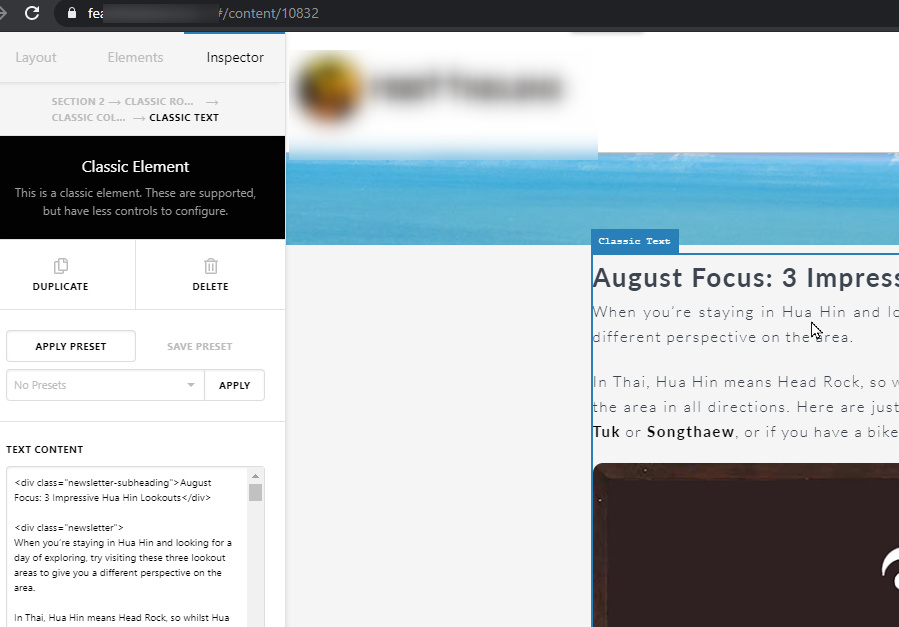
Ok, so have been able to narrow it down to the same code which was commented out, both in the live server and staging server. The code in in the functions/php file of both the child theme on the live and staging servers. Once commented out, normal activity resumes.

I did upgrade some plugins today, but would simply upgrading a plugin actually take away the commented our slashes or rewrite the code?

Any ideas of what would be either rewriting the code or removing the commenting out?

The code in question is this:-

// if(!is_admin()) { // add_filter( 'style_loader_src', 'remove_cssjs_ver', 10, 2 ); // add_filter( 'script_loader_src', 'remove_cssjs_ver', 10, 2 ); // add_filter( 'script_loader_tag', function ( $tag, $handle ) // { // if ( 'jquery-core' == $handle){ return $tag; } // if ( 'x-site-head' == $handle){ return $tag; } // return str_replace( ' src', ' defer="defer" src', $tag ); // }, 10, 2 ); // }

Any thoughts on why this behaviour would occur? Could it possibly be a plugin doing it and if so, I am wondering which one.

cheers

Hi @guybower1,

Thank you for writing in, but sorry I am not entirely certain of the issue as I can access your Cornerstone page and Theme Options, so it seems your X and Cornerstone are fine. Please clarify how we can replicate the issue.

No, plugins do not rewrite codes on functions.php file. I see that you have 2 child themes on your site, one with that code and one without, so maybe you’re looking in the wrong child theme.

Cheers!

hi Friech

Thanks for your reply.

So what happened is Christian discovered the superfluous code in the functions.php file and commented it out. When I to finally gain access only a few days ago, there were a number of plugins requiring upgrading, so I upgraded them all. Prior to that, I could access Theme Options and create or edit pages and posts. Once upgraded, I was again not able to get to the Theme Options nor create or edit posts and pages.

If you wish to replicate the error, simply remove the // from the code I posted above and you will also not have access to Theme Options and will not have the ability to edit or create new posts or pages. You say no plugins would do that, yet Christian had commented it out on the staging weeks ago , but after upgrading plugins on the staging server, the same thing happened

cheers

Hey @guybower1,

Like Friech, I can access Theme Options and can edit/create pages in both your Live and Staging site.

Regarding the custom code that I commented out, please remove/delete the commented lines from your sites so it won’t bother you ever again. I only commented it out to show you that it’s the cause of the issue.

If you encounter new issues with Cornerstone, it’s most probably because of a different reason like plugin conflict. It no longer is related to the custom code.

If you cannot edit or create pages using Cornerstone while we can, that means the problem is in your browser. Try clearing your browser’s cache and if you have browser extensions, temporarily deactivate all of them. Also, try using other browsers.

Thanks.

This topic was automatically closed 10 days after the last reply. New replies are no longer allowed.