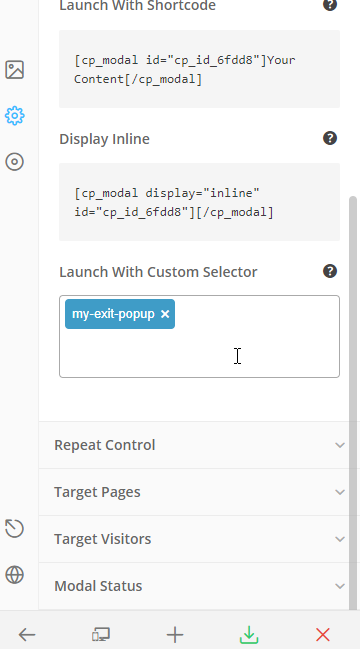
I’m trying to have a plain text link pop up a convertplus module and then have a button that will take the user off the site but that can be clicked on from the module window and doesn’t need to be automatic.
I tried 3 different ways to link my pop up and none are working. I had looked at the documentation and this forum post https://theme.co/apex/forum/t/how-to-pop-convertplus-modals-as-a-link/30050
These are the 3 tries:
Please click [cp_modal id="my-exit-popup"]here[/cp_modal] to learn more about XXX LLC.
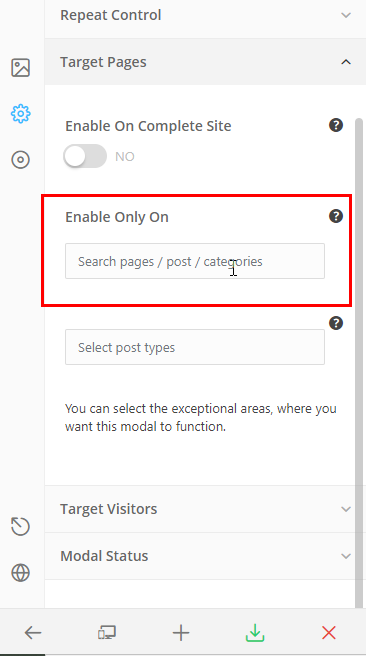
this is my pop up
https://bramshill.staging.wpengine.com/wp-admin/admin.php?page=smile-modal-designer&style-view=edit&style=cp_id_6fdd8&theme=every_design
ideally I don’t need it link just to pop the pop up from a text link