Hey, I’ve upgraded the convertplus plugin to the latest version - 3.2.0.1.
and when I did all the data in the site was off. How can I fix it?
Thanks,
Dafna.
Hey, I’ve upgraded the convertplus plugin to the latest version - 3.2.0.1.
and when I did all the data in the site was off. How can I fix it?
Thanks,
Dafna.
Hi There,
Thanks for writing in! Did you mean the site data or is that your Converplus data is gone ?
Please provide us with your WordPress login credentials in a secure note to take a closer look.
Thanks!
Hey I have meant all the site data.
The login credentials are added in a secure note.
At the moment the convert plus plugin is deactivated but if you’ll activate it again you will see the data of the site disappear.
Thanks,
Dafna.
Hi there,
What data you’re referring? I activated and your site’s contents are still intact. Do you mean the ConvertPlus items are missing? I recommend restoring your site to when it’s still working then export your ConvertPlus items, then upgrade it again, and re-import your ConvertPlus items.
Thanks!
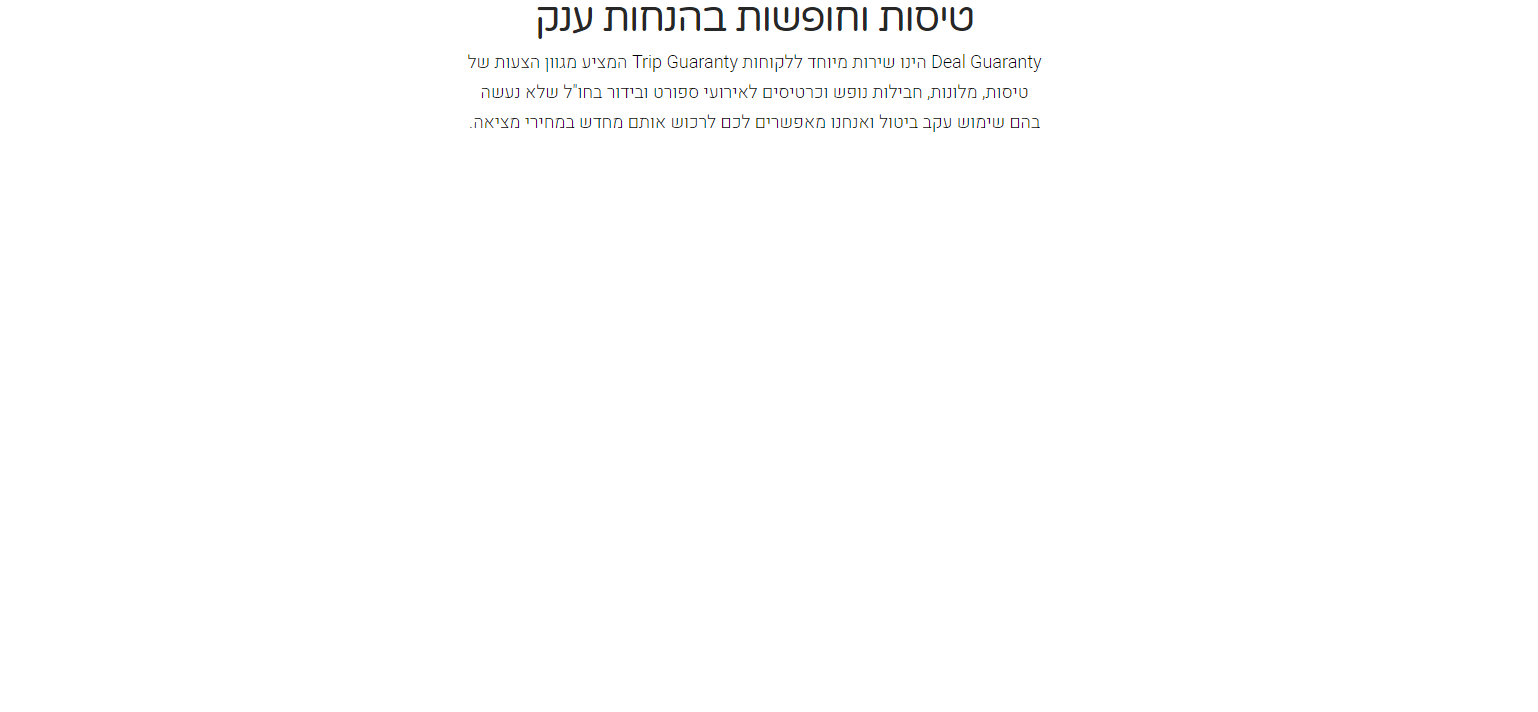
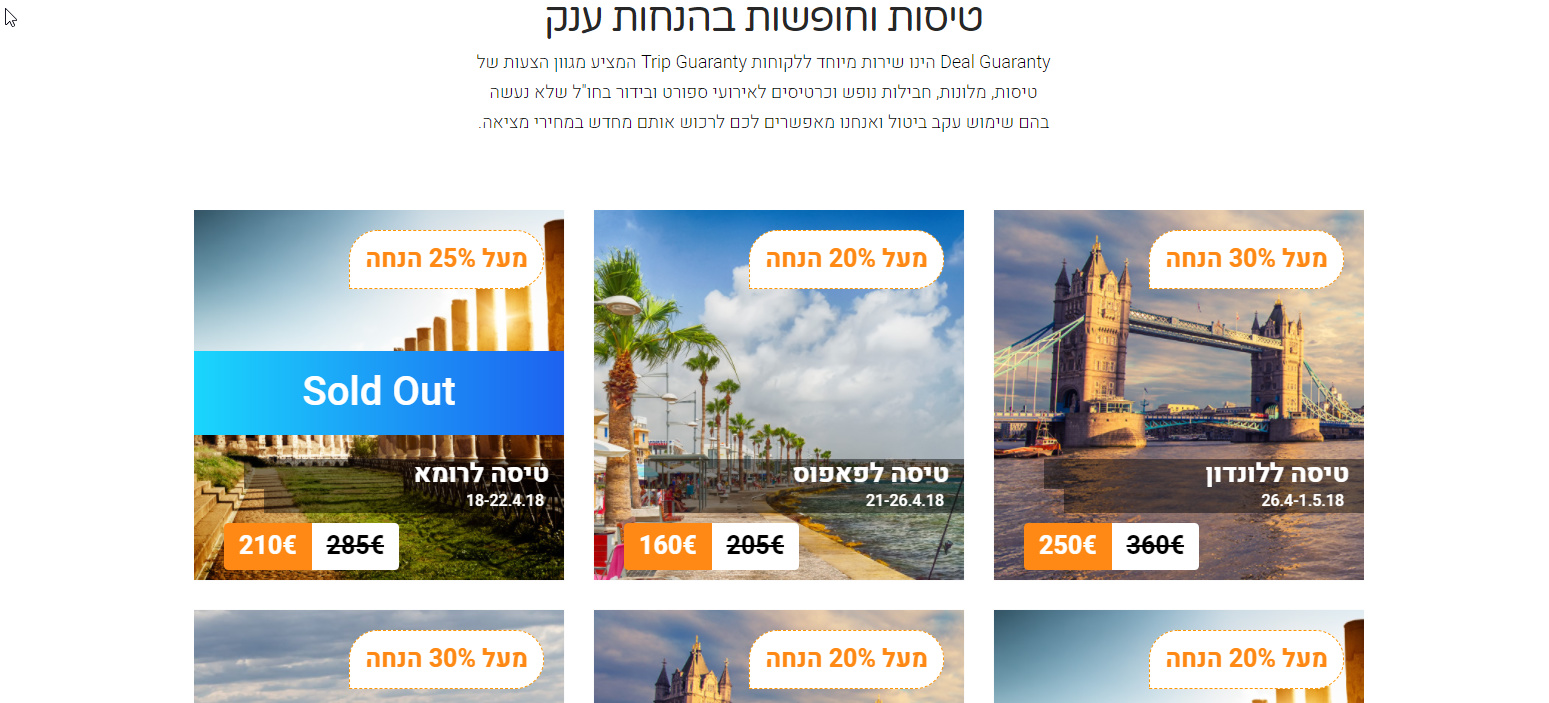
You can see in the pictures, when the convert plus plugin is activated there is no images, and when it’s deactivated there are images…
Hi There,
Please try testing a plugin conflict. You can do this by deactivating all third-party plugins, and see if the problem remains. If it’s fixed, you’ll know a plugin caused the problem, and you can narrow down which one by reactivating them one at a time.
Also try adding the following code into your wp-config.php file in the root of your WordPress installation.
define( 'WP_MEMORY_LIMIT', '256M' ); define( 'WP_MAX_MEMORY_LIMIT', '256M' );
If that doesn’t help, please provide us with your FTP login credentials to check your current setup.
Hope it helps.
How can i know which one is a third-party plugins?
I’ve tried adding the code in wp-config.php and it didn’t solve the problem.
Hi There,
We refer to the plugins that are not in the X -> Validation section as 3rd party plugins. One way to isolate your issue would be to disable all of your plugins, except Cornerstone and test your site. If the issue resolved, you can then activate your plugins one by one and test to see which plugin cause this issue.
Thanks!
This topic was automatically closed 10 days after the last reply. New replies are no longer allowed.