Can I use the Code Canyon Cornerstone single license on a site that was originally designed in an old version of ThemeCo Pro (1.04)? I purchased Cornerstone on Code Canyon, installed it, added license code, but am still seeing all the CS code from the pro site on pages and errors like below with classic:section
I see code like this in the visual section of all pages…which I presume was generated by Cornerstone in the pro theme. Can it work in the Cornerstone standalone plugin?
[/x_raw_content][/cs_column][/cs_row][cs_row inner_container=”true” marginless_columns=”false”
or
[cs_section bg_image=”
And I get these errors when I try to edit pages in cornerstone using a genesis theme:
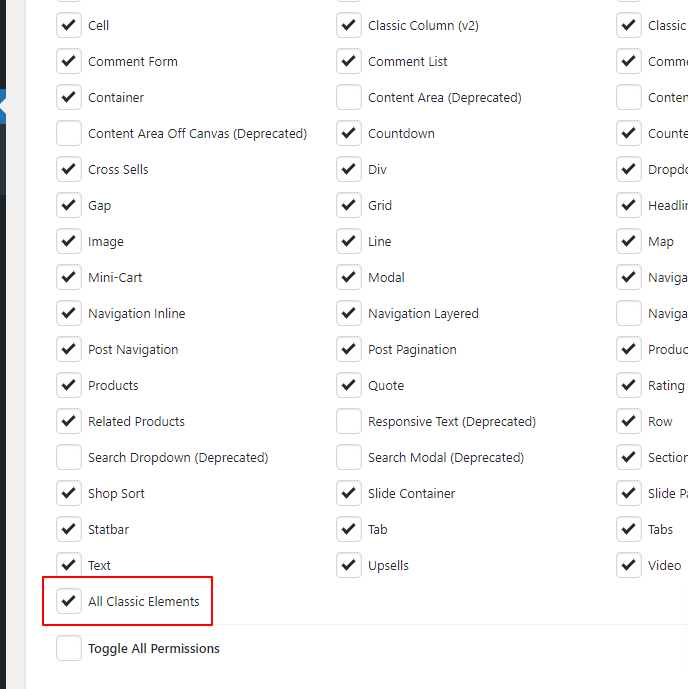
classic:section: This element could not render because its definition is missing. You might need to activate a plugin.
All plugins are activated same as when Themeco pro theme was active…including cornerstore, essential addsons for cornerstone and others.
Please advise