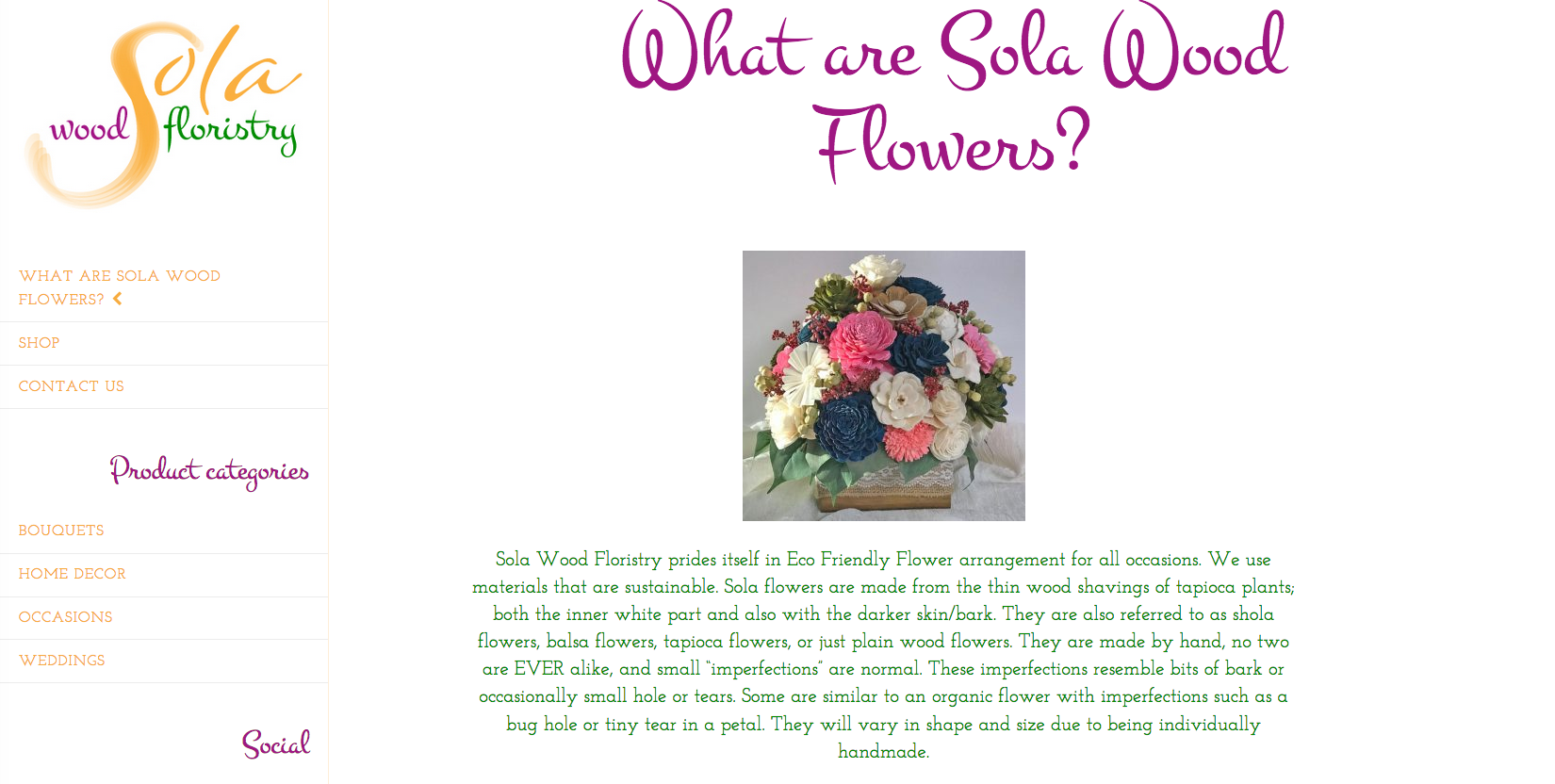
The content is not centered under the header on pages.
Hi There,
Please provide us with your website URL so we can take a closer look?
Thanks.
Sorry about the slow response, the site was in development on my server. It is now live.
Hi There,
Thank you for the URL, what causes that issue is your left-sidebar. The sidebar should not be there in the first place because that covers the actual masthead/navigation and a bit of left part of the content, that is why the content does not look centered.
To resolve this, please navigate to Theme Options > Layout and Design and change the Content Layout to Content Left, Sidebar Right or Fullwidth (if you don’t want a sidebar)
You can add a logo on the masthead under Theme Options > Header > LOGO UPLOAD
Hope it helps,
Cheers!
I want a left scrollable sidebar with the content centered in the content area on all the pages including the product pages. What you said above leaves me with a scrollable right sidebar and an unstyled left woocommerce sidebar.
I have done 3 other sites with scrollable sidebars with no problems, the difference being woocommerce.
Help,
Krina
Hi Krina,
Sorry for the confusion, that is not a sidebar. That is your fixed-left navigation bar, you have that in entire site but it was covered by the scrollable sidebar on pages.
If you need the scrollable sidebar stay on left, Maybe you can set the NAVBAR POSITION (under Theme Options > Header) to Static top instead, and use a No Header template on your pages to hide the header.
Hope it helps,
Cheers!
This topic was automatically closed 10 days after the last reply. New replies are no longer allowed.