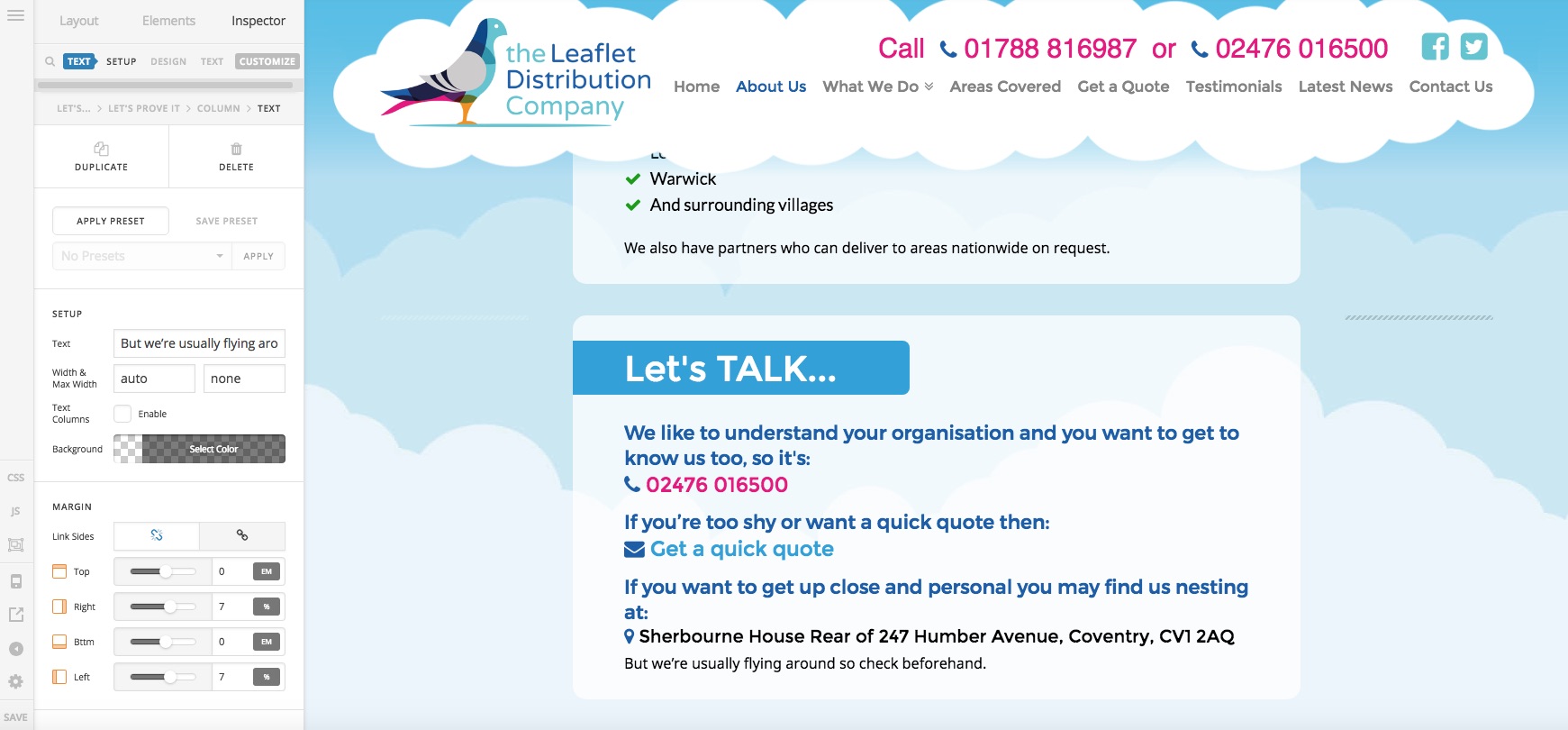
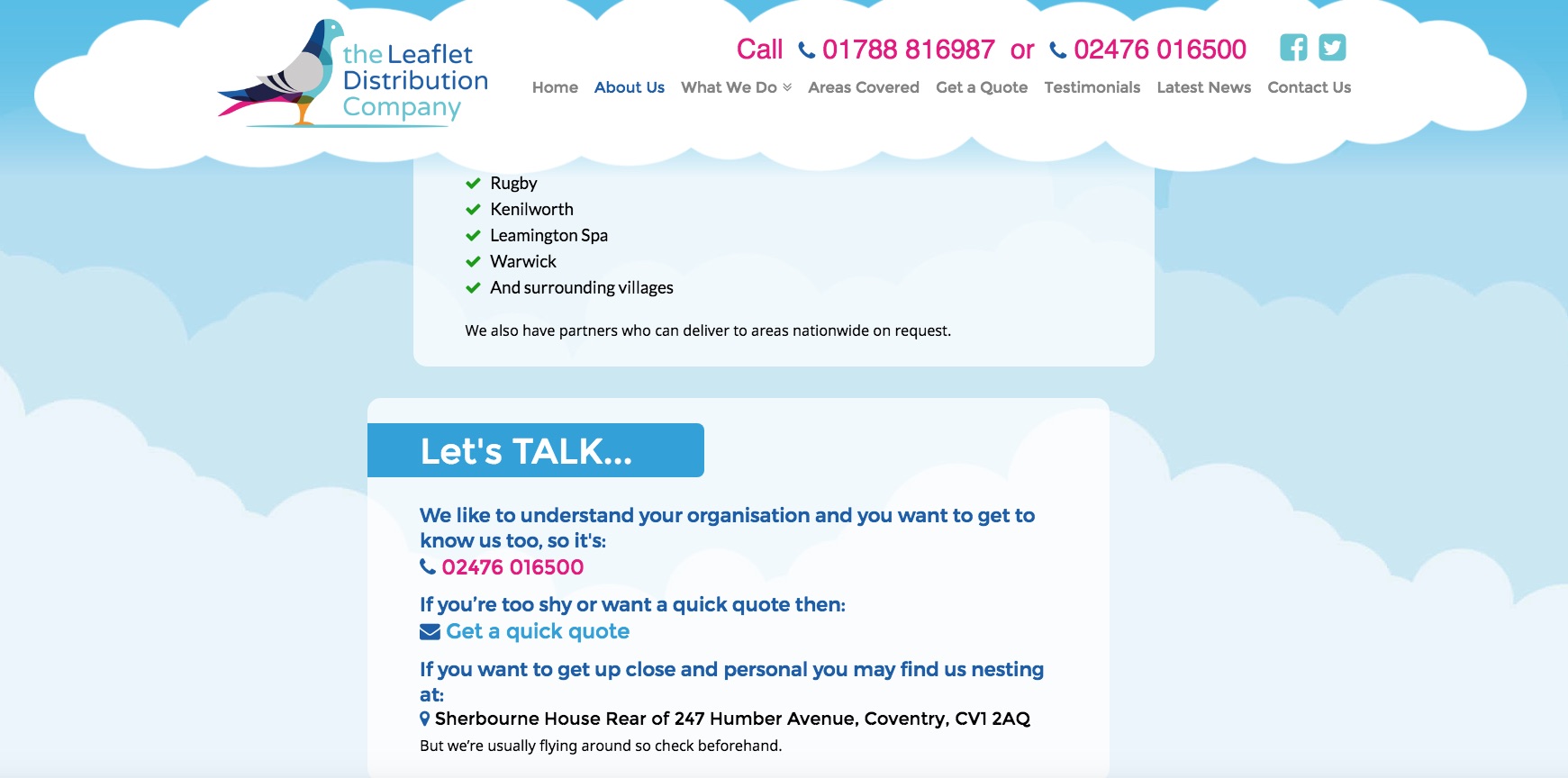
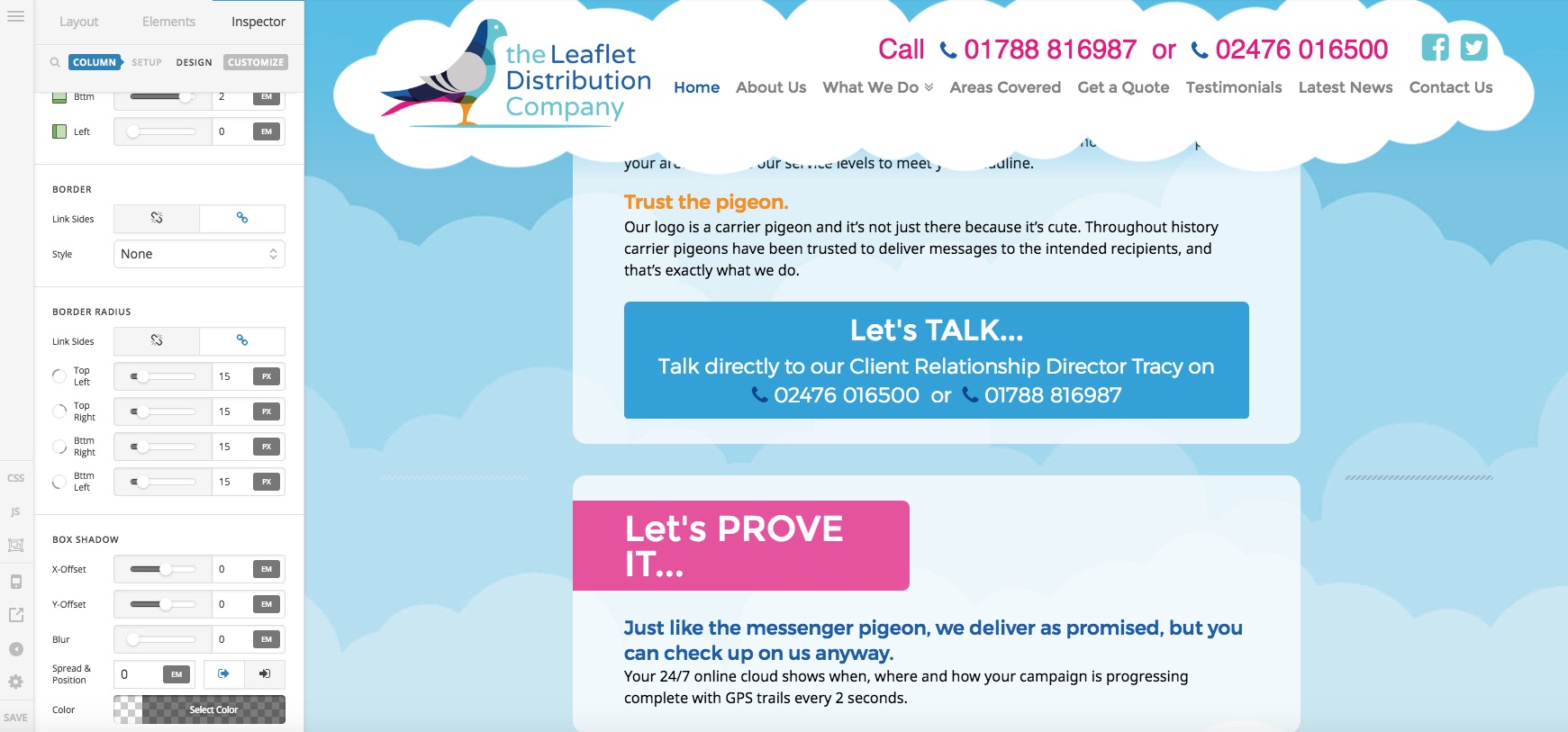
Content in Rows Not Displaying Columns Correctly

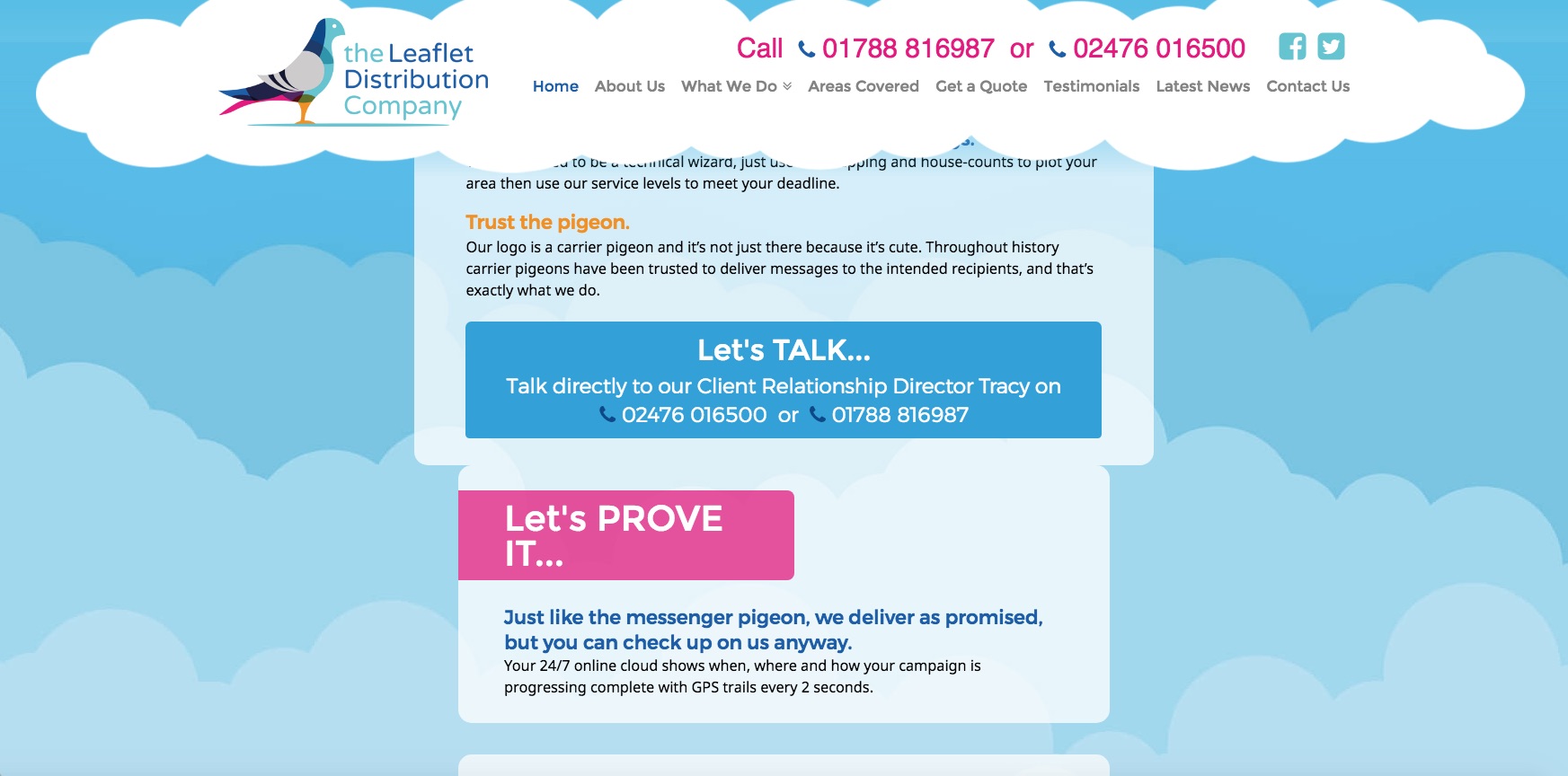
Hi, I’m currently working on a site and I’ve got a section with a few rows in it and the rows each have 3 columns. The left and right column have a gap with no content, so it’s just the centre column that has text. When I view it in Cornerstone it’s exactly as I want it, however when I view it on the front end for some reason one of the columns doesn’t line up with the ones above it, yet all the settings are exactly the same!

I’ve included some screen grabs.

I’ll put the URL in a secure note as it’s on a temp link.

Thanks!
Hi there,

Thanks for writing in! It looks like you’ve an unclosed anchor tag <a></a> in your content which is breaking the layout of your pages. I see your rows are wrapped inside an anchor tag which is disturbing the layout, this could be due to either an unclosed anchor tag or you might have added a script to wrap the rows in an anchor tag. Try removing custom JavaScript and look out for an unclosed anchor tag to fix the issue.

Let us know how this goes!

Ah yep, found the unclosed tags!

Thank you for your help!

You’re welcome.

This topic was automatically closed 10 days after the last reply. New replies are no longer allowed.