Hi I’ m working with X Pro child Stack-Integrity
And I would like to have some sections in the content in full screen width. Like the footers. How can I do that?
I am happy for any help!

Hi I’ m working with X Pro child Stack-Integrity
And I would like to have some sections in the content in full screen width. Like the footers. How can I do that?
I am happy for any help!
Hello Janine,
Thanks for writing in!
To make the contents fullwidth, please create your section and then in the row settings, find the “Global Container” options and turn it “OFF”. For adding some backgrounds in your sections, you may need to check out our Youtube Channel here:
Hope this helps.
Hi
Thank you. I turned the Global Container off. But the problem is, the section it self is not fullwidth. So the image stays out of the container but in the Section.
So, how can I make the Section fullwidth but still responsive? And additionally (nice to have…), I like to apply it to just on one side, not on all. Is that possible?  So just the example with the split menu get going
uploads.s3.amazonaws.com/original/3X/8/c/8c36cfa6487560a8cc23b8c646d59fb30918da56.png" width=“690” height=“368”>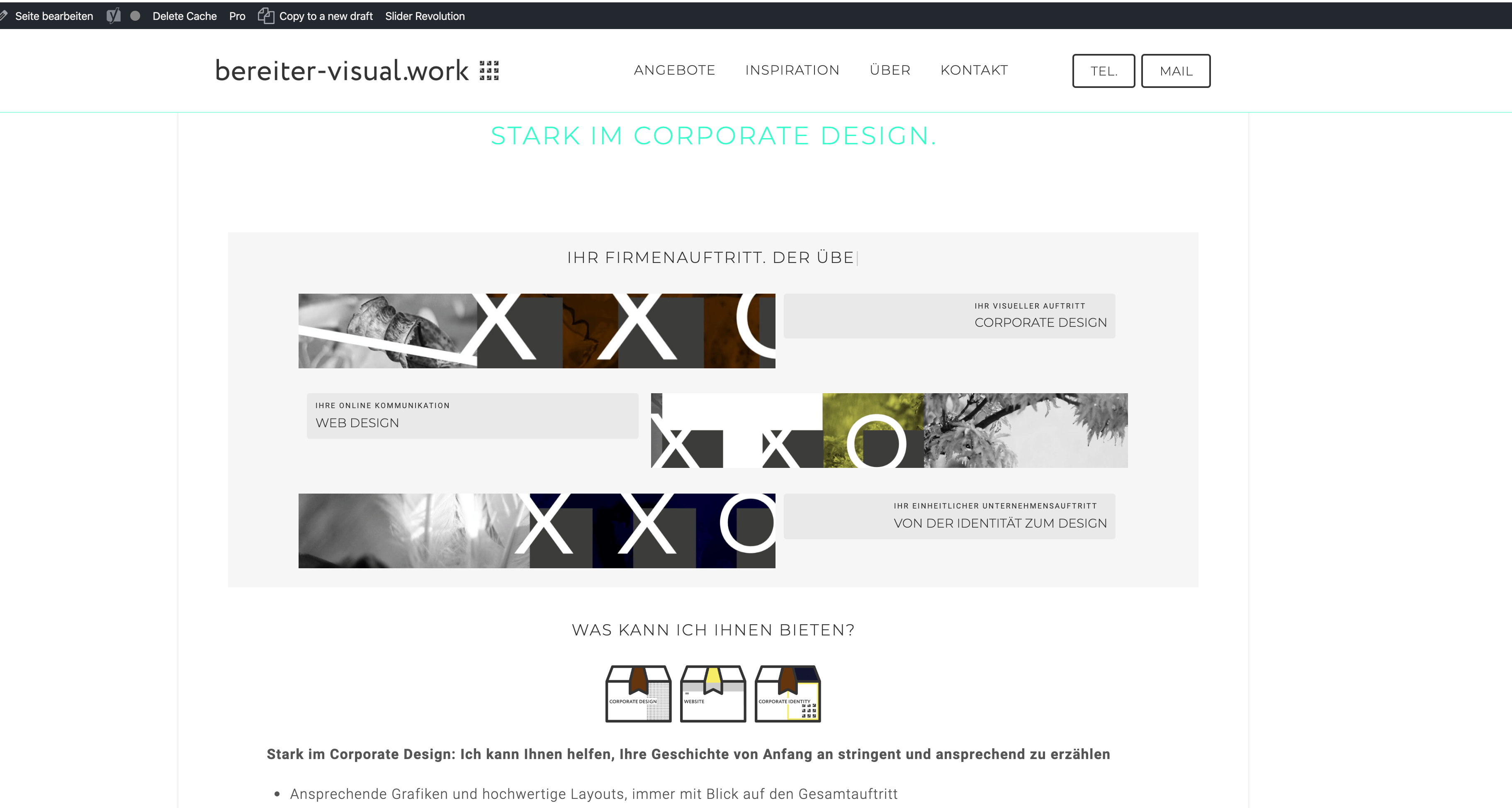
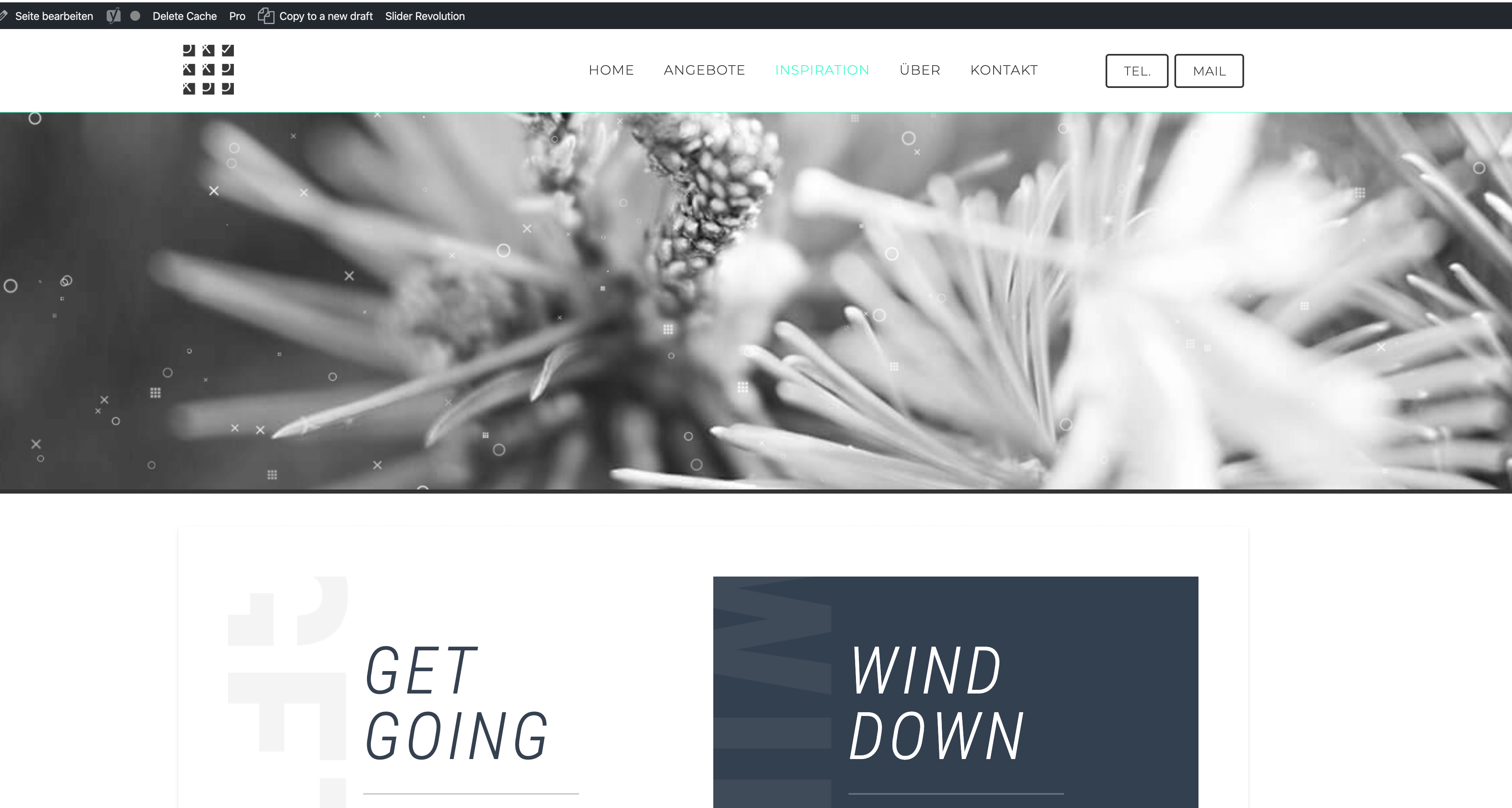
Ok, I think it works the same like with the split menu template. I have to choose the no container Template on the requested site first.
Solved
Glad this is now sorted out. Thank you for updating us.
This topic was automatically closed 10 days after the last reply. New replies are no longer allowed.
