Hi There,
Thanks for sending in!
The example header you are suggesting is a fully customized designed header. How ever you can make it similar header by adding custom CSS. Please add following css to theme option -> Custom CSS by clicking on the css link left side of the cornerstone panel, As mentioned in screenshot, and save it.
body.x-navbar-fixed-top-active .x-navbar-wrap {
  width: 100%;
  position: absolute;
}
.x-navbar {
  max-width: 1000px;
  margin: auto;
  transition: 0.5s;
}
.x-navbar-fixed-top {
  max-width: 100% !important;
}
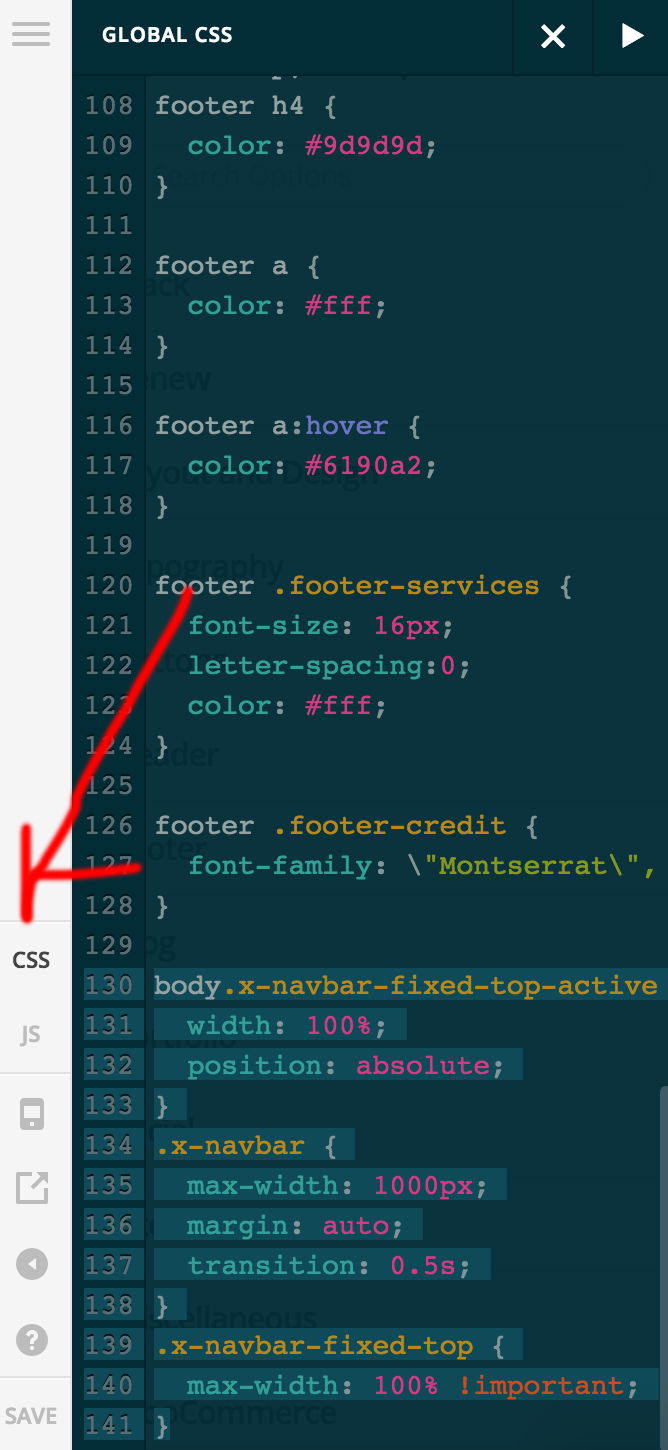
Remember this css is only to make the menu bar similar effect as per your given example. You have to adjust the panels below to the menu bar accordingly. I am not sure how is your site look like.
Please check this URL I have done using the same CSS: https://crayonux.com/x522/
Hope this is clear
