The site is looking good but the Content builder does not show the site correctly, can not edit the site properly. 
UPDATE: I tried Firefox instead fo Google Chrome and the content builder is working fine in Firefox.
The site is looking good but the Content builder does not show the site correctly, can not edit the site properly.
UPDATE: I tried Firefox instead fo Google Chrome and the content builder is working fine in Firefox.
Hello @miguelomar,
Thanks for asking. 
As builder is working fine on Firefox, can you please share website login details in a secure note for us to take a closer look as to why it’s not working on Chrome?
Thanks.
Hello @miguelomar,
Thanks for sharing login details but it looks like you forgot to share website URL.
Thanks.
Hello @miguelomar,
I do not see the login details, only the link. Can you please take care of it?
Best regards.
Site, login and password are in the last secure note
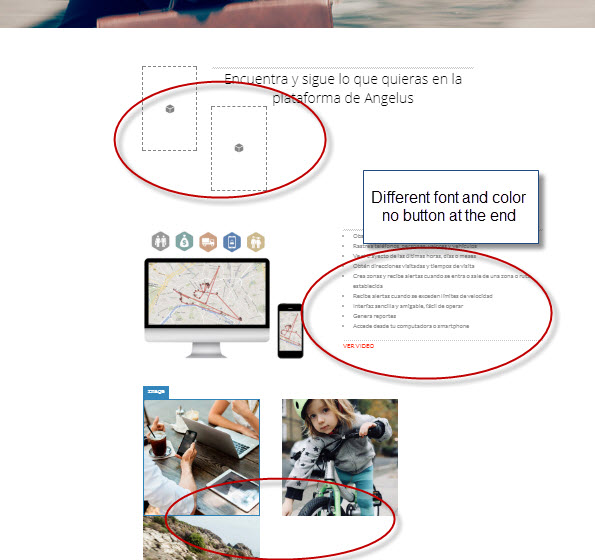
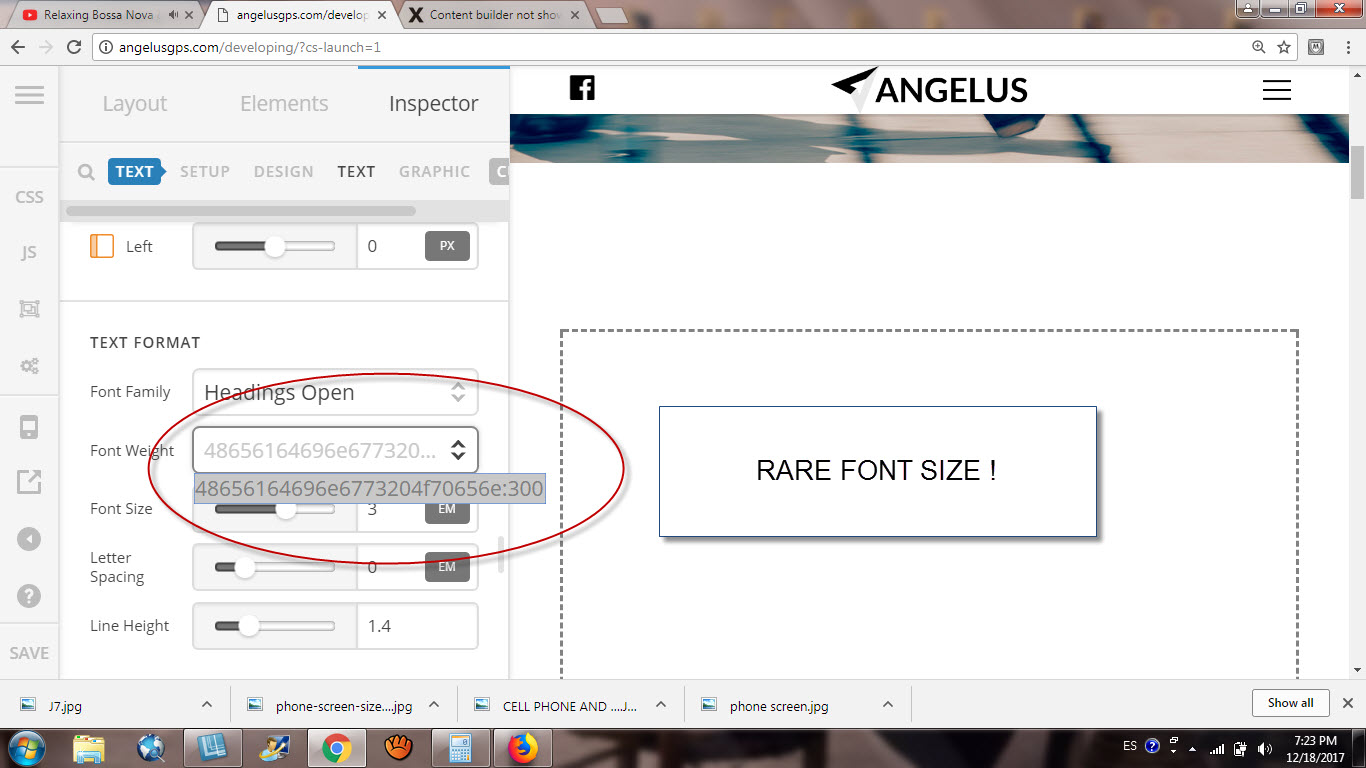
Problem has worsened, the preview in the content builder does not match with website, rare font sizes, bad arrangement of columns no buttons, but the website is ok, the problem is the editor. 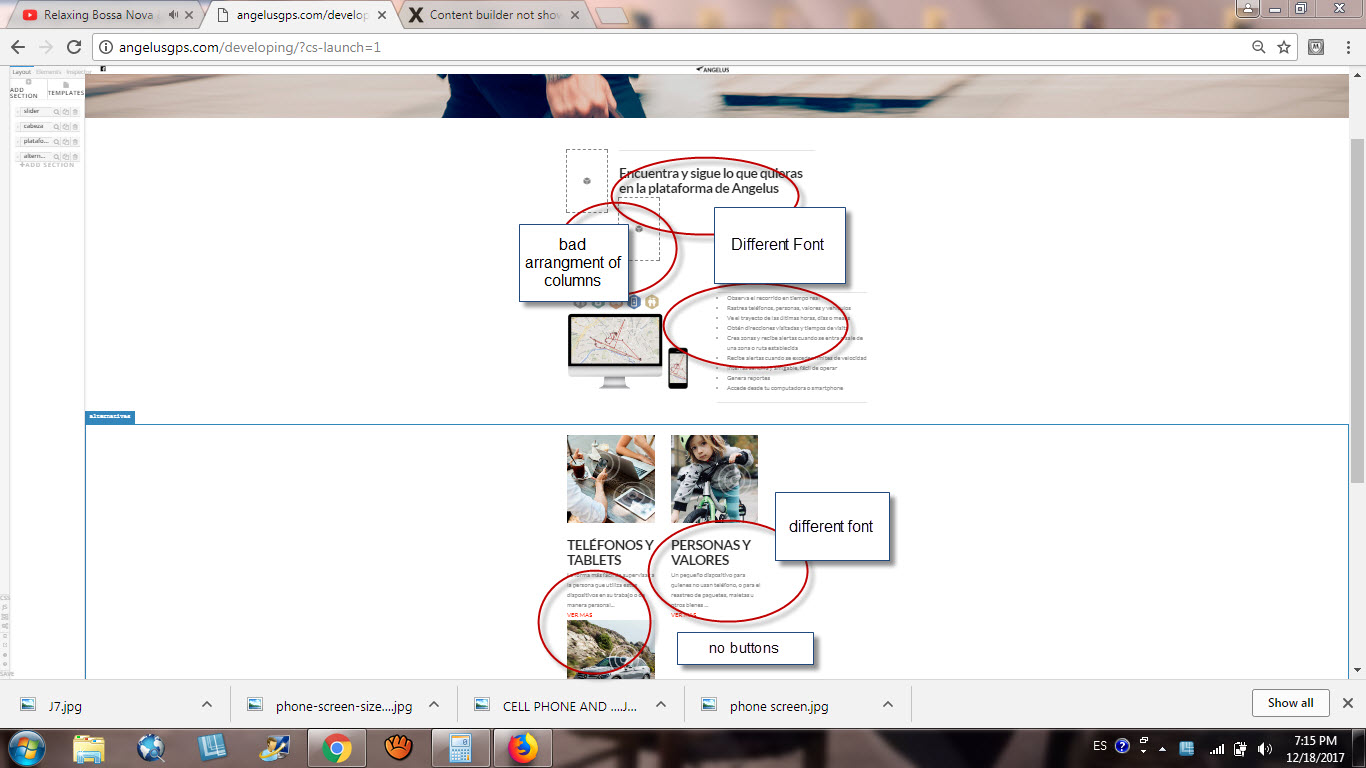
Hi There,
Thank you for the credentials but it did not work, I’ve tried a different combination of your username/password but no luck. Please check.
Your version of X (5.2.5) and Cornerstone (2.0.6) is not compatible, please update your Cornerstone to the latest version (2.1.7). The easiest way to update your Cornerstone to the latest version is navigating to Plugins panel, deactivate and delete your current Cornerstone. Then navigate to X > Overview, X will automatically re-install the latest version of CS that is bundled with it.
Remember to clear all caches (plugin, server-side, CDN, and browser’s cache) after updating so that the code from the latest release is always in use. This will help you to avoid any potential errors.
Hope it helps,
Cheers!
This topic was automatically closed 10 days after the last reply. New replies are no longer allowed.