Hi guys. How do I push over the ubermenu in a content area so it sits in the same place as an inline navigation (on the far right).
Hello Hayden,
Thanks for posting in! When you activate uberMenu, the primary menu will be replaced. If you are using the Pro theme and have created a custom header, you will need to set the content length to 100% and the maximum content width to none in the bar settings.
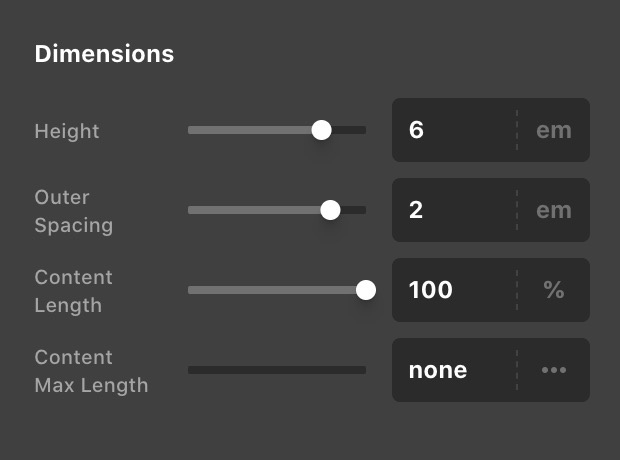
To know more about how you can create your custom header, please check this out:
Best Regards.
1 Like
thank you!
You’re welcome, Hayden.
This topic was automatically closed 10 days after the last reply. New replies are no longer allowed.