Content and footer quesitons

Hi there, see here:

https://www.logoglo.com/new-home/

Im trying to make it look like this:
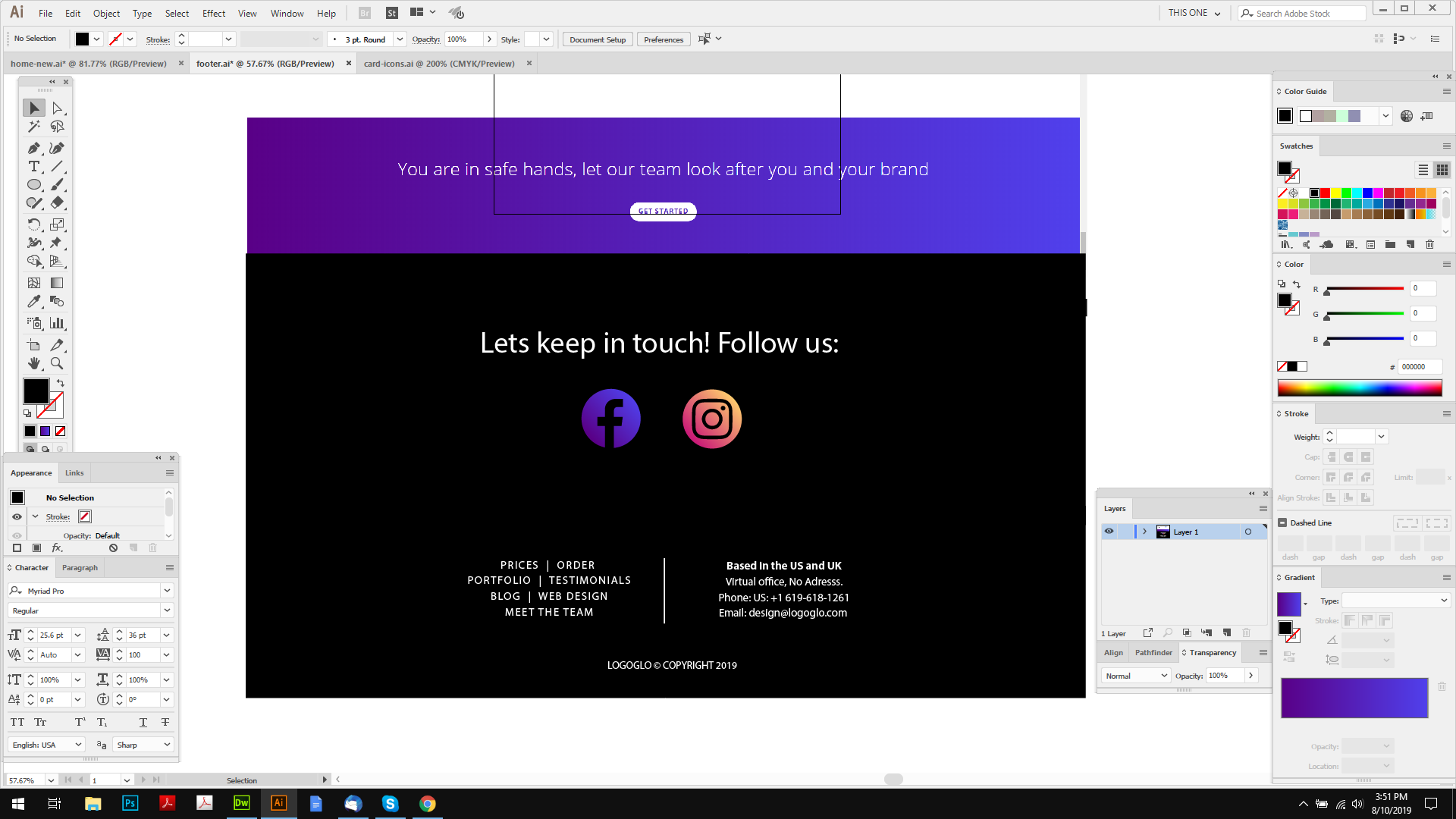
I have dummy images in there, 2 column container, how do I center the 2 icons? and reduce the padding between them? (also, I dont want them to stack on mobile view.)

Also, there is a white line above the footer, below the content, how do I get rid?

Also, on the widget section, there is a thin white line above the 2 widgets, how can I increase the space below them?

Thanks.

Hello @logoglo,

Thanks for writing in!

1.) Please make use of one column only. You can place both the icons or image element inside the column and then align them to the center. You may add some padding or margin around each icon or image to control the distance between them.

2.) The white space between the content and the footer is because of this custom css:

.x-main.full {
    margin: 50px auto;
}

Please have it updated and use this instead:

.x-main.full {
    margin: 50px auto 0;
}

3.) To remove the white line above the footer in the widgets, please add the following CSS code in the X > Theme Options > Global CSS (http://prntscr.com/evui3r)

.widget:before {
    display: none;
}

We would love to know if this has worked for you. Thank you.

Thanks RueNel, rocking it as always!

Just one thing though, 1, I followed, but its stacking the icons, how do I have them appear like I have in my image?

Thanks.

Hey @logoglo,

To make your images inline, simply assign a class e.g inline-images to your column that has those two images and then add the following code in the Theme Options > CSS:

.inline-images > .x-img {
    display: inline-block;
    margin-right: 20px;
}

Don’t forget to clear all caches including your browser’s cache after adding the code. Let us know how this goes!

Perfect! thanks.

Glad we could help.

Cheers!

This topic was automatically closed 10 days after the last reply. New replies are no longer allowed.