Hi
I have created a contact page and made the page layout full width.
I have used a contact form short code to display the form.
Please see attached screenshot.
How can make the fields smaller? They are way to long…
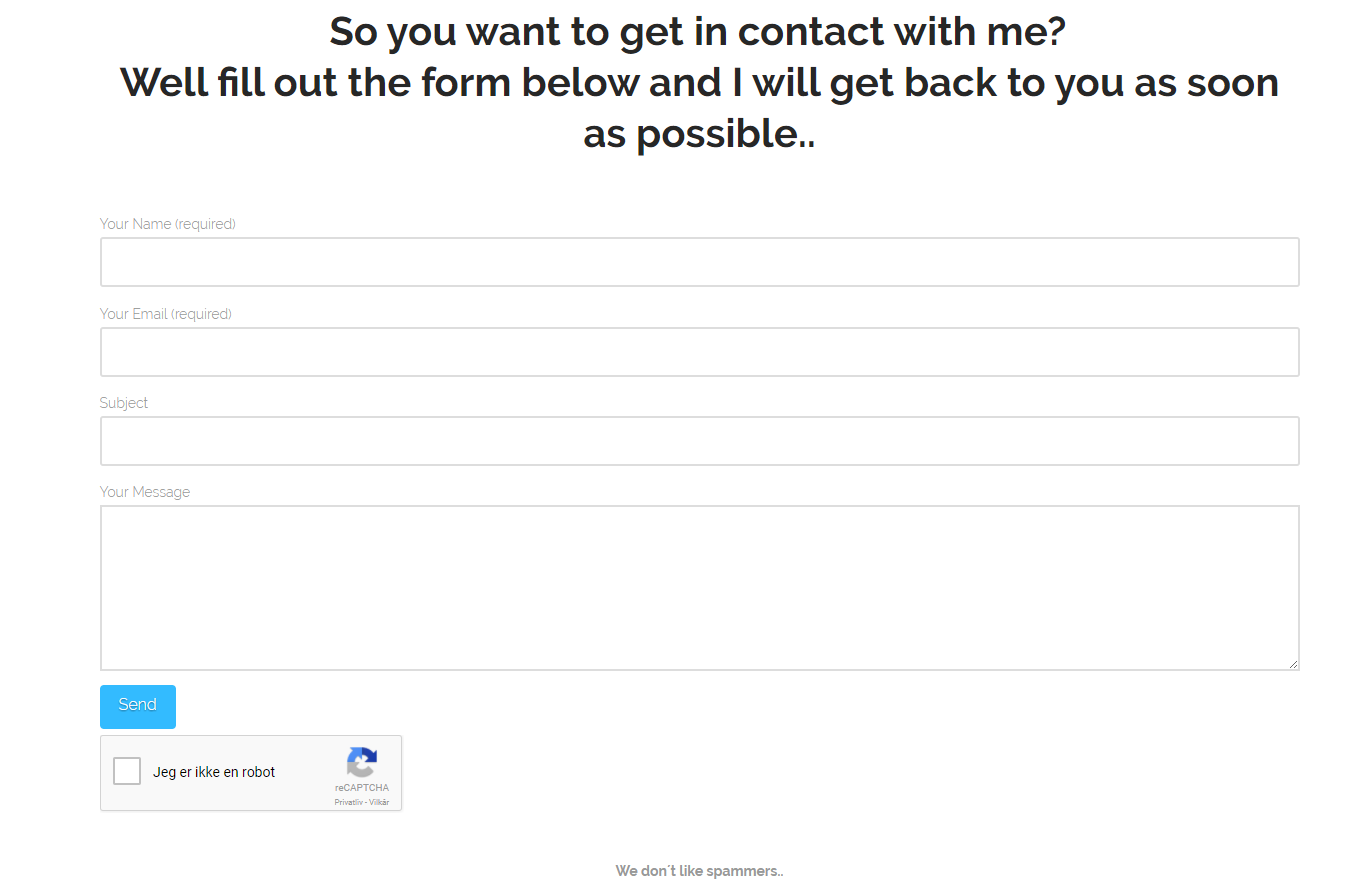
Hi
I have created a contact page and made the page layout full width.
I have used a contact form short code to display the form.
Please see attached screenshot.
How can make the fields smaller? They are way to long…
Hi There,
Please add the following CSS under Customizer > Custom > Global CSS:
.wpcf7-form {
    max-width: 80%;
    display: block;
    margin: 0 auto;
}
Hope it helps 
Hi
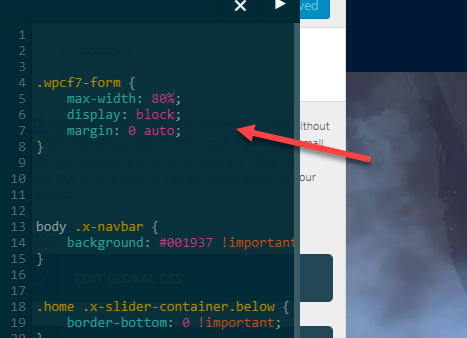
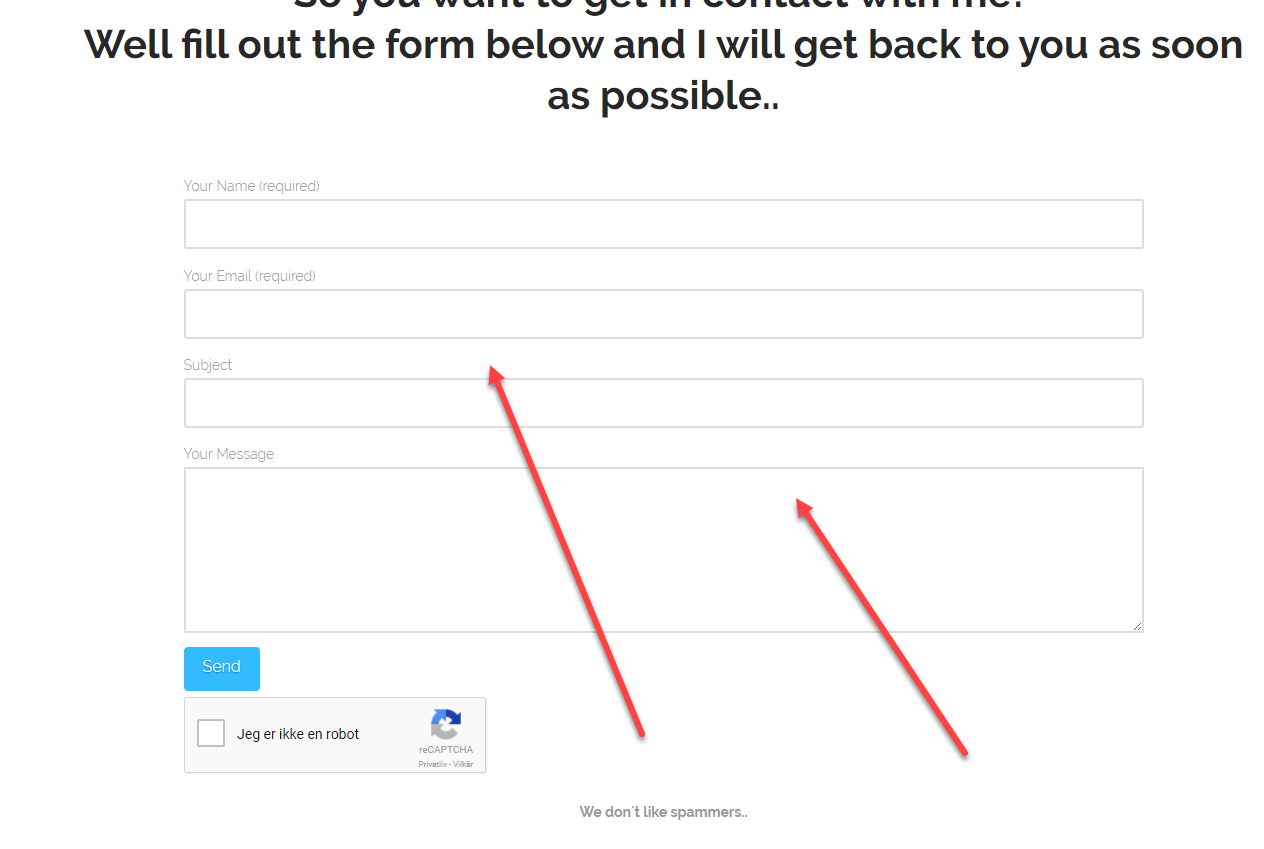
I did as you suggested. Please see screenshot. It did not help.
I also flushed the cache both from wordpress and cPanel.
Hi There,
Could you please provide us with your website URL so we can take a closer look?
Thanks.
Website url is https://creativevfx.net/contact
There is a under construction page, if you see that then there is login button in the bottom right corner.
See securenote for bypassing the splash page
Hi again,
Please replace the previous code with the following code:
.wpcf7-form {
    max-width: 350px;
    display: block;
    margin: 0 auto;
}
Let us know how this goes!
Nice Sir, that did the trick… Thank very much.
Can you explain the 3 values in the code? The first is straightforward, i can change the max width.
Hi @hrohibil,
Happy to hear that it did the trick.
for display: Displays an element as a block element (like
)
while margin: 0 auto is zero margin from top and bottom while auto margin in left and right side of the class according to its max-width.
Hope it helps.
Thanks. 
This topic was automatically closed 10 days after the last reply. New replies are no longer allowed.