I have setup my Options/Typography Fonts as
Body -> Lato
Headings -> Raleway
I created a Headline element (V2) with the following settings
Setup/Base Font Size & Tag -> 1em, h2
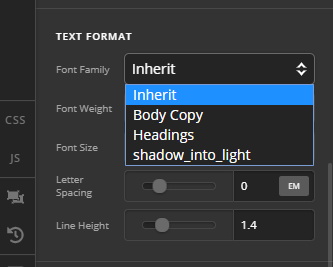
Text Format/Font-Family -> inherit
I would expect the resulting Font-Family to be Raleway (as I specified the element as h2 ie a heading element) but rather it is Lato
Im presuming it it Lato because the parent element is Lato. Therefore it seems it would never be possible to target the Options/Typography/Headline font config in a v2 Headline element
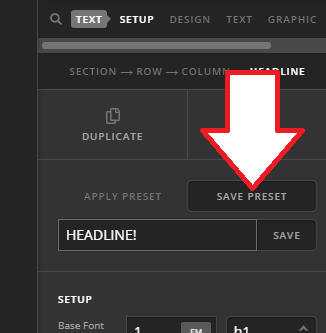
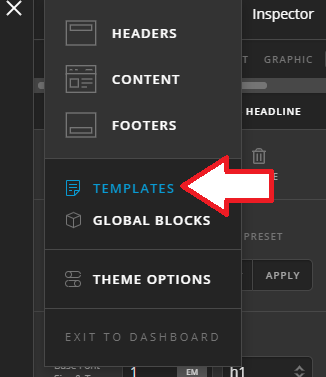
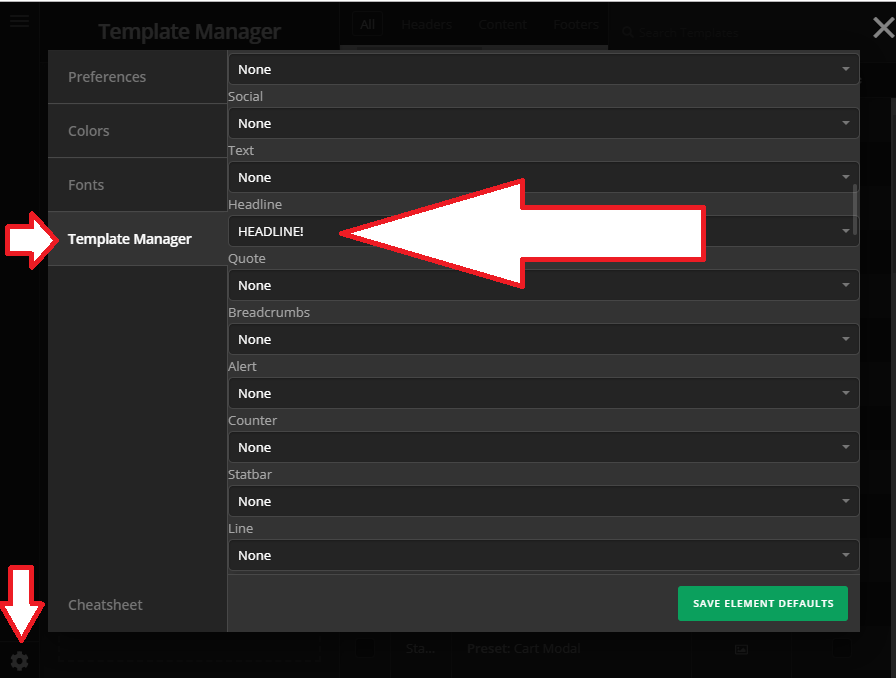
I can setup equivalent Body/Headline fonts in templates/fonts and reference them from there but this means I have 2 configurations for Headline Fonts, both of which need to be in Sync which seems counter-intuitive. Also I cannot set the letter-spacing in templates/fonts which means I have to do this individually on each V2 Headline element.
So to summarise is it fair to say, if I use a classic Headline element it will use the config from Options/Typography/Headline fonts but V2 elements are not able to access the Headline Font config from options so I have to use the config from Template/fonts and set letter-spacing individually…?
Is this correct or have I misunderstood the way these can be used…?
And is there a definitive post/page/doc that details this…?
Thanks,
Martin