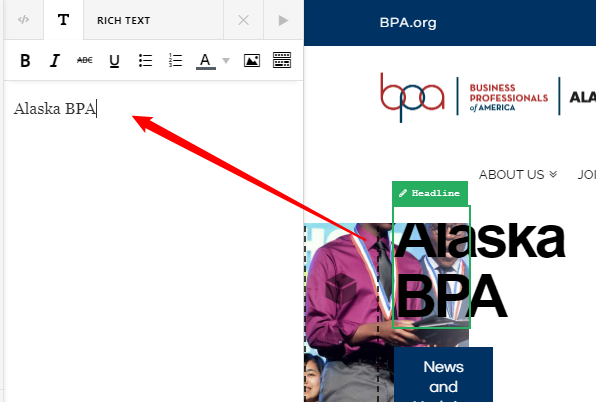
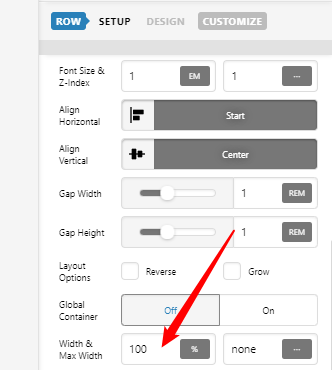
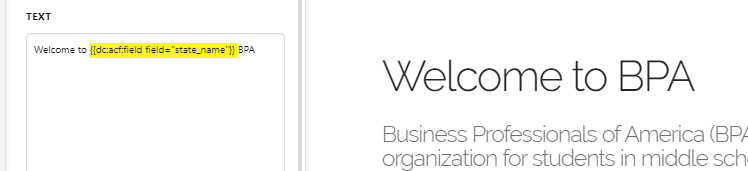
I am using Pro 3.2.3, X 7.2.3, and Cornerstone 4.2.3 and cannot edit text fields in the Cornerstone editor.

[cs_content][cs_element_section _id=“1” ][cs_element_layout_row _id=“2” ][cs_element_layout_column _id=“3” ] [/cs_element_layout_column][cs_element_layout_column _id=“4” ][cs_element_headline _id=“5” ][cs_element_headline _id=“6” ][x_button size=“global” block=“false” circle=“false” icon_only=“false” href="#news" title="" target="" info=“none” info_place=“top” info_trigger=“hover” info_content=""]News and Updates[/x_button][/cs_element_layout_column][/cs_element_layout_row][/cs_element_section][cs_element_section _id=“8” ][cs_element_layout_row _id=“9” ][cs_element_layout_column _id=“10” ][cs_element_image _id=“11” ][cs_element_headline _id=“12” ][/cs_element_layout_column][cs_element_layout_column _id=“13” ][cs_element_image _id=“14” ][cs_element_headline _id=“15” ][/cs_element_layout_column][cs_element_layout_column _id=“16” ][cs_element_image _id=“17” ][cs_element_headline _id=“18” ][/cs_element_layout_column][cs_element_layout_column _id=“19” ][cs_element_image _id=“20” ][cs_element_headline _id=“21” ][/cs_element_layout_column][/cs_element_layout_row][/cs_element_section][cs_element_section _id=“22” ][cs_element_row _id=“23” ][cs_element_column _id=“24” ][x_custom_headline level=“h2” looks_like=“h2” accent=“false” style=“color: hsl(0, 0%, 15%);margin-top:0px;”]Welcome to Alaska BPA[/x_custom_headline][/cs_element_column][/cs_element_row][cs_element_row _id=“26” ][cs_element_column _id=“27” ][x_custom_headline level=“h3” looks_like=“h5” accent=“false” style=“color: hsl(0, 0%, 45%);margin-bottom:1em;”]Business Professionals of America (BPA) is a national, cocurricular, career/technical organization for students in middle school, high school, and college business and technology programs.[/x_custom_headline][/cs_element_column][/cs_element_row][cs_element_row _id=“29” ][cs_element_column _id=“30” ][cs_text]