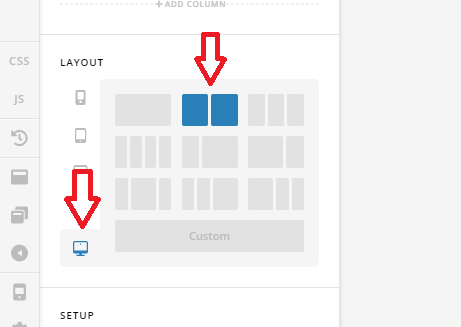
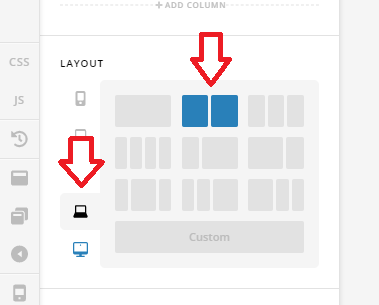
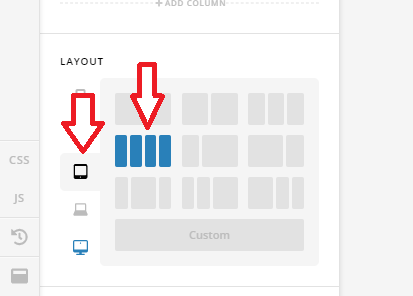
I created a Global Block with 1 row and 4 columns like this
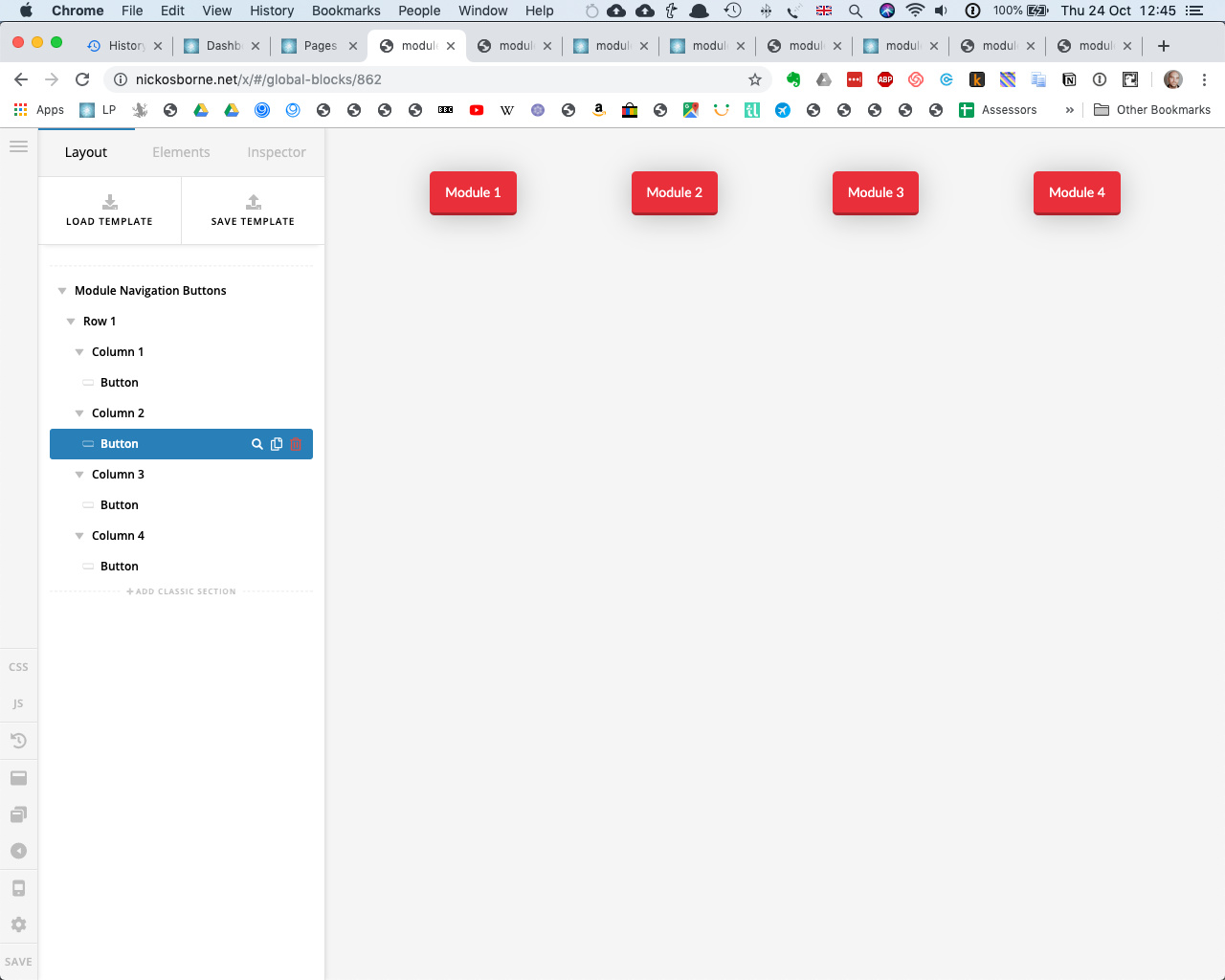
And when it is inserted in Cornerstone edit mode it looks fine like this
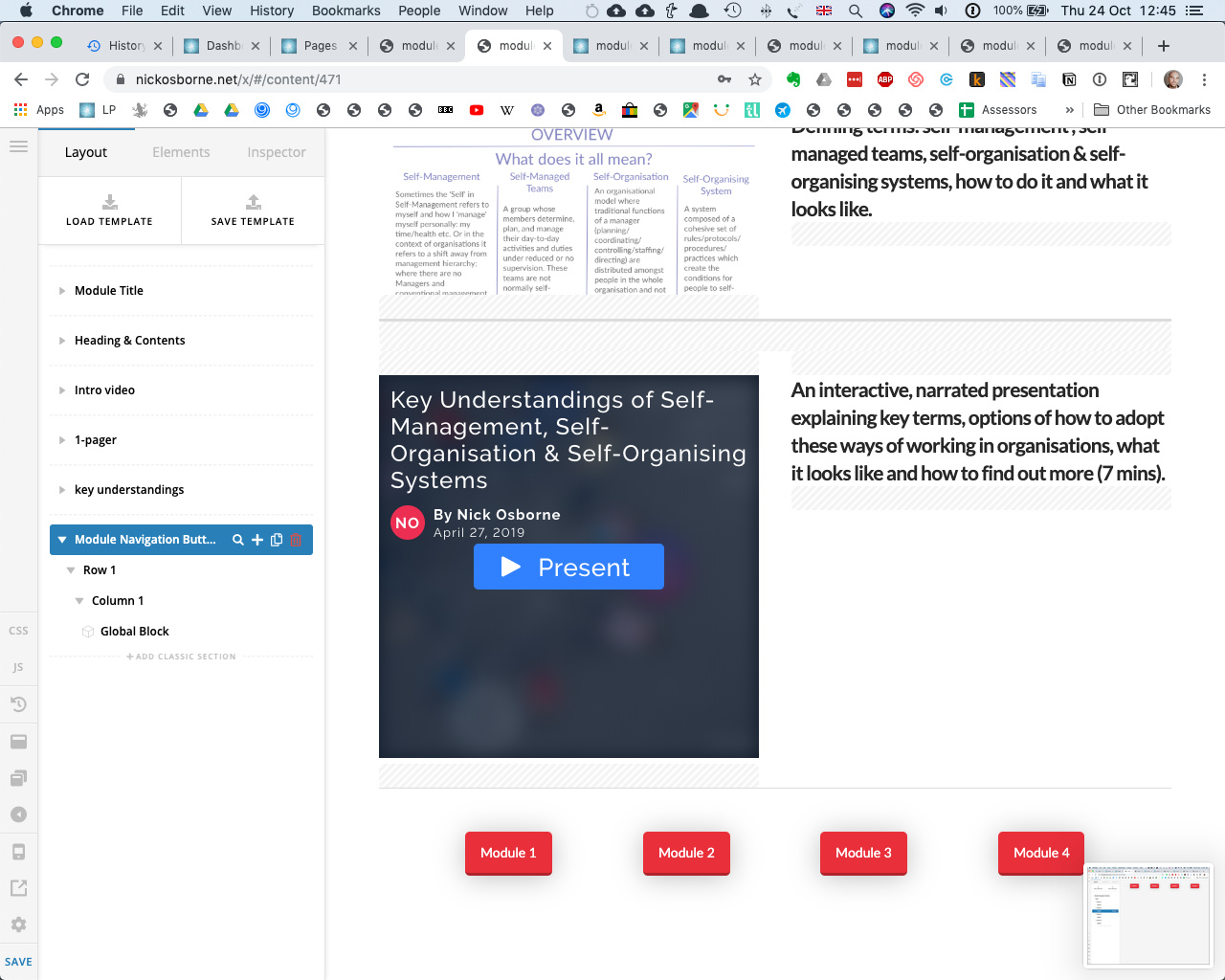
But then when it is saved and viewed on the page it looks like this and I can’t figure out how to get the 4 columns to go alongside each other in the actual published page view
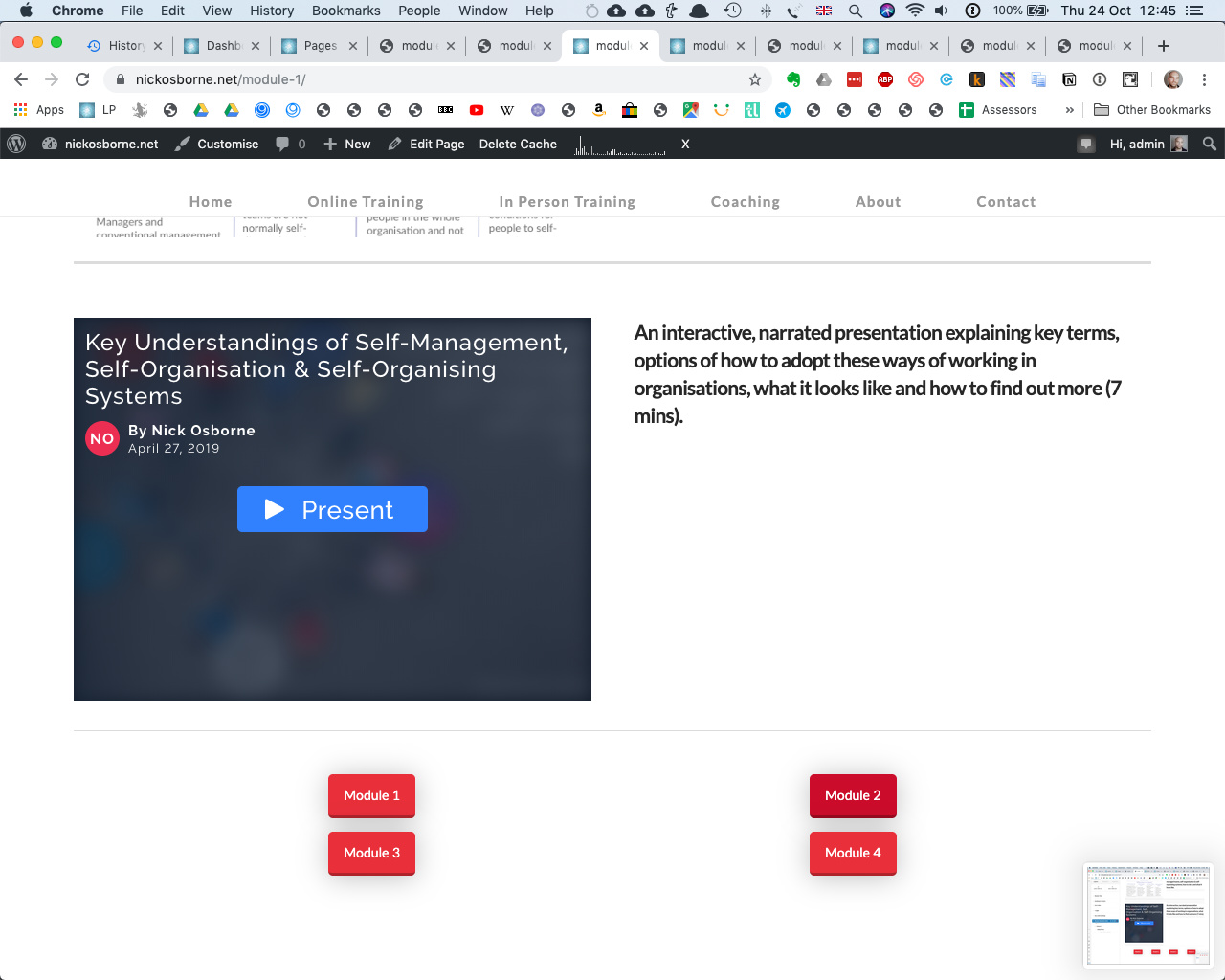
Any idea what I can do to to get them to go in 4 columns on the published view please? Thanks, Nick