Columns Not Side by Side

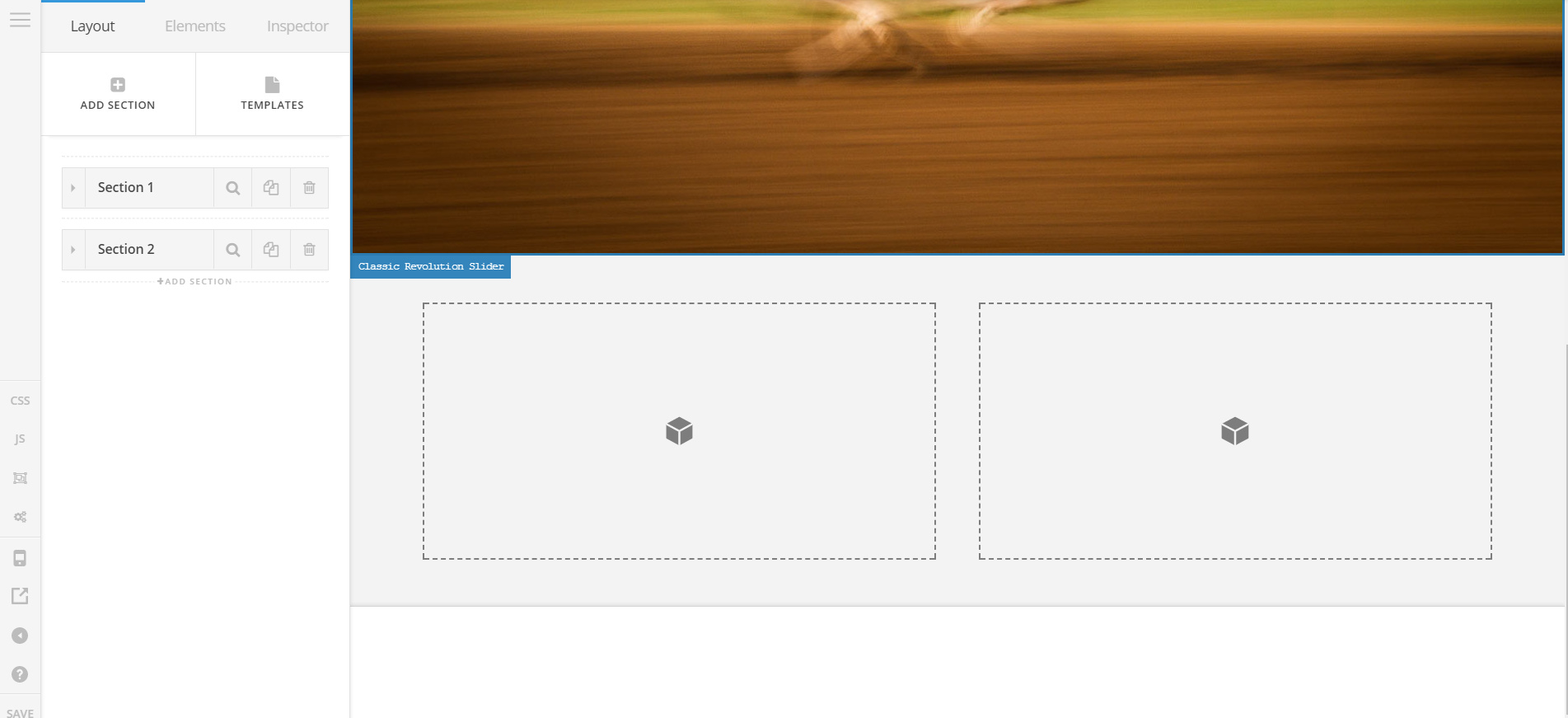
At www.martinrayvaughan.com I am adding sections (using Pro). When I try to create two columns it is stacking them on top of each other instead of side by side.
Page is created as a ‘Blank - No Container, Header Footer’.

Thank you for any help!

Marty
Hi there,

Thanks for posting in.

There are missing styling, plus, you have Endurance cache.

  1. Please clear your Endurance cache and deactivate it
  2. Then login in your CloudFlare and go to Speed section and turn off CSS and JS minification
  3. Go to your CF’s Cache section and purge everything

Then test it again.

Hope this helps.

I did the above steps and it did not solve the issue. Anything else I could do?

Thanks!

Marty

Hey Marty,

In this case, please give us access to your WordPress admin and cPanel in a Secure Note. Please note though that we might deactivate plugins and customizations. If this could not be done in your live site, please copy your site over to a staging server and give us access there instead.

Thanks.

Thanks Christian. I’ve posted a secure note in the reply above.

Thanks again!

Marty

Hi Marty,

Try to clear browser cache too. I visit homepage and columns on the content editor is side by side

On the frontend since there is not content, I have added borders on the column to see structure and it is side by side too:

Thanks! Yes I think it actually resolved itself with the 1.2.7 update.

Glad to hear that. Have a nice day! :slight_smile:

This topic was automatically closed 10 days after the last reply. New replies are no longer allowed.