I would like to increase the width on column 1 and decrease the width on column 2 but since the update I don’t understand this new setup. What would be the best approach? And where would one add classes for customization?
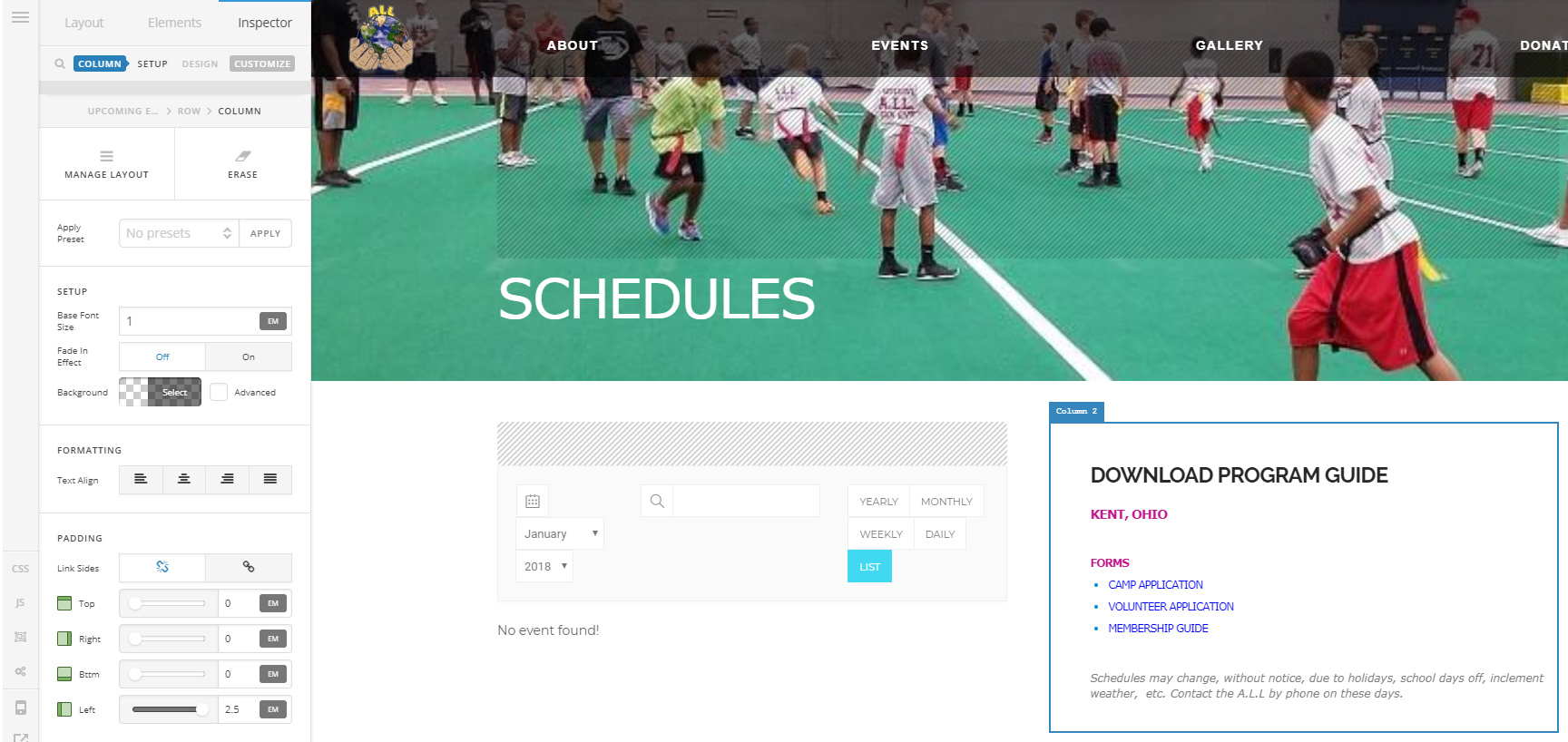
I would like to increase the width on column 1 and decrease the width on column 2 but since the update I don’t understand this new setup. What would be the best approach? And where would one add classes for customization?
Hey @aa2zz6,
Please click on Manage Layout. Then, choose the Two Thirds - One Third column layout or vice versa.
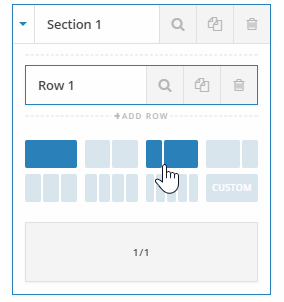
There’s no option to set the column width so you need to use your own classes. For adding or assigning a class to an element including the structural element’s Section, Row and Column, go to Customize which can be found in the element’s control navigation.

Hope that helps.
Thanks! Very helpful info
You’re welcome.
This topic was automatically closed 10 days after the last reply. New replies are no longer allowed.