Greetings:
I received this message when using my purchase.
How do you revoke and re-assign?
Thank you.
Greetings:
I received this message when using my purchase.
How do you revoke and re-assign?
Thank you.
Hi Barbara,
Thanks for reaching out.
You can always revoke it in your site to where it’s validated (X or Pro > Validation)
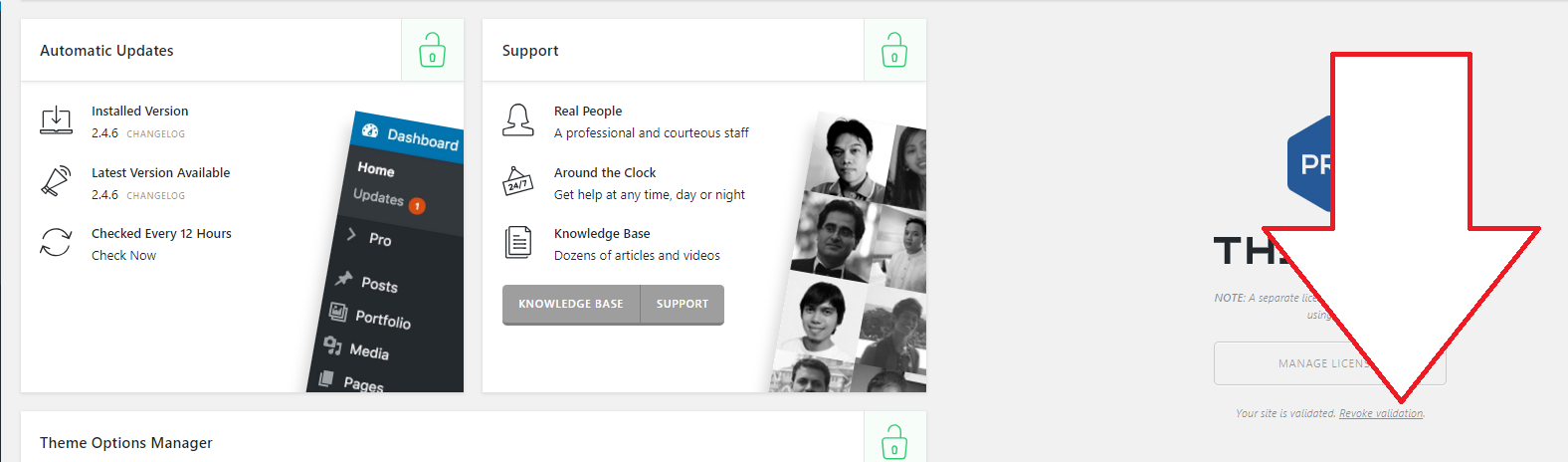
But that’s not necessary if you’re assigning your license to a different and new site. For that, please go to your Apex account’s dashboard then Licenses page, and there, simply click the pen icon to edit it then assign new URL.

Then hit the check arrow to save it,

Then you have to validate it again in your new assigned site in X or Pro > Validation.
Hope this helps 
This topic was automatically closed 10 days after the last reply. New replies are no longer allowed.