Classic Slider extra space at bottom

I have a classic slider that I want to show square images, but the slider seems to be having some extra padding that is causing a grey background to show?
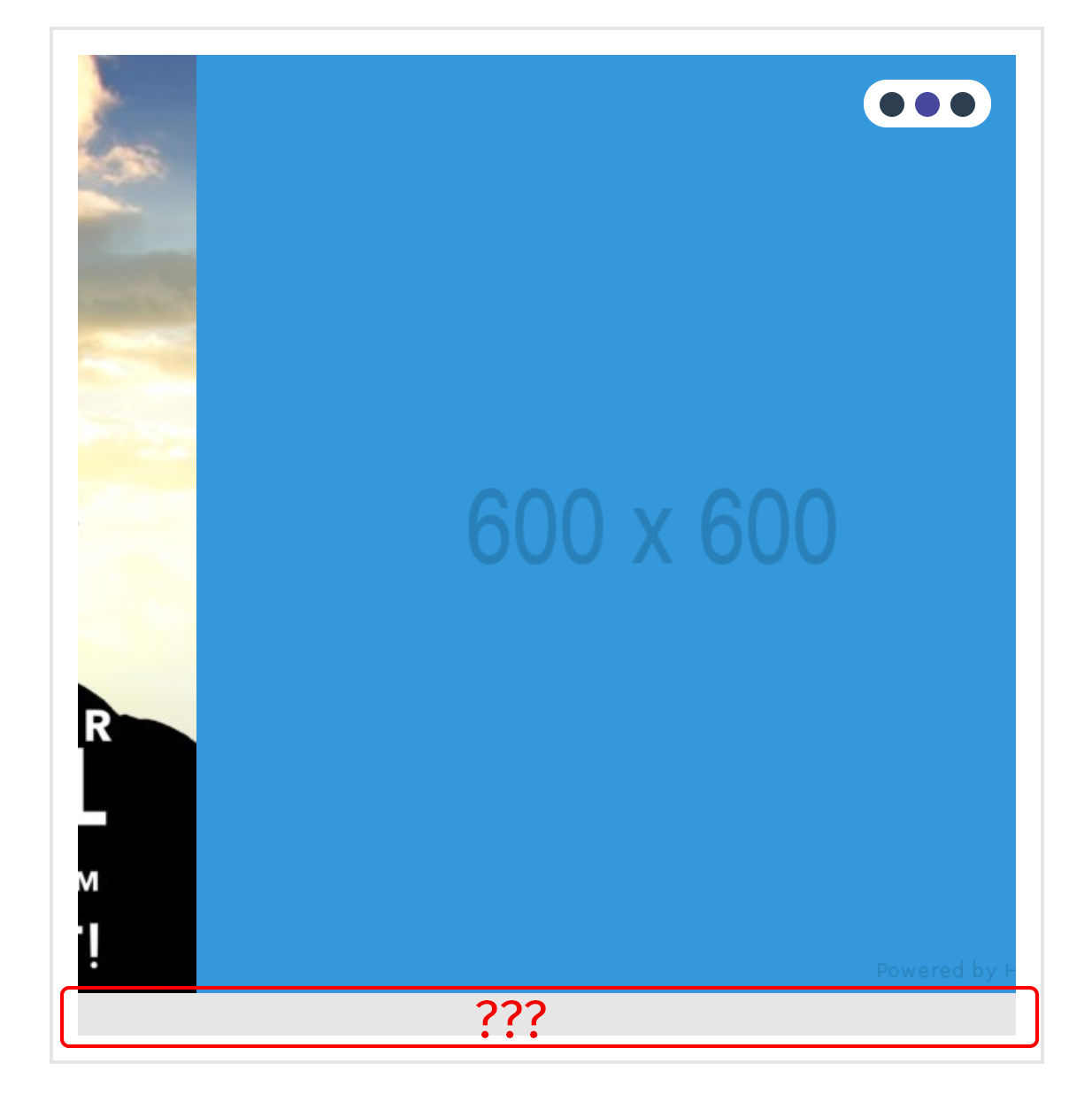
The first two slides it shows and the 3rd slide it disappears. The code is the same for slide 2 and 3 using the default placeholder.it image just with different colors.

<img src="http://placehold.it/600x600/9b59b6/8e44ad" alt="Placeholder">

Is there a CSS bug in the Renew theme with the slider?

I think I solved it, slide2 was wrapped in a paragraph tag <p></p> so I removed them.

The image had a class of class="alignnone size-full wp-image-2545" /> and renew has the following CSS:

.alignnone {
    float: none;
    margin: 0 0 1.5em 0;
}

Once I removed the alignnone class the extra space was removed.

Hi,

Yes, there is a default bottom margin for images.

To remove it you can simply add an inline css to set it to zero.

For example

<img style="margin-bottom:0;" src="http://placehold.it/600x600/9b59b6/8e44ad" alt="Placeholder">

Hope that helps

This topic was automatically closed 10 days after the last reply. New replies are no longer allowed.