Classic Feature List - Change Font

Hi, thanks for your support as always.

I am struggling to change the font on my Classic Feature List. Im just not sure how and where to change this.

The font I wish to use , as its in the rest of my pages is Bridgers:Sans serif
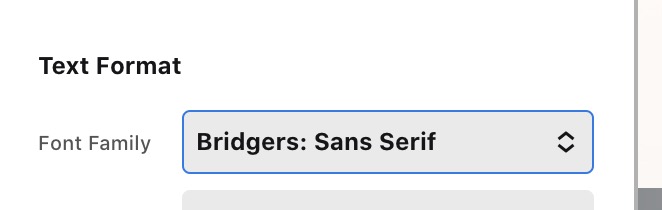
Screenshot 2021-03-31 at 18.39.27

Im not sure the exact code/html/css I need (Im a bit inexperienced in that). Can you provide me with the exact code and where to put it? I would eb very grateful

Hello Gareth,

Thanks for the very detailed information. Please be advised that all classic elements will be using the global font settings in X or Pro > Theme Options > Typography > Body and Content. It is best that you assign “Bridgers: Sans Serif” as your global font so that when you add a classic element like the classic feature list, it will be using the font that you wanted.

Note: We are unable to provide support for customizations under our Support Policy.

Please note that custom coding is outside the scope of our support. Issues that might arise from the use of custom code and further enhancements should be directed to a third party developer.

Best Regards.

This topic was automatically closed 10 days after the last reply. New replies are no longer allowed.