Have not been on my site in a little bit - however all is up to date - just a recent issue.
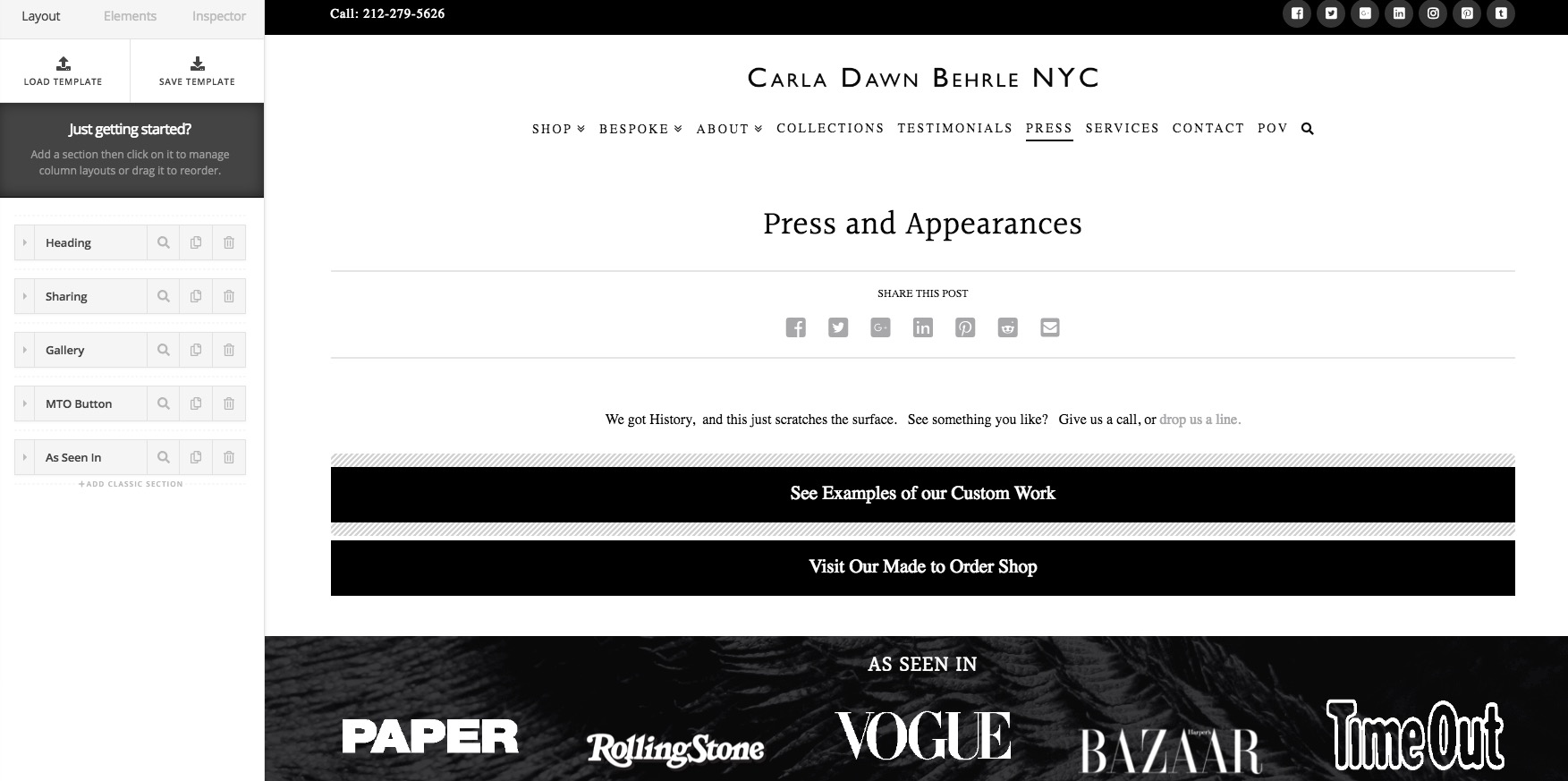
I am simply trying to add 2 new images to a gallery in a page that was set up along time ago in classic elements.
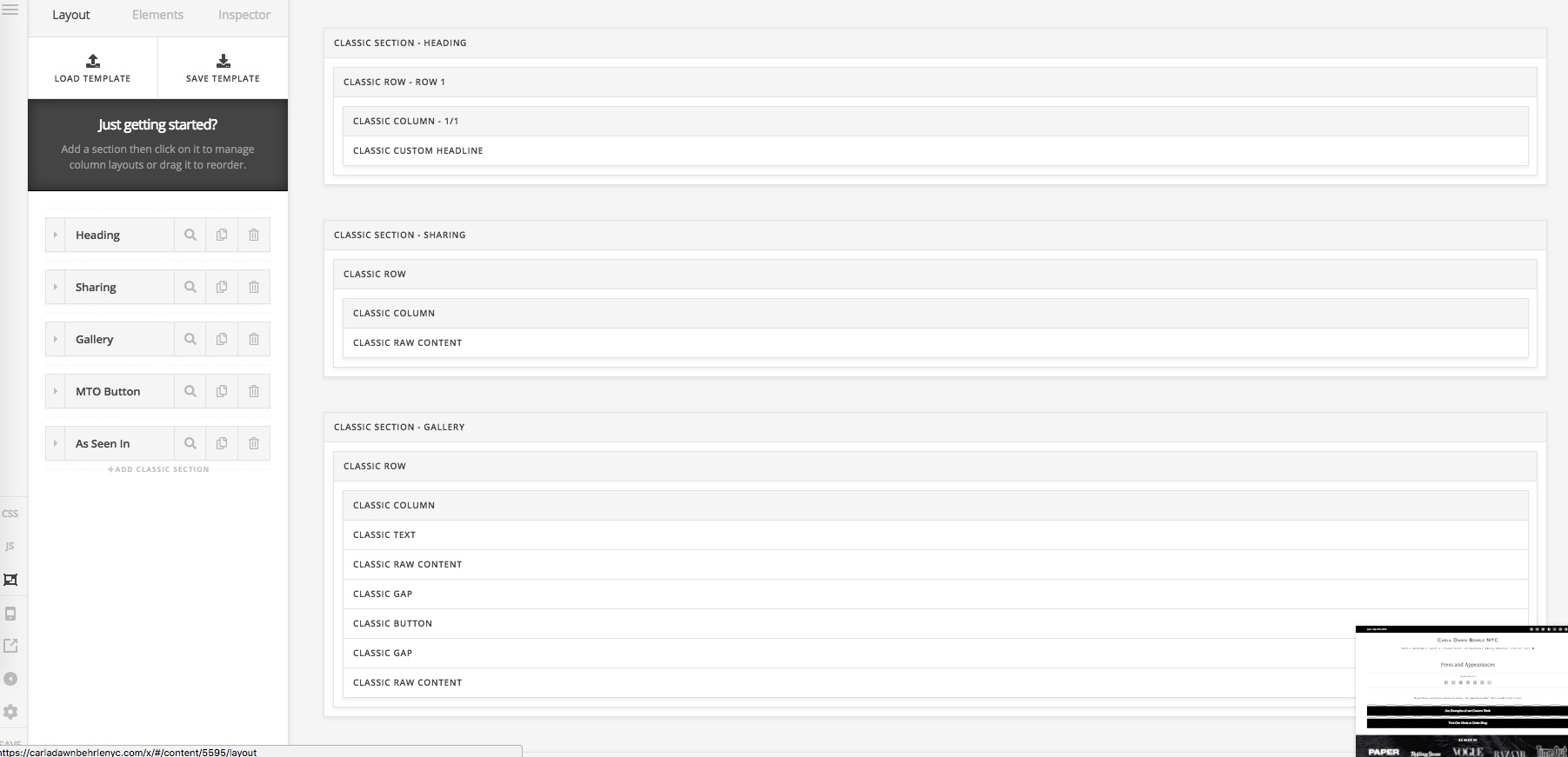
I managed to add the images and went in to try and clean up some spacing - But the only way I can actually access the elements properly is in the wireframe mode (sorry I do not know what it is properly called - but it it the mode where each element is shown in order by name “raw content” “gap” etc. This is because these separate elements are not showing up in regular cornerstone mode. I tried to duplicate a gap element and it became greyed out- so I bailed without saving since I have no idea what greyed out means!
I am not trying to do any big changes- I just wanted to add a duplicate gap above and below an existing button. But it is impossible to isolate classic elements in the standard cornerstone view!
I really don’t want to get into re designing a stupid simple page because the elements are not accessible in regular cornerstone mode. Can you help?
Also - If I accidentally click “edit in cornerstone” on a page that was NOT created in cornerstone - HOW the HECK can I get it back so it does not have to be edited in cornerstone???
Is there a simple way to change classic elements to newer elements should these odd issues continue???
Thanks for your help