Classic Creative CTA and background image in column

Hi support.
Im using the x-theme Gym demo content -and im trying to make a image link buttons with a classic creative cta on top
1.Are there any way to do that?
2. How do i get the tekst to be centered in the middel. (swimmingpool, Poolservice etc…)

Hope you can help!

This is how it looks:

This it how i want it to look:

more info:
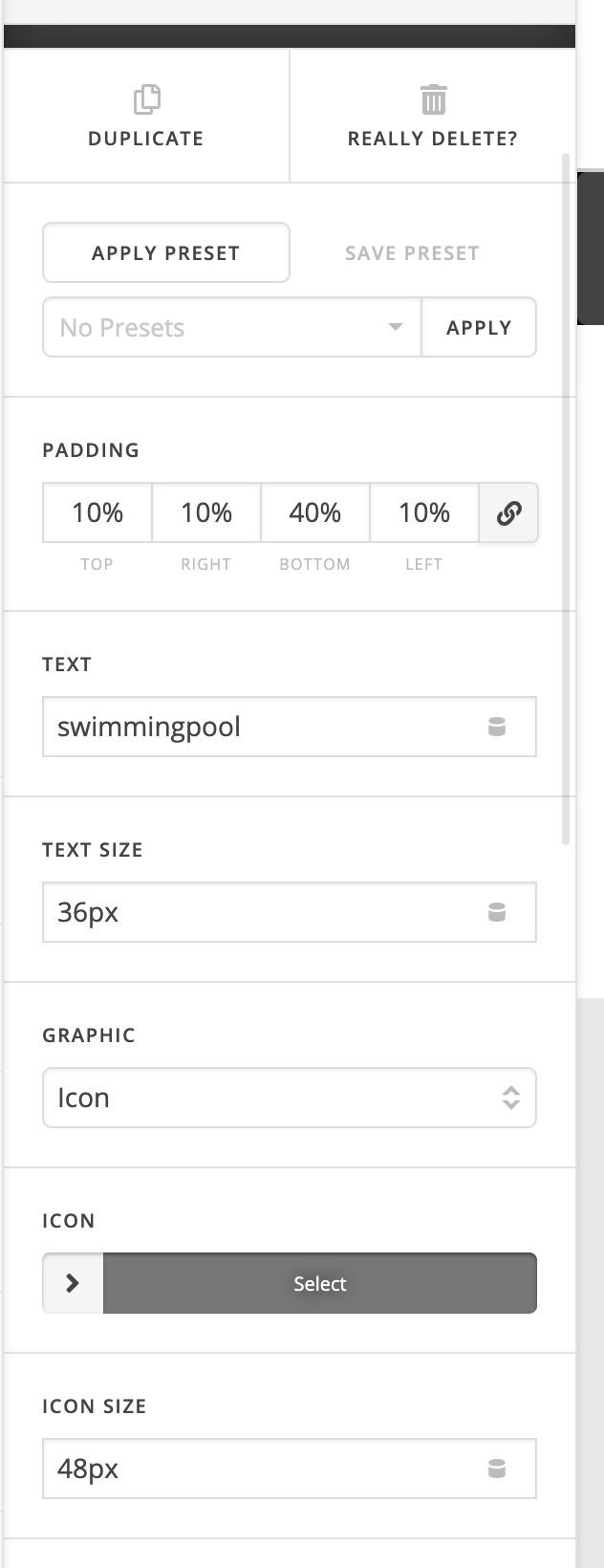
Hello Jakob,

Thanks for writing in!

To resolve your issue, I went ahead and edited your site. I did the following:

  • I create a v2 section element instead of the classic section.
  • The v2 section was divided into three columns.
  • I transferred the Creative CTA into the new section.
  • I have change the padding of the Creative CTA. The top and bottom are now equal.
  • And lastly, I inserted a background image in each of the columns.

Hope this helps. Check your site now.

This topic was automatically closed 10 days after the last reply. New replies are no longer allowed.