Hi guys,
So I’ve been wanting to try changing the text displayed to a menu toggle when it becomes active (when the user clicks it). You now have the custom attributes panel, so my method was to try the following:
Add two Custom Attributes and an ID:
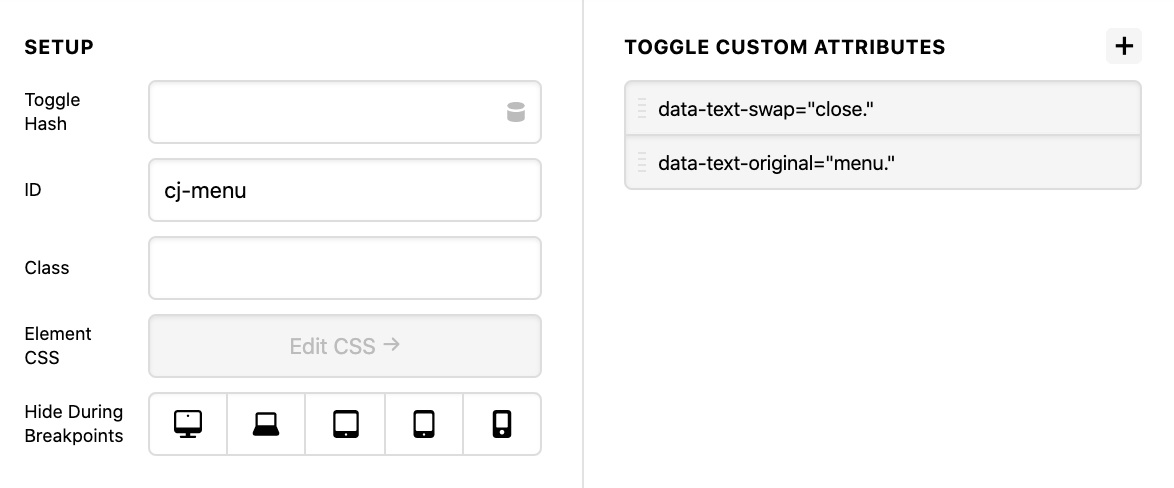
data-text-swap:"close." and data-text-original:"menu."
Then to use some JQuery to toggle between the two custom data attributes on Click
  $("cj-menu-anchor-toggle").on("click", function() {
  var el = $(this);
  el.text() == el.data("text-swap")
    ? el.text(el.data("text-original"))
    : el.text(el.data("text-swap"));
});
});
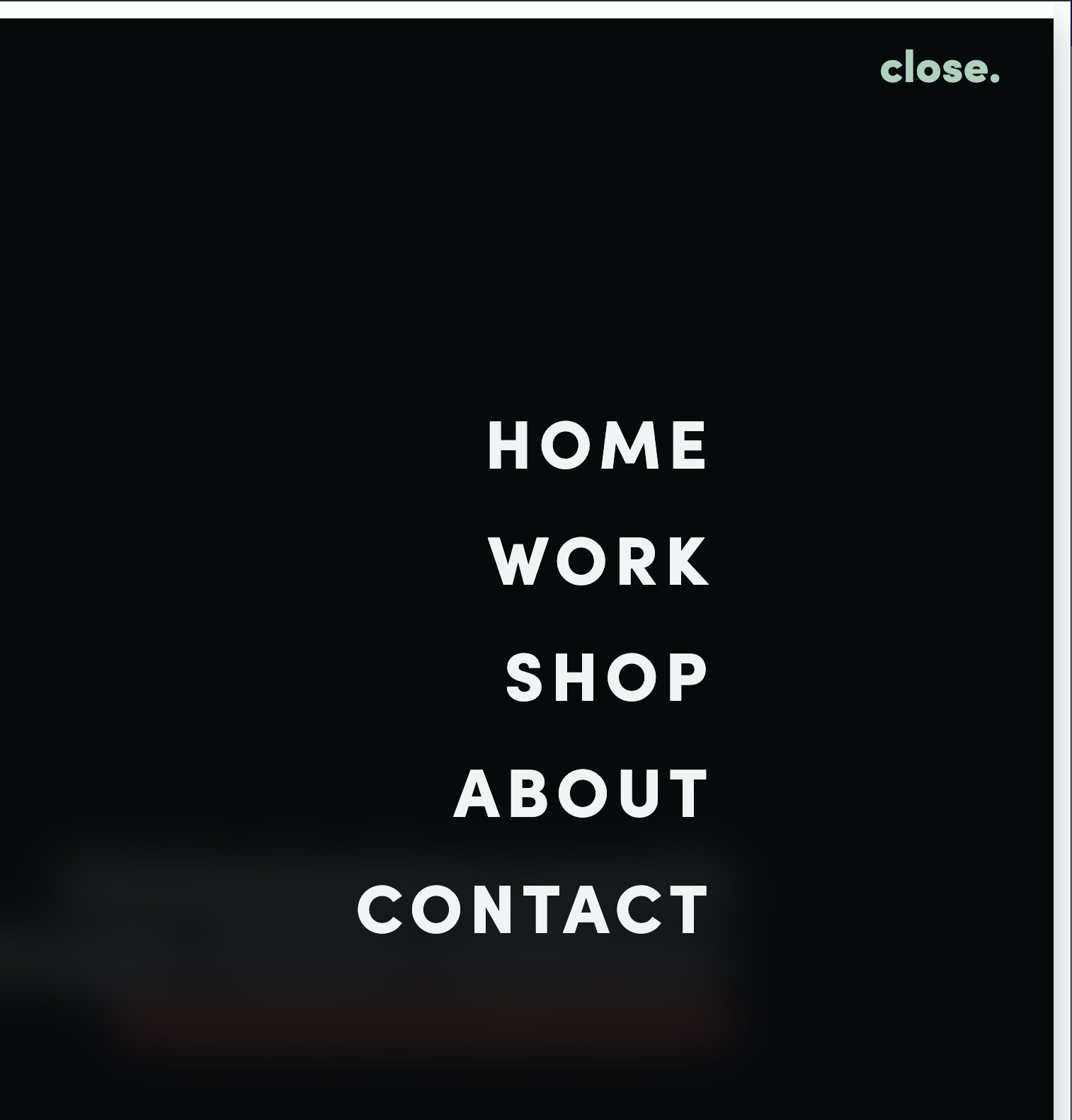
In theory, I’d want it to look like this:
Original Text, menu not active

Swapped Text, menu active
But… when I’ve tried this, it isn’t working!  I’ve since realised, that using the custom attributes panel adds the attributes to the parent element, and not the span with the text in!
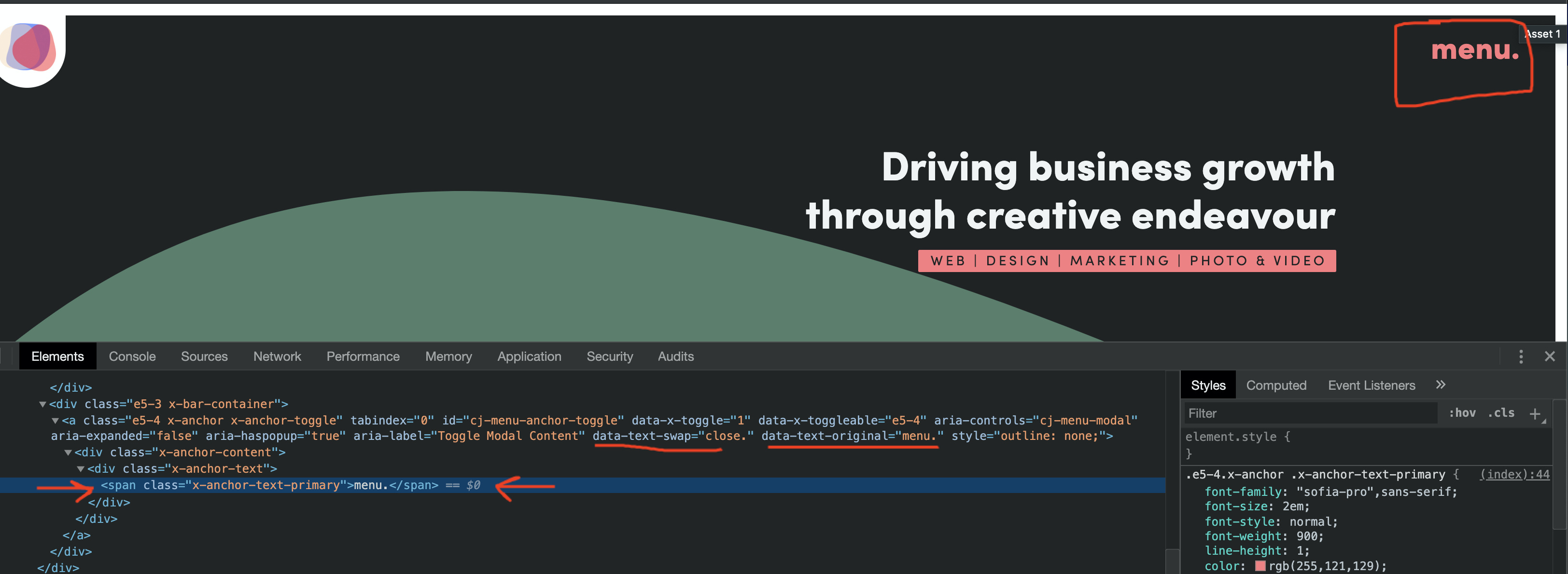
So I was wondering if there was a way you could think of for me to target the text in the span to achieve this?
Thanks! 
Steven
 Clearly I’d sat far too long staring at my screen haha.