How can I Change the submit button Color on contact form 7
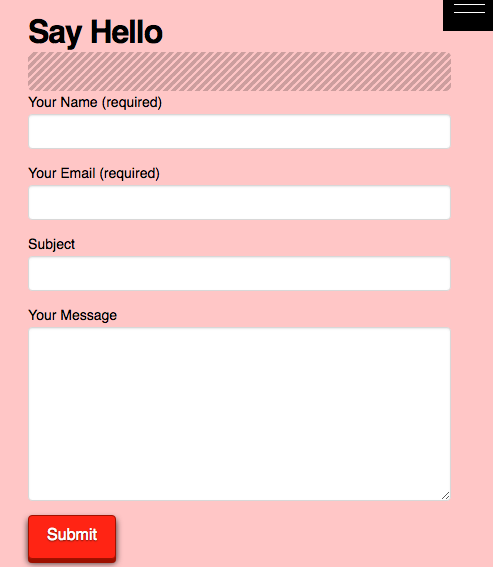
here is a image of the form now
How can I Change the submit button Color on contact form 7
here is a image of the form now
Hi @rotation,
Thanks for reaching out.
If you wish to change it globally then you can do that in Theme Options > Button, but if it’s specific to that form button then it will need some custom CSS. Please check this https://theme.co/apex/forums/topic/change-colour-of-submit-button-in-contact-form-7/
You can then add the CSS to Theme Options > CSS
Cheers!
Hello @rotation,
The contents of the thread is this:
Hi there,
Please add the following CSS under Customize -> Custom -> CSS :
input.wpcf7-form-control.wpcf7-submit:hover {
background-color: black;
color: yellow;
}
input.wpcf7-form-control.wpcf7-submit {
background-color: red;
color: blue;
}
Hope it helps.
Hope this helps.
that worked I just had to turn off 3d button settings in theme options
Thanks
You are most welcome!
This topic was automatically closed 10 days after the last reply. New replies are no longer allowed.