Changing the site orientation of a WP background image

I wonder how I can change the site orientation of a WP BG Image when the size shrinks down for smaller screens. For now the BG Image on the site is fixed to the middle of the page. So if the screen get’s smaller the left and right portion of the image disappear… But how can I change that, so that the right side of this image is the new fixed point.

I hope you got my point :sweat_smile:

From Desktop:

To mobile:

Cheers, Pascal
Hello Pascal,

Thanks for writing in!

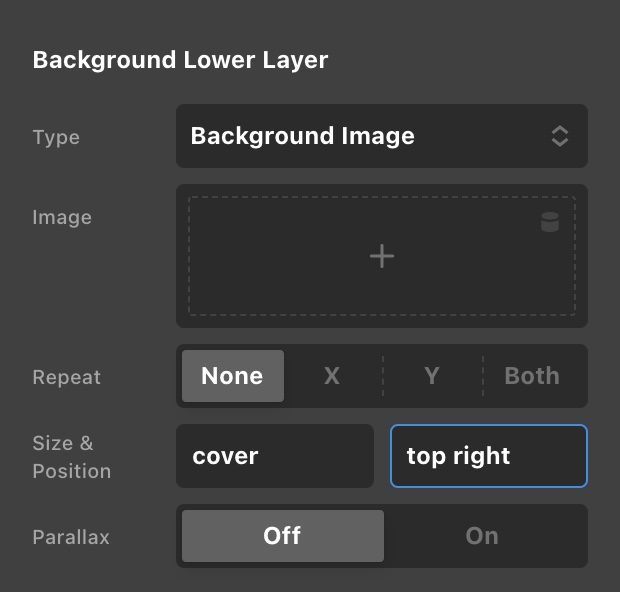
The background option applies to all screen sizes. What you can do is to position to the right so that the face of the man will display on smaller screens.

Hope this helps.

Hi, but that is the solution when i use a BG Image with a PRO section .
In my case the image is set with bg image at the wordpress page settings to have a fixed parallax effect for the second section that slides over the fixed bg image.

More Details in Secure Note

Hi Pascal,

The background image set through the Page Settings, it rendered as a normal image not a background image and that is the reason behind your issue. It automatically adjusts its width respective to the screen sizes. I would request you to follow the suggestion given by my colleague and set the background image of section.

Thanks

Alright :raising_hand_man: Thanks

Hi Palma,

You’re welcome and it’s our pleasure to help you. If you have any other concerns regarding our theme features, feel free to reach us.

Thank you.

This topic was automatically closed 10 days after the last reply. New replies are no longer allowed.