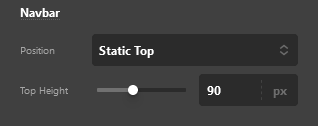
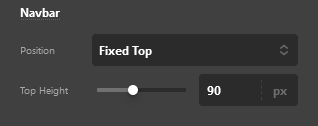
Changing the header from static top to fixed top is disrupting col placement

Strange coloum jumping is going on the following page:

https://toothandnailgrooming.com/dog-grooming-services/

When I set the header to fixed top from static top in the theme options something is really going wrong with the breakpoints in the top section.

Please take a look:
Screenshot 2022-10-15 at 15-55-33 Theme Options - Pro

Screenshot 2022-10-15 at 15-55-59 Theme Options - Pro

Makes this happen:


I’m not sure if this is an issue with my page design or Pro itself. Please let yourself in and take a look, log in note.
Please note that I’ll we working on the site with the static menu for now but I would like to transition to fixed and keep the text all the way to the side of the screen (left or right).

Thanks,

John

Hello @johnyct9760,

Thanks for writing in!

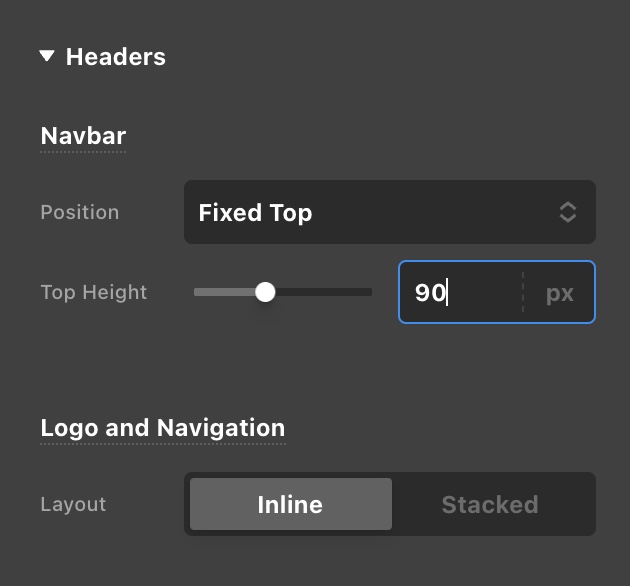
You are experiencing this because of the Navbar Top Height settings. Your Logo Image has a height of 93 pixels.
Screen Shot 2022-10-16 at 10.18.31 AM

And then in Cornerstone > Theme Options > Headers > Navbar, you only set the Top Height to 90 pixels.

You will need to increase the Top Height to at least 95 pixels to get your issue resolved.

Kindly let us know how it goes.

This topic was automatically closed 10 days after the last reply. New replies are no longer allowed.