Changing menu color background

Hello,

I’m not looking at doing a css change to fix this - instead I’d like to do it through the uber menu selection. But for some reason the background of the home button is “black”… how do I change this to transparent?

I have “transparent menu” turned on: https://www.screencast.com/t/LduiaZ2CZLOe

I’ve also saved all my changes and cleared my cache…

Any ideas?
Hi @fxground,

Thanks for reaching out.

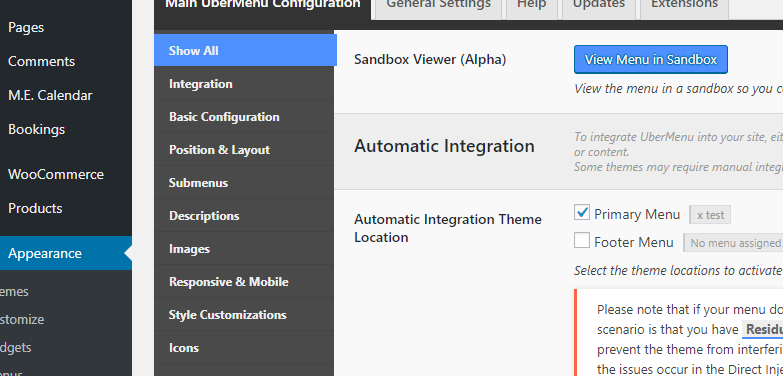
Please go to Ubermenu settings

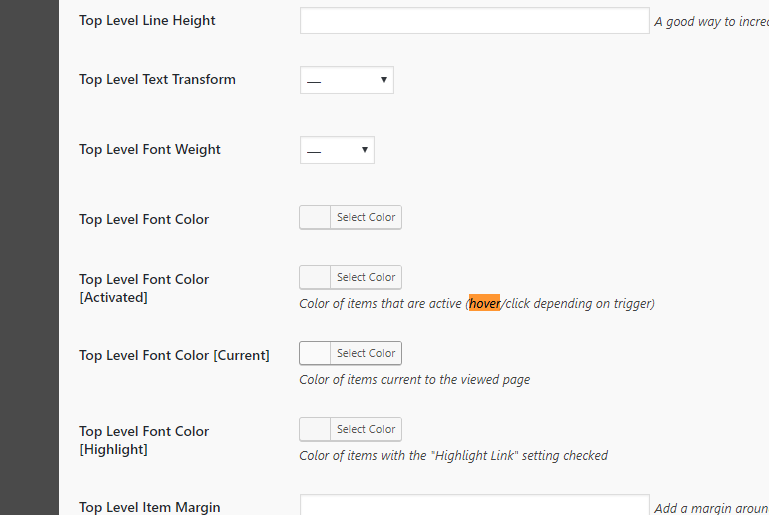
Then scroll down until you see the options for color, especially for hover

Thanks!

Hello,

Many thanks for the detailed response. I checked all these items and none of them are black. I also looked at the individual menu settings and don’t see any black there. Transparency is turned on. Are you able to tell me what else it could be? (See secure note)

Hi there,

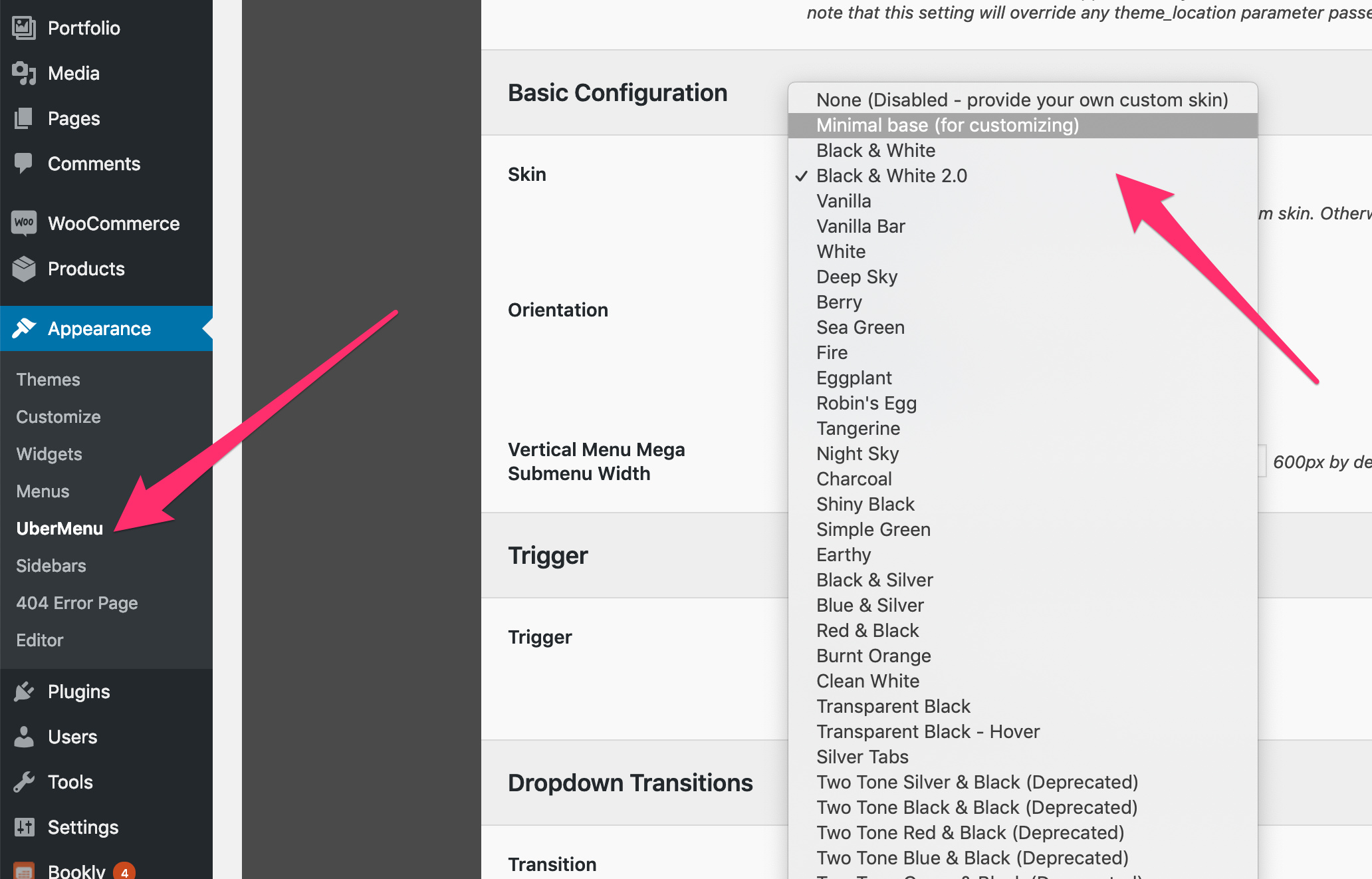
Please set your UberMenu’s skin to either None or Minimal.

Hope this helps.

ahhhhh yes that did it. thank you.

You are most welcome. :slight_smile:

This topic was automatically closed 10 days after the last reply. New replies are no longer allowed.