I’m having issues locating the settings for me to switch the nav bar logo to another image or just getting rid of it completely.
Any help is appreciated. 
I’m having issues locating the settings for me to switch the nav bar logo to another image or just getting rid of it completely.
Any help is appreciated.
Hi Kelsey,
Thank you for reaching out to us. To remove or change the Navbar logo in X, navigate to X > Theme Options > Header > Logo - Image and then either remove it or change the image by clicking on the Source image (see screenshot)
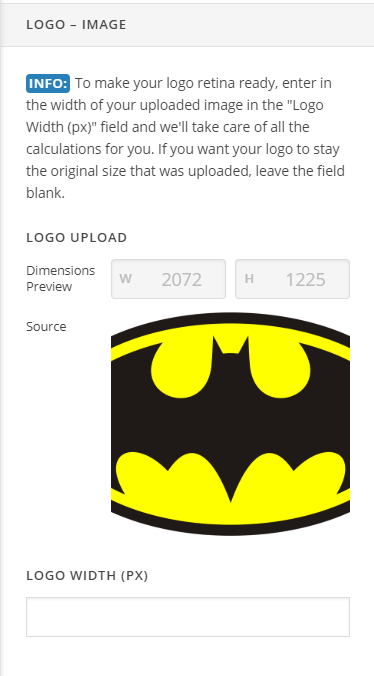
Hope this helps!
This topic was automatically closed 10 days after the last reply. New replies are no longer allowed.