How do i do so?
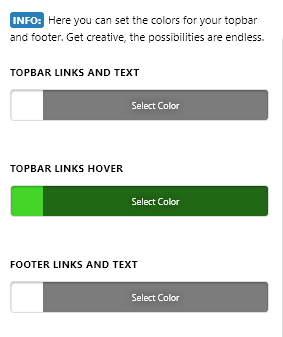
How do i do so?
Hi Patrick,
By default using Renew, hover color is the same. Then the opacity is just change on the renew stack CSS file:
.x-colophon.bottom .x-nav li a:hover {
    background-color: transparent;
    opacity: 0.35;
}
To change it means adding the custom CSS on Theme Options > Global CSS and then overriding the default color and opacity property.
Hope this helps.
This topic was automatically closed 10 days after the last reply. New replies are no longer allowed.